

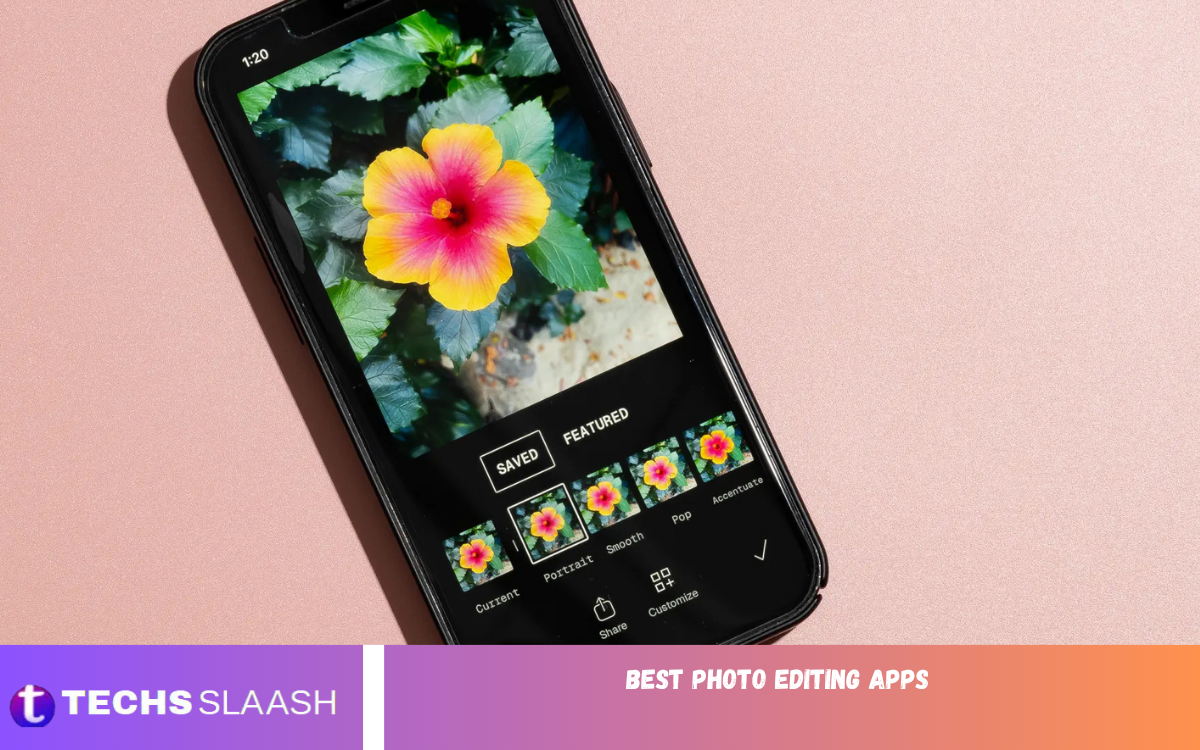
The Best Photo Editing Apps make it easier to improve photos, create attractive social media content, and give ordinary images a professional appearance. Modern editing apps offer powerful tools to adjust brightness, contrast, color, sharpness, backgrounds, and other visual elements.
Whether you are a beginner, content creator, student, photographer, or social media user, the right photo editor can make a significant difference. Many apps combine simple interfaces with advanced features, letting users edit photos directly on smartphones without professional desktop software.
What Are the Best Photo Editing Apps?
The best photo editing apps are mobile applications designed to enhance, customize, and transform digital photographs. They can include basic adjustment tools, filters, effects, cropping, background editing, object removal, text tools, and creative templates.
A good photo editing app should provide an easy-to-use interface, reliable performance, high-quality exports, and useful editing features. The ideal choice depends on your experience level, editing requirements, device, and the type of content you want to create.
Adobe Lightroom
Adobe Lightroom is one of the most recognized options for users who want detailed control over photographs. It provides adjustment tools for exposure, highlights, shadows, contrast, color, temperature, clarity, and other important elements.
The app is particularly useful for photographers and advanced users who want consistent results across multiple images. Its editing workflow makes it possible to fine-tune photos while maintaining a professional and natural appearance.
Snapseed
Snapseed is a versatile photo editing application that offers a wide range of editing tools in a relatively simple interface. Users can crop, rotate, tune images, apply selective adjustments, and experiment with creative effects.
Its combination of accessibility and advanced controls makes it suitable for beginners and experienced editors. Users can make quick improvements or spend more time creating detailed edits depending on their requirements.
Canva
Canva is widely used for creating visual content in addition to editing photographs. It provides templates and design tools that can help users create social media posts, banners, thumbnails, invitations, and other graphics.
The platform is especially useful when photo editing needs to be combined with text and graphic design. Users can upload photographs, adjust them, apply effects, add elements, and create complete visual compositions.
PicsArt
PicsArt provides a broad collection of photo editing and creative design features. Users can experiment with filters, effects, stickers, text, collages, drawing tools, and other creative options.
The app is suitable for people who enjoy artistic photo editing and social media content creation. Its extensive creative features allow users to transform simple photographs into more expressive and visually interesting designs.
PhotoDirector
PhotoDirector combines traditional photo adjustments with creative editing tools. Users can improve colors, modify lighting, apply effects, and make other adjustments directly from a mobile device.
The application can be useful for both everyday photography and creative projects. Its range of tools allows users to start with basic corrections and gradually explore more advanced editing options.
VSCO
VSCO is known for its photography-focused editing experience and collection of visual presets. It provides tools for adjusting images while maintaining a clean and consistent aesthetic.
The application can be useful for users who prefer polished, minimal, and film-inspired photography styles. Presets can also help users develop a consistent visual appearance across social media photographs.
Photo Editing Apps for Beginners
Beginners should look for photo editing apps with straightforward interfaces and clearly organized tools. Basic features such as crop, brightness, contrast, saturation, sharpness, filters, and automatic enhancement are usually enough for everyday editing.
A simple editor also makes it easier to understand how individual adjustments affect an image. Once users become comfortable with basic controls, they can explore advanced features such as selective editing, layers, masking, and detailed color adjustments.
Photo Editing Apps for Social Media
Social media users often need quick tools for preparing photographs for posts, stories, profiles, and other content. Features such as filters, templates, text, stickers, background editing, and resizing can make the editing process faster.
The Best Photo Editing Apps for social media should also provide high-quality exports and flexible creative tools. Consistent colors, attractive compositions, and appropriate image dimensions can help photos look better across platforms.
Read Also: Best Productivity Apps for Android
Photo Editing Apps for Professional Photography
Professional photographers generally require more precise control over exposure, color, detail, and image quality. Advanced applications can provide tools for RAW files, detailed color correction, selective adjustments, curves, and other professional editing functions.
Professional editing does not always mean using complicated software. A well-designed mobile application can provide many useful controls while allowing photographers to make adjustments directly from their phones.
Important Features of Photo Editing Apps
One of the most important features is adjustment control. Tools for exposure, contrast, highlights, shadows, saturation, temperature, tint, and sharpness allow users to correct common photographic problems and improve overall image quality.
Creative tools are also valuable for users who want more than basic corrections. Filters, overlays, background removal, object removal, text, stickers, frames, and collage features can help turn ordinary images into customized visual content.
How to Choose the Best Photo Editing App
Start by identifying the type of editing you normally perform. If you mainly adjust brightness and colors, a simple application may be sufficient, while photographers and advanced creators may need more detailed controls.
Also consider app performance, available features, export quality, ease of use, and compatibility with your smartphone. Choosing an application that matches your workflow can save time and make photo editing more enjoyable.
Tips for Better Photo Editing
Avoid making excessive adjustments when editing photographs. Excessive saturation, heavy sharpening, or heavy filters can make images look unnatural and reduce overall quality.
It is also helpful to edit photos based on their lighting and subject. Correct exposure first, adjust colors carefully, and apply creative effects only when needed. Small changes often produce more professional results than aggressive editing.
Common Mistakes When Editing Photos
One common mistake is using too many filters or effects at once. Although creative effects can make photographs interesting, excessive editing can distract from the main subject and create an artificial appearance.
Another mistake is ignoring image composition. Editing can’t fully replace a strong original photograph, so users should consider framing, lighting, focus, and subject placement before making extensive adjustments.
Frequently Asked Questions
What are the Best Photo Editing Apps?
The Best Photo Editing Apps depend on your editing needs. Options such as Lightroom, Snapseed, Canva, PicsArt, PhotoDirector, and VSCO offer different combinations of editing and creative features.
Which Photo Editing App Is Best for Beginners?
Beginners can start with an application that offers simple adjustment tools and an easy-to-understand interface. Snapseed and Canva can be useful starting points for different types of editing.
Which App Is Best for Professional Photo Editing?
Professional users may prefer applications that provide detailed exposure, color, RAW, and selective editing controls. Lightroom is one option designed around more advanced photography workflows.
Can Photo Editing Apps Improve Image Quality?
Photo editing apps can improve many aspects of an image, including exposure, color, contrast, sharpness, and composition. However, editing cannot fully restore details that were never captured in the original photograph.
Are Photo Editing Apps Easy to Use?
Many modern photo editing apps are designed for users with different experience levels. Basic adjustments can usually be completed quickly, while advanced tools may require additional practice.
Which App Is Good for Social Media Photos?
Apps with filters, templates, resizing tools, text, stickers, and creative effects can be useful for social media photographs. Canva, PicsArt, and VSCO offer different tools for creating social content.
Can I Edit Photos on Android Phones?
Yes, Android smartphones support many photo editing applications. Features and performance vary by device and app version.
Can I Edit Photos on an iPhone?
Yes, iPhone users can access many photo editing apps with basic and advanced features. The best option depends on your photography style and editing workflow.
Are Free Photo Editing Apps Useful?
Free photo editing apps can provide many useful features for everyday photography. Some may also offer optional premium tools, subscriptions, advertisements, or additional creative resources.
What Features Should a Good Photo Editor Have?
A good photo editor should offer useful adjustment controls, cropping, filters, color correction, effects, reliable exporting, and an intuitive interface. Advanced users may also benefit from masking, layers, RAW support, and selective adjustments.
Conclusion
The Best Photo Editing Apps can help users enhance photographs, correct visual problems, and create attractive digital content directly from smartphones. Different applications focus on different needs, from simple everyday adjustments to advanced photography and creative design.
The right app depends on your editing experience, preferred style, device, and project needs.

1 Comment
Pingback: Best Video Editing Apps - Techsslaash.com