

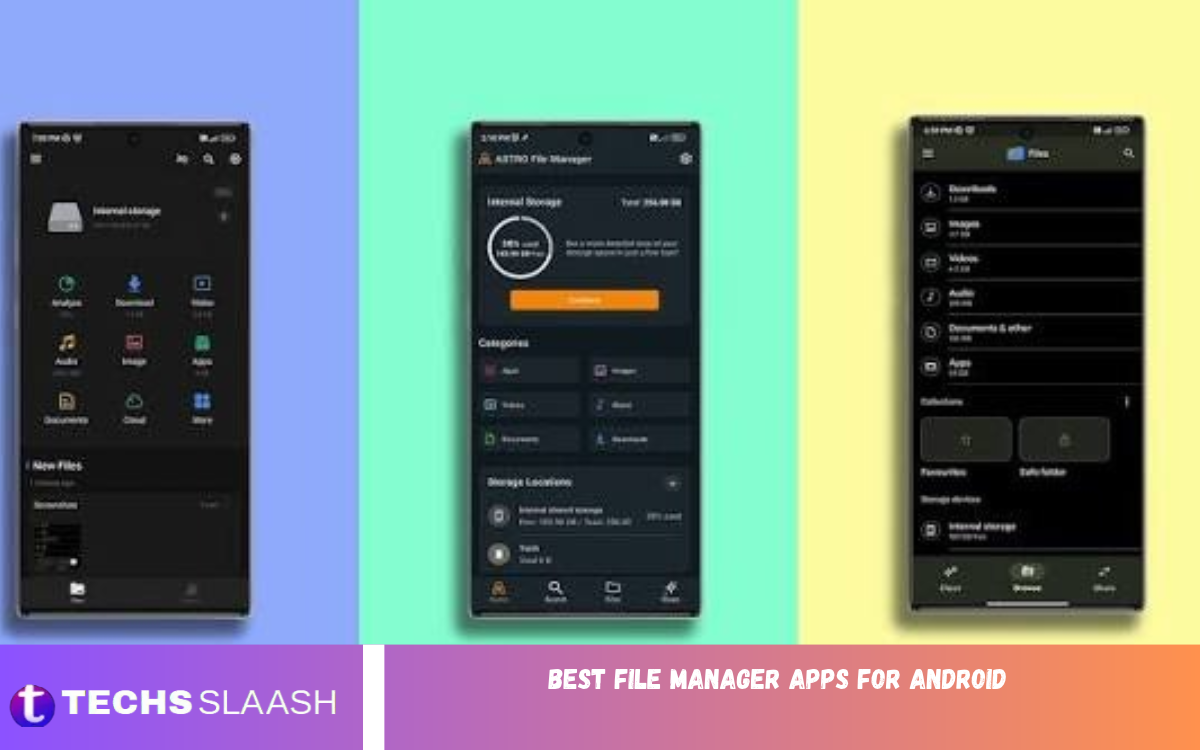
Managing files on an Android smartphone is easier with a reliable file manager. Whether you want to organize documents, move photos, delete unnecessary downloads, or access important folders, a good file manager helps you complete these tasks without complications. It also makes finding and sharing files more convenient.
Although most Android smartphones include a built-in file management application, some users need additional features for better organization and storage control. The best Android file manager apps offer useful tools such as file transfers, folder management, cloud storage access, archive extraction, and storage analysis. Choosing the right application can improve your everyday smartphone experience.
Why Do You Need a File Manager App for Android?
A file manager helps you organize everything stored on your smartphone. Instead of searching across different apps, you can access documents, images, videos, music, downloads, and other files from one convenient place. You can also create folders, rename documents, move files, and remove unnecessary data.
Another important advantage is improved storage management. Many Android users accumulate duplicate photos, large videos, outdated downloads, and unnecessary documents. A reliable file manager makes it easier to identify these files and organize available storage space. Some applications also support external storage, cloud accounts, and wireless file transfers.
Files by Google
Files by Google is one of the best file manager apps for Android users who prefer a clean interface and simple navigation. Developed by Google, this application provides convenient access to downloads, images, videos, documents, and other stored files. Its straightforward design makes it suitable for beginners and experienced smartphone users.
The application also includes storage recommendations, file searching, sharing features, and a Safe Folder for protecting selected files. Users can identify unnecessary files and manage available storage without navigating complicated menus. Files by Google is an excellent choice for people looking for a free and easy-to-use file management solution.
Solid Explorer
Solid Explorer is a powerful Android file manager designed for users who want more control over their smartphone storage. Its modern interface includes a dual-pane layout that makes moving files between different folders much easier. Users can manage documents, pictures, videos, archives, and other content through an organized interface.
One of its biggest advantages is support for cloud storage and network connections. It offers features such as archive management, file encryption, batch renaming, and connections to supported network services. Some advanced features require a paid unlock, but its extensive functionality makes Solid Explorer a strong option for experienced Android users.
CX File Explorer
CX File Explorer is another excellent choice for people searching for a simple and feature-rich file manager. It provides an organized dashboard where users can access internal storage, external storage, applications, images, videos, and documents. Its clean layout makes everyday file management straightforward.
The application also supports network storage connections, cloud services, storage analysis, and file transfers. Users can identify large files, organize folders, and manage their smartphone storage more efficiently. CX File Explorer is particularly useful for people who want extra features without an overly complicated interface.
X-plore File Manager
X-plore File Manager is a feature-rich application designed for Android users who need advanced file management tools. Its distinctive dual-pane interface lets users browse two locations at once, making copying and transferring files more convenient. It also offers a tree-view structure for navigating folders.
The application supports various storage locations, archive formats, network connections, and cloud services. Additional features include USB storage access, file viewing, and advanced management options. Although its interface may take some time to understand, X-plore is a useful choice for users who regularly manage large collections of files.
Total Commander
Total Commander is a popular file management application known for its traditional interface and extensive functionality. It allows users to copy, move, delete, rename, and organize files while providing access to different folders. Its two-panel design is particularly helpful when transferring documents between storage locations.
Another advantage is its plugin-based system, which extends its capabilities through additional features. Depending on the installed plugins, users can access FTP, SFTP, WebDAV, and other network-related functions. Total Commander is especially suitable for advanced users who appreciate detailed controls and flexible file management.
FX File Explorer
FX File Explorer offers a modern interface with useful tools for organizing and managing files on Android devices. It supports multiple windows, folder navigation, file transfers, and different storage locations. Its design provides a desktop-like experience for users who prefer working with several folders at once.
The application also offers additional features through optional upgrades. Users can explore supported network storage, manage documents, and organize multimedia files. FX File Explorer is worth considering if you want a flexible app with a clean look and advanced file management.
Material Files
Material Files is an open-source file manager that focuses on simplicity, functionality, and a clean design. Its interface follows modern Android design principles, making it comfortable to navigate. Users can browse internal storage, create folders, copy documents, move files, and manage different types of content.
Another advantage is its lightweight approach and open-source development model. It also supports selected network protocols and offers useful features for users who prefer a straightforward experience. Material Files is a good option for people who want a simple file manager without unnecessary complexity.
Read Also: Best Note-Taking Apps 2026: Top Tools to Organize Your Notes and Boost Productivity
Amaze File Manager
Amaze File Manager is an open-source application that provides convenient file management tools. It offers a clean interface with support for multiple tabs, folder navigation, and common file operations. Users can organize documents, manage downloads, and access different storage locations.
The application also provides additional capabilities, including archive management, application management, and selected network features. Its lightweight design makes it suitable for users who prefer an uncomplicated file manager. Amaze File Manager is worth considering if open-source software and customization are important to you.
MiXplorer Silver
MiXplorer Silver is an advanced file management application designed for users who need extensive control over their Android storage. It offers powerful browsing and organization tools, plus support for different archive formats, storage locations, and file operations. Its customization options make it attractive to experienced users.
The app also supports network connections, cloud storage, and various document types. However, its extensive settings and interface may feel complicated for beginners. Users should obtain it from an official or trusted distribution source and check its current availability before installing it.
ASTRO File Manager
ASTRO File Manager is a useful application for managing files and organizing smartphone storage. It provides tools for browsing documents, pictures, videos, downloads, and other stored content. Its straightforward approach helps users find important files and manage different folders more conveniently.
The application also offers storage-related tools and support for selected cloud services. Users can organize their digital content and access files from supported locations. ASTRO File Manager is a practical option for people who want a familiar file-browsing experience with extra organization features.
Important Features to Look for in an Android File Manager
Choosing the right file manager requires more than looking at its appearance. Consider features that match your daily needs. A useful application should make browsing, organizing, copying, deleting, and transferring files simple and reliable.
Storage analysis, archive extraction, cloud integration, USB OTG support, and file protection are additional features worth considering. Also review the app’s permissions, privacy policy, update history, and developer reputation before installing. Not every user needs advanced tools, so choose an application that provides the features you actually use.
How to Choose the Best File Manager App for Android
Start by identifying your main requirements. If you only need to browse folders, organize downloads, and delete unnecessary files, Files by Google is a suitable starting point. If you frequently transfer documents between different locations, Solid Explorer or X-plore may offer more useful tools.
You should also consider interface design, performance, compatibility, and privacy. An application should work smoothly on your smartphone without making everyday tasks difficult. Check its latest Google Play listing to understand available features, pricing, permissions, and compatibility with your Android version.
Frequently Asked Questions
Which Is the Best File Manager App for Android?
Files by Google is an excellent choice for everyday file management. Solid Explorer and CX File Explorer are also popular options for users who need additional storage and organization features.
Are File Manager Apps for Android Free?
Many Android file managers are available for free. However, some applications offer premium upgrades, optional purchases, or paid features for advanced functionality.
Which Android File Manager Is Best for Beginners?
Files by Google is a good option for beginners because of its simple interface, convenient navigation, and useful storage management tools.
Can File Manager Apps Transfer Files Between Folders?
Yes, most file manager applications allow users to copy, move, rename, and organize files between different folders on their smartphones.
Which File Manager Supports Cloud Storage?
Solid Explorer, CX File Explorer, and X-plore offer support for selected cloud storage services. Available providers and features can vary between applications.
Are File Manager Apps Safe to Use?
File manager applications can be safe when downloaded from trusted sources. Always review permissions, privacy information, developer details, and recent updates before installation.
Can I Manage SD Card Files Using an Android File Manager?
Yes, compatible file managers can access supported SD cards and allow users to browse, copy, move, and organize files. Access depends on Android permissions and device compatibility.
Which File Manager Is Best for Advanced Users?
Solid Explorer, X-plore, and Total Commander are useful options for advanced users who need additional controls, network connections, and more flexible file operations.
Do File Manager Apps Help Free Up Storage Space?
Some file managers include storage analysis and cleanup recommendations. They help users identify unnecessary downloads, large files, and other content that may be taking up valuable space.
Can I Use a File Manager Without Internet Access?
Yes, most basic file management operations work offline. You can browse internal storage, organize folders, rename documents, and move local files without an internet connection.
Conclusion
The best file manager apps for Android make it easier to organize documents, manage smartphone storage, transfer files, and access important folders. Applications such as Files by Google, Solid Explorer, CX File Explorer, X-plore, and Total Commander offer different features for different requirements.
Files by Google is an excellent starting point for everyday users, while Solid Explorer suits advanced file management.

1 Comment
Pingback: Best Free PDF Editor Apps - Techsslaash.com