


Managing multiple online accounts can become complicated as workflows grow. Switching between apps, keeping login sessions organized, coordinating access with team members and working across different locations all require the right setup.
Multilogin offers Android cloud phones for mobile workflows and browser profiles for web-based accounts. Both can be managed from one dashboard, alongside proxy configurations and tools for organizing team access.
Its main advantages are the combination of mobile and web environments, included proxy resources, persistent app sessions and automation options. However, there are limitations to consider, including the lack of native SMS and calling support, Android-only compatibility and mobile-minute usage.
This review looks at how Multilogin works, what it offers, how its pricing is structured and where it may not be the right fit.
TL;DR: What you need to know about Multilogin Android cloud phones
- What it is: A cloud Android phone platform for managing multiple mobile accounts, with browser profiles for web-based accounts.
- What stands out: Real Android devices hosted in the cloud, separate app data and login sessions, proxy integration, saved app states, and automation options.
- Main advantages: Manage mobile and web accounts from one platform, access phones remotely, and organize accounts with team permissions.
- Pricing: A free plan is available with no time limit or credit card required. Paid plans start at $11/month for Pro 10 with monthly billing.
- Best for: Individuals, teams and businesses managing multiple mobile and web accounts across social media, e-commerce, affiliate marketing and other online workflows.
- Pros: Real Android cloud phones, browser profiles, built-in residential proxies, saved app data and sessions, team permissions and automation tools.
- Cons: No native SMS or calling support, no iOS devices, and mobile-minute usage needs to be monitored.
- Ratings: 4.8/5 on G2 (152 reviews) and 5.0/5 on Capterra (75 reviews), based on figures checked in November 2026.
What are Multilogin’s Android cloud phones?
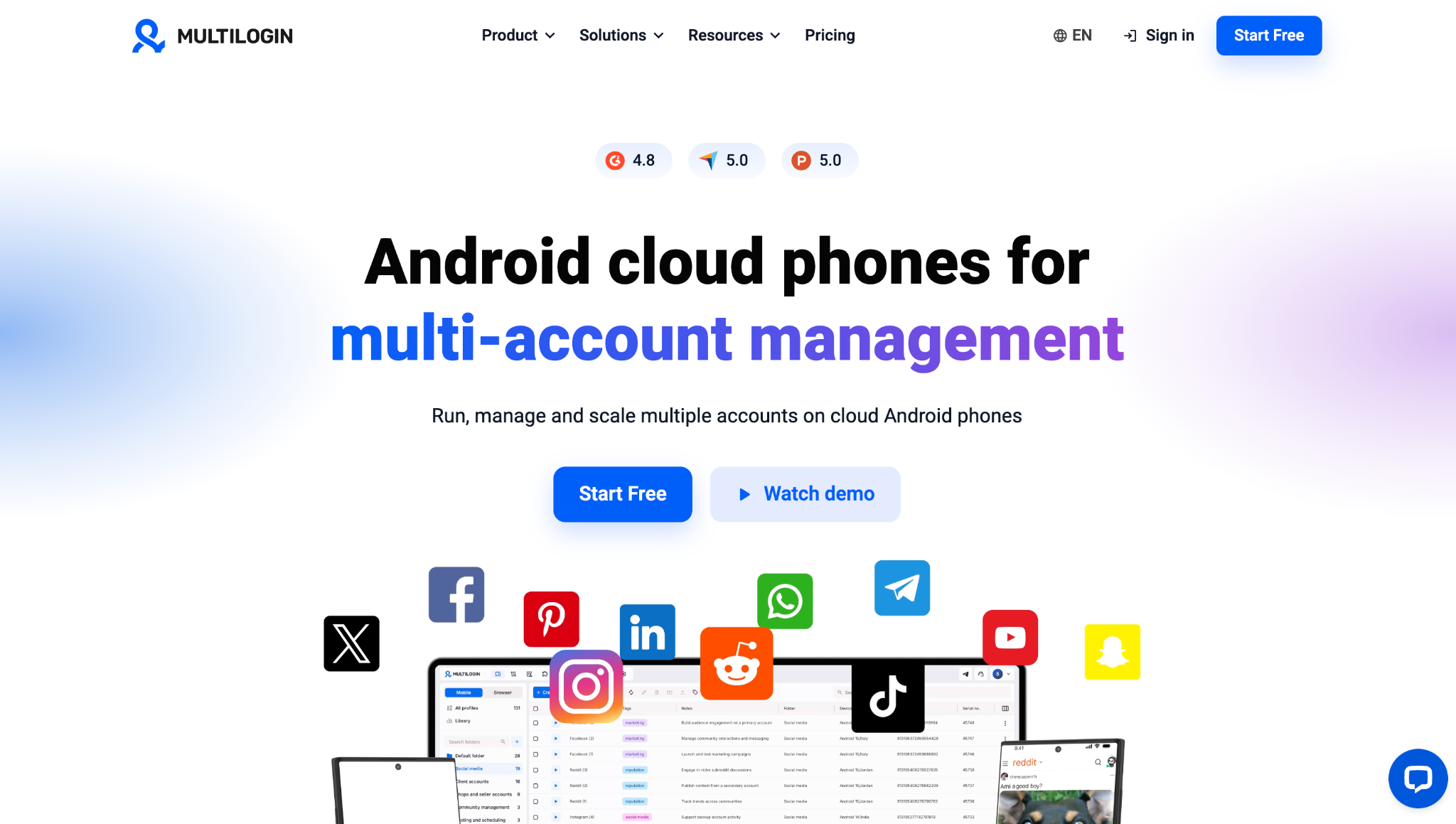
Alt text: Multilogin Android cloud phones dashboard for multi-account management.
Multilogin is a cloud Android phone platform for multi-account management. Multilogin’s cloud phones are real Android devices hosted remotely and accessed from a computer. Each phone has its own device model, app data, login sessions and IP configuration.
Browser profiles are available in the same dashboard for accounts and tasks that run on websites. This means users can manage mobile apps on Android cloud phones and web-based accounts through separate browser profiles without switching between different platforms.
The two profile types serve different purposes: cloud phones handle Android apps, while browser profiles support web-based workflows. Both can be organized and managed from one dashboard.
How people use Multilogin cloud phones
Different workflows require different combinations of mobile apps and websites. For example:
- Social media management: Use separate cloud phones for mobile apps and browser profiles for web-based account management and content planning.
- E-commerce: Manage seller apps on Android cloud phones and use browser profiles for store dashboards, listings and advertising tools.
- Affiliate marketing: Organize different account environments and use browser profiles for campaign dashboards and reporting.
- Digital marketing: Keep mobile and web workflows organized when managing accounts across platforms and regions.
- Automation: Use API and ADB capabilities to build repeatable workflows involving Android cloud phones.
Team permissions can also help assign access to specific profiles, so people can work on the accounts relevant to their responsibilities.
Pros of Multilogin
Multilogin brings together Android cloud phones, browser profiles and proxy configuration in one platform. This allows users to manage mobile apps and web-based accounts from a single dashboard while keeping their workflows organized.
Cloud phones provide separate Android environments with their own app data and login sessions, while browser profiles support web-based account management. Users can also configure proxies, organize profiles into folders and manage team access.
This setup can support different workflows, including social media management, e-commerce, affiliate marketing, digital marketing and other activities that involve multiple mobile and web accounts.
- Mobile and web in one platform. Use Android cloud phones for mobile apps and browser profiles for web-based accounts. Both are managed through one dashboard and share the same profile allowance.
- No hardware to manage. Users can choose from around 30 Android device models running Android 10–16, with options across multiple device types. There is no need to purchase, configure or maintain a collection of physical phones.
- Proxy resources included. Paid plans include monthly residential proxy traffic and mobile minutes. The allowances depend on the selected plan. Users can also configure their own supported HTTP, HTTPS or SOCKS5 proxies. ISP proxies are available as a separate purchase for workflows that require them.
- Persistent app sessions. Stopping a cloud phone saves its app data and session state, so users can continue where they left off when they start it again.
- Browser work doesn’t use mobile minutes. Tasks performed in browser profiles, such as managing websites, dashboards and reports, do not consume cloud phone mobile minutes. This leaves those minutes available for Android app workflows.
- Team management. Folders, color tags, permissions and a dashboard showing running profiles help teams organize their work and control access. Business plans include unlimited team seats.
- Automation options. The API supports operations such as creating cloud phones, configuring proxies and installing apps. ADB allows scripts and supported automation tools to interact with Android devices running Android 11 or later.
- Free plan for testing. Users can try the platform without a time-limited trial or credit card. The Free plan includes one cloud phone, 30 mobile minutes and 200 MB of proxy traffic as one-time allowances.
Cons and limitations of Multilogin
- No native SMS or calling. Multilogin cloud phones do not provide native SMS or calling functionality. If an app or service requires phone verification, users need a separate phone number and a verification method supported by that service.
- Android only. Multilogin cloud phones run Android, so workflows that depend on iOS-only apps or Apple-specific features are not supported.
- A learning curve. New team members may need time to understand the dashboard, profile settings and account organization features. The help center documentation and support resources can help make onboarding easier.
- Organizing larger setups. Managing a high number of profiles requires a clear folder structure, naming conventions and access permissions. Teams may need to establish these processes as their workflows grow.
Multilogin pricing and plans
Multilogin offers a free plan, three Pro tiers and scalable Business plans. Each plan has a profile limit shared between Android cloud phones and browser profiles. Paid plans are available with monthly or annual billing. The table below shows monthly billing prices only.
The following prices and allowances were checked in November 2026.
Plan | Monthly price | Profiles | Mobile minutes | Proxy traffic | Team seats |
Free | $0 | 5 (1 cloud phone) | 30, one-time | 200 MB, one-time | — |
Pro 10 | $11 | 10 | 60/month | 1 GB/month | 1 |
Pro 20 | $19 | 20 | 75/month | 2 GB/month | 2 |
Pro 50 | $29 | 50 | 85/month | 3 GB/month | 2 |
Business 100 | $40 | 100 | 150+/month | 5 GB+/month | Unlimited |
Larger Business plans are also available, with higher profile limits and resource allowances. Check the official pricing page for the latest plan options and details.
The right plan depends on how many accounts you manage and how often you use Android cloud phones. For example, Pro 10 may be sufficient for a small setup, while teams managing more accounts may need a higher profile limit or additional seats. Keep in mind that Android cloud phones and browser profiles share the same profile allowance.
Mobile minutes are another factor to consider when choosing a plan. Cloud phones use mobile minutes while running, including when they are idle. Browser profiles do not use mobile minutes.
A cloud phone session is billed for up to 180 minutes per uninterrupted session. Runtime beyond that limit in the same uninterrupted session is not charged. This is a per-session billing limit, not a daily allowance. Teams should still monitor usage across multiple sessions and use auto-stop settings when appropriate.
The Free plan lets users test the platform without a time-limited trial or credit card. Its 30 mobile minutes and 200 MB of proxy traffic are one-time allowances, while paid plans receive monthly allowances.
What do users say about Multilogin?
Founded in 2015, Multilogin has more than 10 years of experience in multi-account management. It also has positive ratings on customer review platforms. The figures checked for this article in November 2026 were 4.8/5 on G2 from 152 reviews and 5.0/5 on Capterra from 75 reviews.
Customer reviews can help identify recurring strengths and complaints, but they are not a substitute for testing the product with your own apps and workflows. The following themes are based on the review findings gathered for this article.
What users like
- Ease of use: Ease of use is a recurring positive theme on G2, mentioned in 28 reviews, followed by reliability in 22.
- Account and session management: Some reviewers highlight the ability to keep different account environments separate and manage them from one place.
- Customer support: Capterra reviewers rate support highly, and several describe problems being resolved quickly.
- Built-in proxies: Reviewers also mention the convenience of having proxy options available within the platform.
What users complain about
- A learning curve: New team members may need time to understand the dashboard, profile settings and account organization features.
- Slowdowns under heavier workloads: Users may find it takes time to organize and manage a large number of profiles, especially when working across different accounts, devices and team members.
These comments provide useful context, but individual experiences can vary. Check the latest reviews on G2 and Capterra for more recent feedback.
Is Multilogin worth it?
Multilogin is worth considering if your work involves managing multiple accounts across mobile apps and websites. Its main advantage is bringing cloud phones, browser profiles and proxy configuration into one platform, with tools for organizing team access and automating parts of the workflow.
It may be less suitable if your work depends on iOS-only apps, native SMS or calling on the device, or extensive mobile runtime that exceeds the included minutes.
The best way to assess the fit is to start with the free plan. Install an app you regularly use, test your login and recurring tasks, and check how long the phone needs to stay active. Then estimate how many cloud phones and browser profiles your workflows require before choosing a paid plan.
FAQ
What is a cloud phone?
A cloud phone is a real Android device hosted remotely that you control from your computer. You can install apps, sign in to accounts and manage each phone from your dashboard. Multilogin cloud phones run Android 10 to 16.
How is a cloud phone different from a physical phone farm?
A physical phone farm involves buying, setting up and maintaining multiple devices yourself, usually in one location. With cloud phones, there is no hardware to store or replace, and your team can manage devices from one dashboard.
How is a cloud Android phone different from a desktop emulator?
A desktop emulator simulates Android in software and runs on your computer’s CPU and memory. A Multilogin cloud phone is a real Android device running in the cloud, so the workload stays off your computer.
Which apps can I run on Multilogin cloud phones?
You can install compatible Android apps, including social media, messaging, e-commerce and other business applications. Apps can be installed through the available app store or by uploading an APK. Compatibility depends on the app and its requirements, so test your specific workflow on the free plan before committing.
Can I run multiple cloud phones at the same time?
Yes. You can start multiple Android cloud phones from the dashboard, subject to your plan and available resources. Each running phone uses mobile minutes, so keep track of how many are active and stop them when you finish. Browser profiles can handle web-based tasks without using mobile minutes.
Can I transfer photos and files between my computer and a cloud phone?
Yes. You can upload files from your computer to a running cloud phone and export files back. Multilogin also provides a shared Library for storing and reusing files across cloud phones. The Library has file-size, upload and storage limits, so check the current documentation if you plan to transfer large amounts of media.
Can Multilogin cloud phones receive SMS verification codes?
No. Multilogin cloud phones do not provide native SMS or calling functionality like a phone with its own SIM card. If a service requires phone verification, you need a separate phone number or another verification method accepted by that service.
How are Multilogin cloud phones billed?
Cloud phones use mobile minutes while they are running. Each uninterrupted session is billed for up to 180 minutes. Any additional runtime in that same session is free. This is a per-session limit, not a daily allowance. Browser profiles do not use mobile minutes.
