

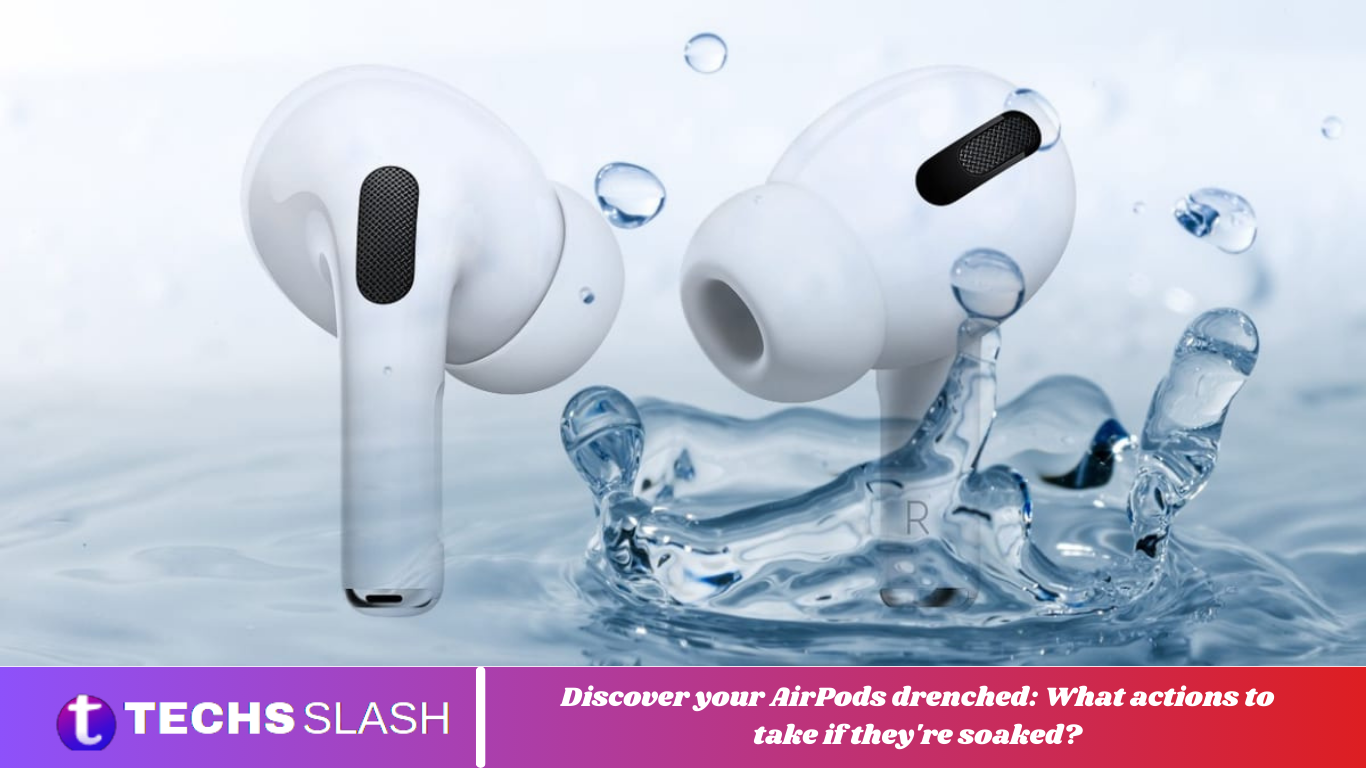
Discovering your AirPods soaked in water can induce panic, but knowing how to respond can mitigate damage and restore functionality. While AirPods offer superior audio quality, they are vulnerable to water damage. In such instances, swift action is crucial. Our comprehensive guide equips you with the necessary steps to address this common predicament effectively.
When you encounter wet AirPods, resist the urge to panic. Instead, follow a systematic approach to minimize potential harm. Begin by carefully drying the exterior of the AirPods with a lint-free cloth, removing excess moisture to prevent further infiltration. Avoid using high-heat sources like hair dryers, as they can damage delicate components.
Next, consider utilizing Apple’s Water Eject shortcut to expel water from the device’s speakers and openings. Alternatively, desiccants like Silica gel can help absorb residual moisture. However, refrain from shaking the AirPods excessively, which may exacerbate water penetration.
Do AirPods have waterproofing?
AirPods offer exceptional comfort, allowing users to wear them for extended periods without discomfort. However, accidents can occur, causing panic when they fall into the water and raising concerns about their waterproof capabilities.
Regrettably, Apple does not classify AirPods as waterproof. However, they do possess some level of sweat and water resistance. Only the AirPods Pro and AirPods (3rd generation) boast an IPX4 rating under EIC standard 60529, indicating resistance to water and sweat during non-water sports and exercise.
A waterproof device can function without damage when fully submerged in water. On the other hand, a water-resistant device can withstand limited water exposure, like light rain or splashing.
However, it’s not designed for submersion in water or exposure to high-velocity water.
Additionally, the water resistance of earbuds and charging cases may decrease over time. Once compromised, they cannot be resealed or rechecked for protection against sweat, water, or dust.
What steps to take if your AirPods become wet?
Step 1: Remove Excess Water
While panicking may be tempting, remaining calm and handling the situation carefully is crucial. Dealing with electronic devices exposed to moisture demands careful attention to minimize potential damage.
Begin by gently wiping the exterior of your AirPods with a clean, lint-free microfiber cloth to prevent further water ingress. Ensure all surface water is absorbed. Next, gently shake the earbuds to dislodge any water droplets from the interior. Exercise caution around the speaker area and blot the earbuds to remove excess water.

If the charging case is wet, place it upside down with the lid open, ensuring it’s not plugged in to charge. Additionally, if you have a cleaning kit with a cotton swab, use it to absorb any remaining liquid.
If the sun isn’t too intense, consider placing both the AirPods and the case outside in the sun. Alternatively, you can use a hairdryer, but be cautious of excessive heat, which can cause further damage.
Step 2: Use the Water Eject Shortcut (iOS Devices)
Apple provides a Water Eject shortcut feature specifically designed to expel water from the device’s speakers and other openings, mitigating potential damage from water ingress. This feature can be utilized to remove water droplets from inside the AirPods.
Note: Activating this feature requires turning on your AirPods and connecting them to a device, which may pose the risk of circuit damage in the earbuds.
If you wish to proceed:
Access the Water Eject Shortcut on your iPhone and tap “Add Shortcut” to include it.

Open the Shortcuts app.
Tap on “Water Eject” and select “Start.”

Wait for the completion notification to appear.
Step 3: Leave AirPods with Desiccant
Desiccants like Silica effectively absorbs moisture and salvage gadgets from liquid damage. If you have Silica gel packets, follow these steps:
Put the AirPods in a container.
Add Silica gel packets or a comparable desiccant to the container, ensuring the AirPods are surrounded on all sides, including the bottom.

Leave the container in a dry place at room temperature for at least 2 days or longer. This gives the desiccant adequate time to absorb any remaining moisture.
Step 4: Visit an Authorised Apple Service Center
Finally, if your AirPods are not functioning properly or if you suspect there is still water inside the earbuds, we recommend contacting Apple Support or visiting an authorized service center. They can disassemble and clean your AirPods internally and assess for any water damage.

What to do if your AirPods end up in the wash?
If your AirPods inadvertently end up in the wash, here’s what you should do:
Dry with a Lint-Free Cloth: Use an absorbent, lint-free cloth to gently wipe your washed AirPods and charging case. Pat the speakers and every crevice to remove moisture effectively.
Air Dry Overnight: After wiping, leave your AirPods and charging case in a well-ventilated area overnight. Keep the charging case open to allow trapped water to evaporate. Remove any case covers to prevent moisture entrapment.
Water Eject Siri Shortcut: Consider using the Water Eject Siri Shortcut, an effective tool for expelling water from your AirPods. This app prompts your AirPods to vibrate at a specific frequency, aiding in moisture removal.
Follow these steps to utilize the Water Eject Siri Shortcut effectively:
Step 1: Go to “Settings > Shortcuts”.

Step 2: Enable “Allow Untrusted Shortcuts” in Settings.

Step 3: Download and install the Water Eject Siri Shortcut from the provided link.

Step 4: Navigate to “My Shortcuts” on your iPhone.

Step 5: Select the Water Eject Shortcut and tap “Begin Water Ejection.”

What Not to Do When AirPods Get Wet?
What not to do is just as crucial as what needs to be done to prevent further damage to your AirPods when exposed to water. Here are some key points to remember:
- Avoid placing them in the charging case or using them immediately, which could result in permanent damage. Instead, allow them to dry completely.
- Refrain from using high-heat sources like hair dryers or ovens to dry out your AirPods, as excessive heat can damage delicate components irreparably.
- Do not shake them excessively; this may push water deeper into the device.
- Contrary to popular belief, placing wet AirPods in a bag of rice can potentially cause more harm.
- Rice doesn’t absorb moisture efficiently and broken grains may damage the device’s grill or enter the buds.
- Allow your AirPods ample time to dry. Leave them unused in a container with silica gel for at least two days or longer.
Will AirPods Work If They Get Wet?
The outcome can vary depending on factors such as whether the earbuds are water-resistant, the method of exposure, the type of liquid, and its intensity. AirPods 3 and AirPods Pro, with their secured IP rating for water resistance, may withstand minor splashes without affecting functionality. However, other AirPods models may encounter issues.
Wet AirPods may still function, but their performance and functionality could be compromised. Here’s a breakdown of what you might expect:
- Reduced Sound Quality: Moisture presence may cause low-quality audio playback or distortion. Ensure your phone’s speakers are checked for water damage.
- Intermittent Connection: Wet AirPods may struggle to maintain a stable Bluetooth connection, resulting in call and audio dropouts or disconnections.
- Microphone and Sensor Issues: Water can affect speaker audio, microphone, and other sensors, impacting functions like auto-ear detection and plug-and-play.
- Battery Drain: Moisture infiltration into the charging case or AirPods could damage the battery, causing significant drain.
- Long-Term Damage: Prolonged water exposure or immersion can lead to corrosion of internal components, potentially causing irreversible damage.
While AirPods provide a premium audio experience, they are susceptible to water damage. Our guide has provided valuable insight into what to do if your AirPods become wet. Should you have any questions or suggestions, please share them in the comments section below. Stay tuned to TechCult for additional helpful tips.
FAQs
What should I do if my AirPods get wet?
If your AirPods become drenched, gently dry them with a lint-free cloth and avoid heat sources. Follow the additional steps outlined in our guide for comprehensive assistance.
Can I use my wet AirPods immediately?
To prevent potential damage, it’s best to refrain from using or charging wet AirPods right away and allow them to dry completely before use.
How can I remove water from my AirPods?
To remove water from your AirPods, use methods like gently shaking them, using Apple’s Water Eject shortcut, or employing desiccants such as Silica gel.
Will wet AirPods still work properly?
While wet AirPods may still function, there’s a risk of reduced performance, intermittent connectivity issues, and potential damage to internal components.
Can I use a hairdryer to dry my wet AirPods?
Avoid using high-heat sources like hair dryers, as they can damage delicate components. Opt for gentle drying methods instead.
How long should I let my wet AirPods dry?
Allow your wet AirPods to dry completely in a well-ventilated area for at least 48 hours or longer, depending on the severity of the moisture.
What should I do if my AirPods continue to have issues after drying?
If issues persist despite drying efforts, contact Apple Support or visit an authorized service center for further assistance and evaluation.
Can placing wet AirPods in rice help dry them out?
Contrary to popular belief, placing wet AirPods in rice may not be effective and could potentially cause further damage. Opt for alternative drying methods outlined in our guide.
Conclusion
Encountering wet AirPods can be a stressful experience, but knowing how to respond can make all the difference in salvaging them. By following the steps outlined in our guide and exercising caution, you can minimize potential damage and maximize the chances of restoring your AirPods to optimal functionality.
Remember to act swiftly by drying the AirPods gently with a lint-free cloth, avoiding heat sources, and utilizing methods like the Water Eject shortcut or desiccants to remove moisture. Additionally, allow sufficient time for your AirPods to dry completely before attempting to use or charge them again.
