

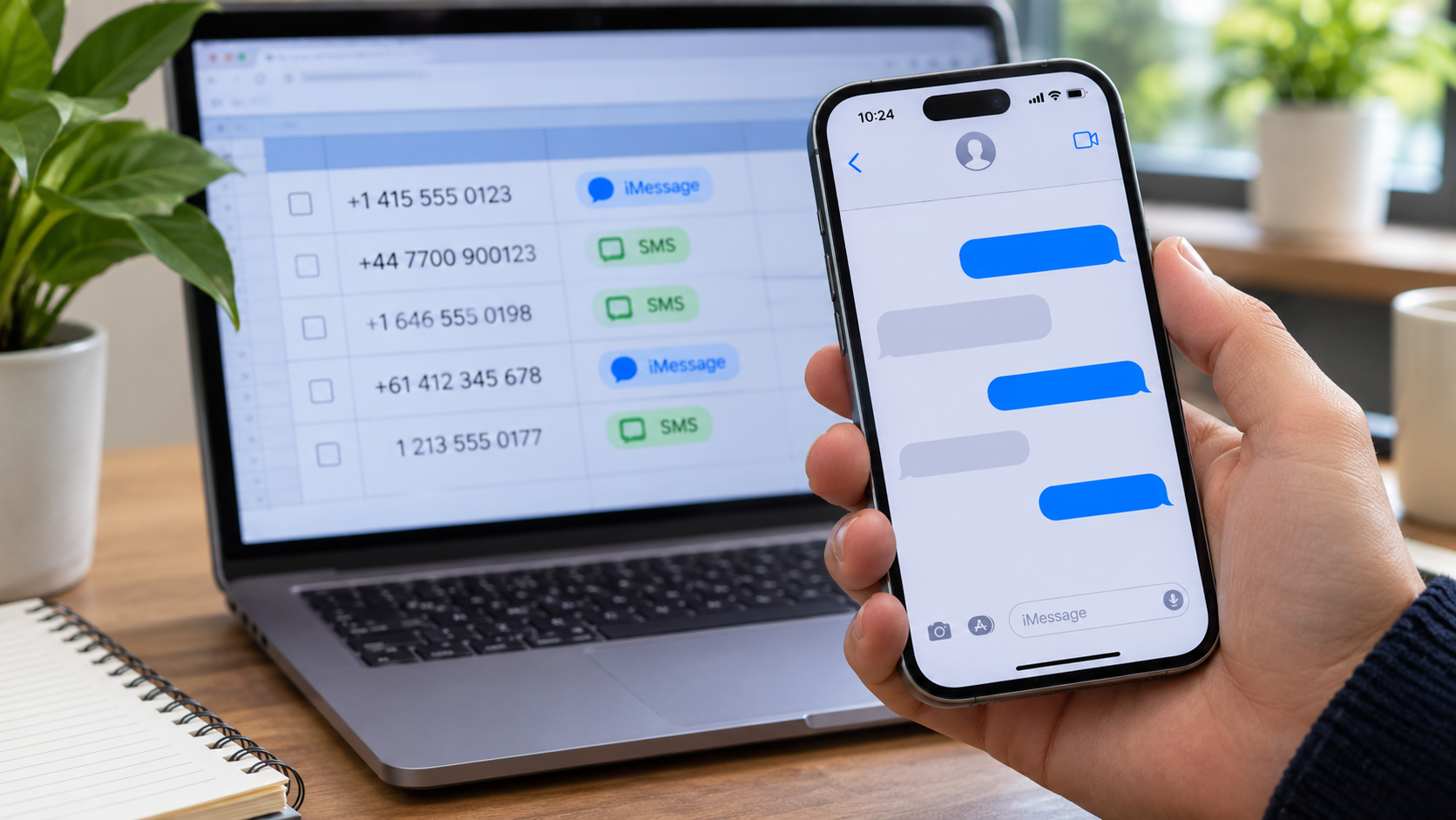
Why an iPhone Contact List Needs an iMessage Fallback Plan
A support team can export 2,000 phone numbers from its CRM and still have no idea which messaging route will work for each person. The spreadsheet may show a valid mobile number, but it cannot tell an operator whether that number is currently associated with iMessage, whether the customer prefers SMS, or whether the person has agreed to receive that type of message.
This matters when the message is time sensitive: a booking change, a delivery exception, or a security notice. A blue bubble in a test conversation can be useful evidence for one contact. It is a poor operating plan for a whole list, especially when people change devices, SIMs, and messaging settings.
Start with the purpose of the message
Before checking any number, decide why the team is contacting that person. Transactional updates and promotional messages may have different permission requirements and different fallback rules. The contact record should show where the number came from, when the customer supplied it, and which channels they agreed to use.
For example, a repair shop might have a customer’s mobile number from a service booking. That number may be appropriate for an update about the repair, depending on the agreement with the customer. It should not automatically enter a marketing list for a new phone launch. A route check can help deliver an authorized message; it cannot create permission that was never given.
Make three fields visible before anyone sends:
• Message purpose: booking update, support reply, or an opted-in promotion.
• Channel permission: the channel the customer selected, with the date and source of that choice.
• Fallback route: what to do if the preferred channel is unavailable or the send fails.
If any of these fields is missing, the record needs a human review. Sending it through a different app simply because that app looks reachable can create a new problem.
Clean the number before checking the channel
An iMessage availability result is only as useful as the input number. A CRM export may contain spaces, national prefixes, extensions, or a leading zero that means different things in different countries. Excel can also turn a long number into scientific notation such as 4.47E+11. Once that happens, a channel check may be run against a value that was never the customer’s number.
Keep the raw value and the cleaned value in separate columns. Use the country field to interpret the local number, then convert it to a consistent international format. Do not guess a country code from the customer’s language or the sales representative’s location. Flag rows with missing country context and return them to the source team.
Deduplicate only after normalization. +44 7700 900123 and 07700 900123 may represent the same contact in a UK list, while two similar-looking strings from different countries may not. Preserve the original CRM record ID so the result can be mapped back without overwriting a valid record.
Read an availability check as a snapshot
For an authorized list, an iMessage checker can help separate numbers that appear available on Apple’s messaging channel from those that may need another route. Treat the result as a signal captured at a particular time. A customer may switch from an iPhone to an Android device, turn iMessage off, change a number, or change their channel preference after the check.
The result also has limits. It does not confirm who holds the phone, whether the customer read a message, or whether a particular send was delivered. It is worth keeping an uncertain category alongside available and unavailable; forcing every row into a green or red bucket hides useful uncertainty.
An operations file can be simple. Keep the CRM record ID, the raw number, the normalized number, and the source of permission in separate fields. Add the channel result as available, unavailable, or uncertain, along with the time it was checked. Record the eventual send outcome in its own field. A row such as A-1842, 07700 900123, and +447700900123 should be traceable back to the original CRM entry.
There is no need to collect extra personal information for this file. Keep access limited to the people who need to prepare or audit the message, and retain the data according to the team’s own policy.
Give every result a sensible next step
Suppose the repair shop needs to notify customers that tomorrow’s collection times have moved. A channel signal can inform staff which route to investigate, but it does not authorize an unsolicited iMessage conversation. Apple’s Messages for Business is built around conversations customers start with a business. The shop should follow the rules of its actual sending service and use an authorized outbound channel, such as consented SMS or a call, where appropriate. The routing sheet should express those choices plainly:
• Existing customer-initiated Messages conversation: continue in that approved support thread when the service permits it, then record the actual message status.
• SMS permitted: use the approved SMS route for the outbound notice and record its status separately.
• Uncertain: hold for a later recheck or staff review when the timing allows.
• No relevant permission: suppress the automated send and follow the organization’s authorized contact process.
Run a small sample before processing the full file. Check a few records with different country codes, old numbers, and uncertain results. This catches errors such as a dropped + sign or an import that silently converted text to numbers. The person preparing the file should be able to explain why each sample followed its route.
After the send, compare channel signals with delivery outcomes. A number that appeared available but failed delivery is a reason to inspect the workflow, not evidence that the checker lied or that the customer refused the message. A provider error, a temporary network issue, or a stale account signal could all be involved.
Keep the handoff short enough to use
The final handoff need not be a long report. Give the sending team one file with the permitted route, a review queue for unresolved records, and a clear time for the next check. Attach the date of the source export and the version of the permission list. If the delivery deadline is close, make it obvious which records need an operator now.
An iMessage availability check is most helpful when the team can trace each decision from the original number to the attempted send. That trace is what lets a support agent correct a bad row, choose an allowed fallback, and answer a customer’s question without guessing which colored bubble should have appeared.
