

In the digital world, emails are like old photographs. Some are junk, but others are vital memories or critical business documents. If you have ever switched email clients, you know the headache of finding out your old data doesn’t fit into your new software. This is exactly why finding a reliable EML to PST converter is essential for a smooth transition. Specifically, moving from EML (used by Thunderbird or Apple Mail) to PST (the heart of Microsoft Outlook) can feel like trying to fit a square peg into a round hole.
In this guide, we’ll explore why this conversion is necessary, the logic behind it, and how to get it done without losing a single attachment.
What is EML and Why Does Outlook Want PST?
Before we dive into the “how-to,” let’s look at the “what.”
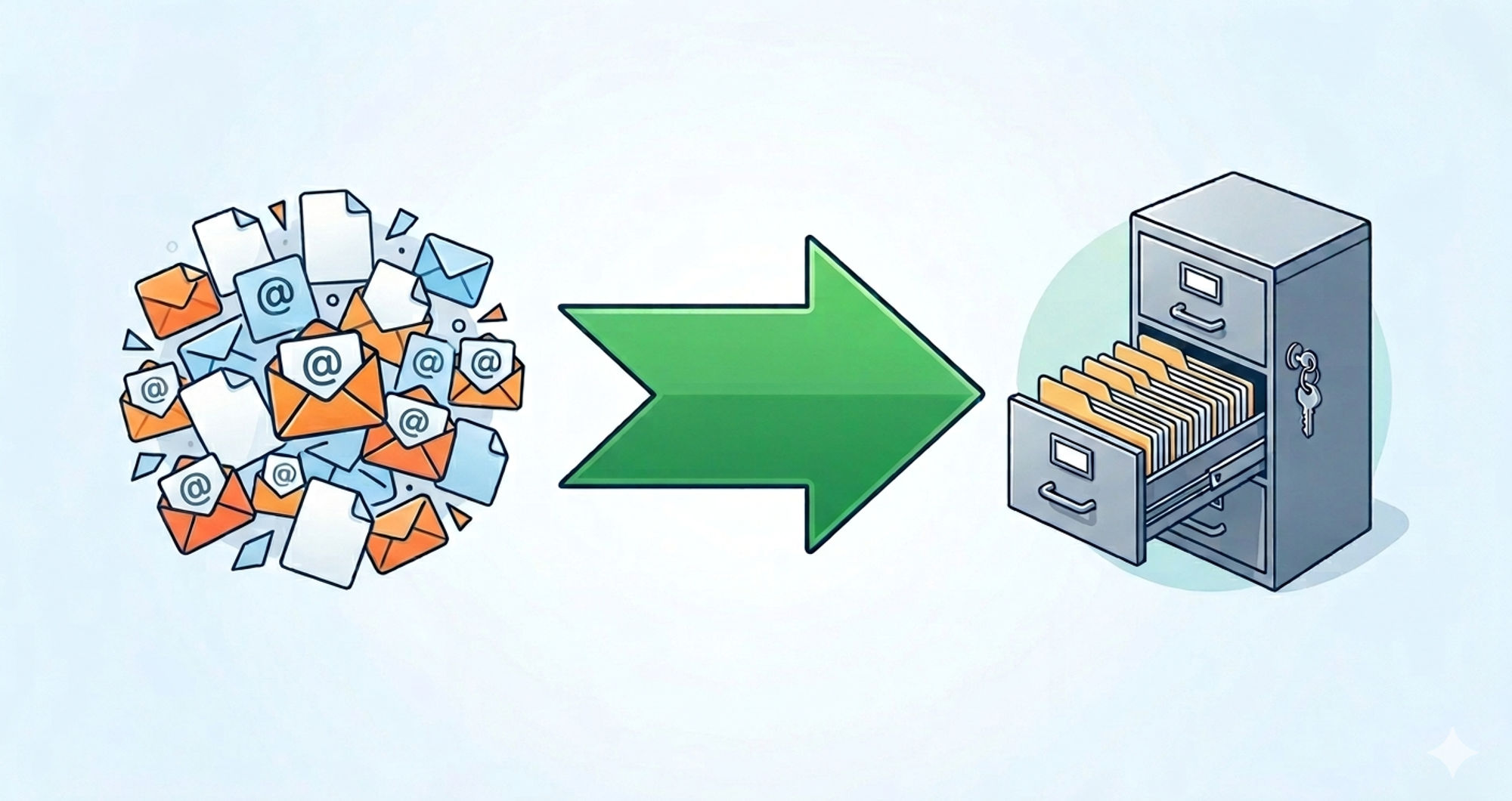
- EML File: This is a single-email format. It stores the message, the headers, and the attachments for one specific email. Think of it as a single envelope.
- PST File (Personal Storage Table): This is a container. It doesn’t just hold one email; it holds your entire mailbox—folders, contacts, calendar events, and thousands of emails. Think of it as a massive filing cabinet.
The Logic: Microsoft Outlook is designed to handle massive amounts of data. It prefers the “filing cabinet” (PST) approach because searching through one big file is much faster for the software than indexing ten thousand individual “envelopes” (EML).
Why People Convert EML to PST
Nobody wakes up and thinks, “I want to spend my Saturday converting file formats.” Usually, life (or your boss) forces your hand. Here are the real-world reasons:
- Switching to Outlook: You finally moved from Windows Live Mail or Thunderbird to a professional Outlook environment.
- Consolidation: You have thousands of scattered EML files from an old backup and want them all in one searchable place.
- Legal and Compliance: Many legal discovery tools prefer PST format because it maintains the folder structure and metadata more reliably than loose EML files.
- Security: Keeping your data in a single, password-protected PST file is often safer than having thousands of individual files floating around your hard drive.
How to Convert EML to PST (The Human Way)
You have two main paths: the “DIY Manual Way” and the “I Value My Time Professional Way.” Let’s break them down.
Method 1: The Windows Live Mail Trick (Manual)
Note: This only works if you still have an older version of Windows Live Mail installed.
- Open both Windows Live Mail and Microsoft Outlook on the same PC.
- In Windows Live Mail, click the File tab and select Export.
- Choose Email Messages and select Microsoft Exchange.
- You will get a message saying the messages will be exported to Outlook. Click OK.
- Select the folders you want to move and hit Finish.
The Catch: This method is notorious for crashing if you have more than a few hundred emails. It’s like trying to move a whole house using only a bicycle.
Method 2: The Drag and Drop (The “Hack”)
If you have Outlook installed, you can sometimes “force” it.
- Open Outlook and create a new folder.
- Open the folder on your computer where your EML files are stored.
- Select the EML files and literally drag and drop them into the Outlook folder.
Why this is risky: While it looks like it worked, often the “Date Received” changes to today’s date, and attachments sometimes go missing. If you’re doing this for work, “the computer ate my attachments” isn’t a great excuse.
Professional EML to PST Converters: Why They Exist
When manual methods fail (and they often do when files are corrupted or too large), professional software takes over. According to 2026 tech standards, a good converter should offer:
- Bulk Conversion: Converting 10,000 files at once instead of one by one.
- Data Integrity: Keeping the “CC,” “BCC,” “Timestamps,” and “Headers” exactly as they were.
- Attachment Preservation: Ensuring that PDF or Excel file inside the email doesn’t vanish into the void.
Top Rated Tools in 2026
| Tool Name | Key Strength | Best For |
| Stellar Converter for EML | High Accuracy | Corporate users needing 100% data safety. |
| Advik EML to PST | Speed | Users with massive archives (100GB+). |
| SysTools EML Converter | Versatility | Supports EMLX (Mac) as well as standard EML. |
SEO Tips: How to Avoid “Garbage” Software
The internet is full of “Free EML to PST” websites that are actually just traps for your data. When searching for a solution, look for these trust signals:
- Clear Privacy Policy: Does the site say they won’t store your emails?
- Digital Signatures: The software installer should be signed by a verified developer.
- Real Reviews: Look for reviews on independent sites like Trustpilot or G2 Crowd.
Expert Insight: Google’s E-E-A-T guidelines suggest that the most trustworthy sources are those that don’t just sell you a tool, but explain the technical process. Avoid sites that promise “instant” results without explaining the risks of data loss.
Pro-Tips for a Smooth Conversion
- Backup First: Before you touch any file, make a copy of your EML folder. If the conversion glitches, you don’t want to lose the original.
- Check for Duplicates: Many professional tools have a “De-dupe” feature. Use it. You don’t need three copies of that 2019 office memo.
- Virus Scan: If these EML files are from an old, dusty backup, run a scan. Malware loves to hide in old email attachments.
- Verify the Metadata: After conversion, check 5-10 random emails. Make sure the “From” and “Date” fields match the original.
Conclusion: Don’t Let Format Hold You Back
Converting EML to PST doesn’t have to be a nightmare. If you have ten emails, drag and drop them. If you have ten thousand, do yourself a favor and use a professional tool. Your time is worth more than the $30 or $40 a license costs.
By moving to PST, you aren’t just changing a file extension; you are making your data searchable, portable, and ready for the future of your professional workflow.
Trusted Resources:
- Microsoft Support: Export or backup email, contacts, and calendar to an Outlook .pst file.
- Svitla Systems: SEO & AI Search Best Practices 2026.
- Cybersecurity & Infrastructure Security Agency (CISA): Best practices for data migration.
Final Word: Stay organized, stay backed up, and may your inbox always stay under its size limit!
