

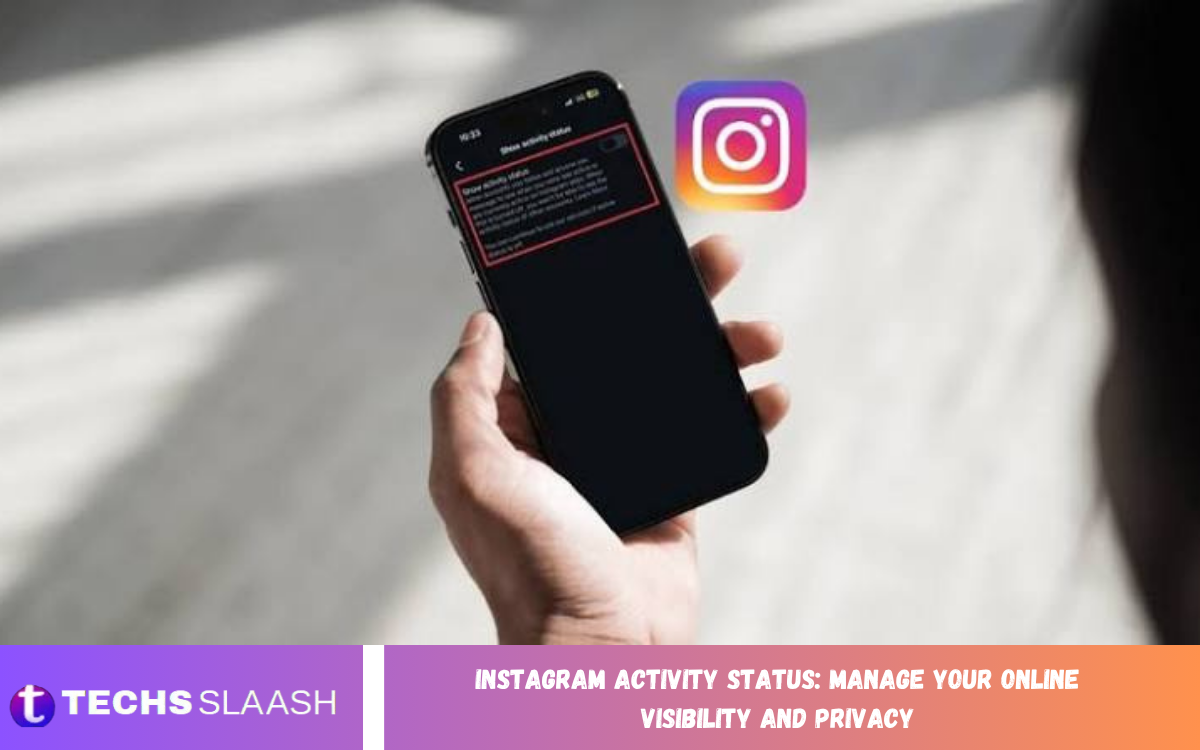
Instagram Activity Status is a privacy feature that allows users to control whether others can see when they are active on the platform. When enabled, people you interact with through Instagram Direct may see indicators showing that you are currently active or when you were recently active.
Understanding Instagram Activity Status can help you manage your online presence more effectively. Whether you want more privacy, fewer interruptions, or greater control over when people know you are online, adjusting this setting can make your Instagram experience more comfortable.
What Is Instagram Activity Status?
Instagram Activity Status indicates whether you are currently active on Instagram or were recently active. The feature is mainly visible in Instagram messaging and helps users see whether someone is available to chat.
Depending on the account and Instagram interface, an activity indicator may appear next to a profile or in the messaging area. This feature makes conversations more interactive, but some users prefer to keep their online activity private.
How Instagram Activity Status Works
When your Activity Status is enabled, eligible people may be able to see information about your current or recent activity. This can make it easier for friends, family members, or other contacts to know when you are available.
The feature works in both directions because privacy settings can affect what you see from other people as well. If you disable your Activity Status, you may also lose the ability to see the activity status of other accounts.
Why Manage Your Instagram Activity Status?
Managing Instagram Activity Status gives you greater control over your online visibility. You may not want other people to know when you are using Instagram, particularly when you prefer to browse content without starting conversations.
Privacy is another important reason to review this setting. Controlling your activity information can reduce unnecessary expectations about replying immediately and lets you use Instagram according to your own schedule.
How to Turn Off Instagram Activity Status
To manage Activity Status, open Instagram and go to your profile. Open the settings and privacy section, then look for the messages or activity-related privacy settings where Instagram provides the option to control activity visibility.
Turn off the setting that allows your Activity Status to be displayed. Instagram can change menu names and layouts through app updates, so the exact location may vary depending on your device and current version of the application.
How to Turn Activity Status Back On
If you previously disabled Activity Status and want people to see when you are active again, return to the same privacy settings. Locate the Activity Status option and enable the relevant setting.
Once enabled, Instagram may again display your activity information to eligible accounts. Remember that changing this option also affects your own ability to view activity information from other people, depending on Instagram’s current privacy controls.
Instagram Activity Status and Direct Messages
Instagram Activity Status is closely connected with Direct Messages because activity indicators can help users understand whether someone is available. When you open a conversation, activity information may appear in areas associated with messaging.
This does not mean that another person has read your message or will respond immediately. Being shown as active only indicates activity on Instagram and should not automatically be interpreted as confirmation that someone has seen or intends to answer a particular message.
Instagram Activity Status and Online Privacy
Online privacy is becoming increasingly important as social media platforms become part of everyday communication. Activity indicators can reveal useful information about when an account is using the platform, which some people may consider unnecessary exposure.
Disabling Activity Status can provide an additional layer of privacy. It does not make an Instagram account completely private, but it can reduce the amount of real-time activity information available to other users.
Activity Status vs Read Receipts
Activity Status and read receipts are different privacy features. Activity Status relates to whether you are currently active or recently active, while read receipts relate to whether a message has been viewed.
Turning off Activity Status does not necessarily mean that all message-related indicators disappear. Instagram provides separate controls and behaviors for different messaging and privacy features, so users should review each available option individually.
Benefits of Hiding Your Activity Status
One major benefit of hiding Activity Status is increased control over your availability. You can use Instagram without making your online presence immediately visible to other people who may be checking your activity.
It can also reduce pressure to respond quickly. Friends or contacts may not know whether you are currently using Instagram, allowing you to read content, explore profiles, or take a break without creating expectations about immediate communication.
Possible Limitations of Disabling Activity Status
Disabling Activity Status can provide additional privacy, but it may also reduce visibility into the activity of other users. Instagram may restrict your ability to see when eligible contacts are active when your own activity information is hidden.
This trade-off is important when choosing your preferred privacy settings. Users who value privacy more than real-time availability information may prefer to keep Activity Status disabled.
Read Also: Instagram Password Recovery: Securely Regain Access to Your Account
Instagram Privacy Settings You Should Review
Activity Status is only one part of Instagram privacy. Users should also review settings related to account privacy, messages, mentions, tags, comments, story interactions, and other communication features.
A private account can provide additional control over who can follow and interact with your content. Reviewing these settings regularly is useful because Instagram can introduce new features, update existing controls, or reorganize privacy options.
Managing Your Online Visibility on Instagram
Online visibility involves more than simply appearing active. Your profile information, posts, stories, comments, likes, followers, and messaging activity can all contribute to how visible you are on the platform.
A practical privacy strategy involves reviewing the information you share and understanding who can access it. Combining careful posting habits with appropriate privacy settings can give you better control over your Instagram presence.
Instagram Activity Status on Android and iPhone
The Activity Status feature is available through Instagram’s mobile experience on supported devices. Android and iPhone users can generally access privacy and messaging settings through the Instagram application.
The interface can differ slightly between devices and app versions. If you cannot immediately find the setting, checking the latest privacy and messaging sections can help locate the current Activity Status controls.
What Happens After Changing Activity Status?
Privacy changes can affect what information is displayed to other Instagram users. When you disable your activity visibility, eligible people may no longer see information indicating when you are active or recently active.
Changes may also affect what activity information you can view from other people. If you later change your preference again, the visibility behavior can change accordingly.
Tips for Better Instagram Privacy
Review your Instagram privacy settings regularly instead of relying on default configurations. Consider who can message you, follow you, mention you, tag you, and interact with your content.
Avoid sharing unnecessary personal information publicly and be cautious when accepting unfamiliar followers or responding to unknown accounts. Strong privacy habits combined with Instagram’s available controls can help create a safer and more controlled experience.
Common Problems With Instagram Activity Status
Sometimes users may not see Activity Status even when they expect it to appear. This can happen because of privacy settings, account relationships, application changes, temporary technical issues, or differences in Instagram’s feature availability.
If the setting does not appear or behave as expected, check your privacy settings, update Instagram, restart the application, and review whether the feature is available for your account. Instagram may also modify how activity indicators work over time.
Frequently Asked Questions
What Is Instagram Activity Status?
Instagram Activity Status is a feature that can show whether you are currently active or recently active on Instagram. It primarily appears in areas associated with messaging and online interactions.
Can I Hide My Instagram Activity Status?
Yes, Instagram provides privacy controls that allow users to manage whether their activity status is visible. The setting can generally be found within Instagram’s privacy or messaging-related options.
Can People See When I Am Online on Instagram?
If Activity Status is enabled and the relevant conditions are met, other eligible users may be able to see that you are active or recently active. Disabling the feature can limit this visibility.
Will Someone Know If I Turn Off Activity Status?
Instagram does not generally send a notification simply because you change your Activity Status preference. However, people may notice that your activity information is no longer visible.
Can I Hide My Activity Status From One Person?
Instagram’s available Activity Status control is generally designed as a broader privacy setting rather than a simple per-person activity-status switch. Other privacy features may provide additional ways to control interactions with individual accounts.
Can I Still See Other People’s Activity Status?
When your own Activity Status is disabled, Instagram may also prevent you from seeing activity information from other eligible accounts. This helps maintain a balanced privacy model.
Does Activity Status Mean Someone Read My Message?
No. Activity Status and message read indicators are different features. Seeing that someone is active does not necessarily mean they have opened or read your particular message.
Does Turning Off Activity Status Hide My Instagram Account?
No. Disabling Activity Status does not make your entire account invisible. Other information can remain visible according to your account type, privacy settings, followers, posts, stories, and interactions.
Why Can’t I See Someone’s Activity Status?
Several factors can affect this, including their privacy settings, your Activity Status settings, account interactions, app updates, or temporary Instagram issues.
Should I Turn Off Instagram Activity Status?
The choice depends on your preferred level of online privacy and how you use Instagram. Users who want less visibility around their online presence may find disabling Activity Status useful, while others may prefer the convenience of showing availability.
Conclusion
Instagram Activity Status gives users control over an important part of their online visibility. Understanding how the feature works can help you decide whether showing your active or recent activity fits your personal privacy preferences.
Managing Activity Status alongside other Instagram privacy settings can create a more controlled social media experience.

1 Comment
Pingback: Managing Instagram Privacy Settings for Better Account Protection - Techsslaash.com