

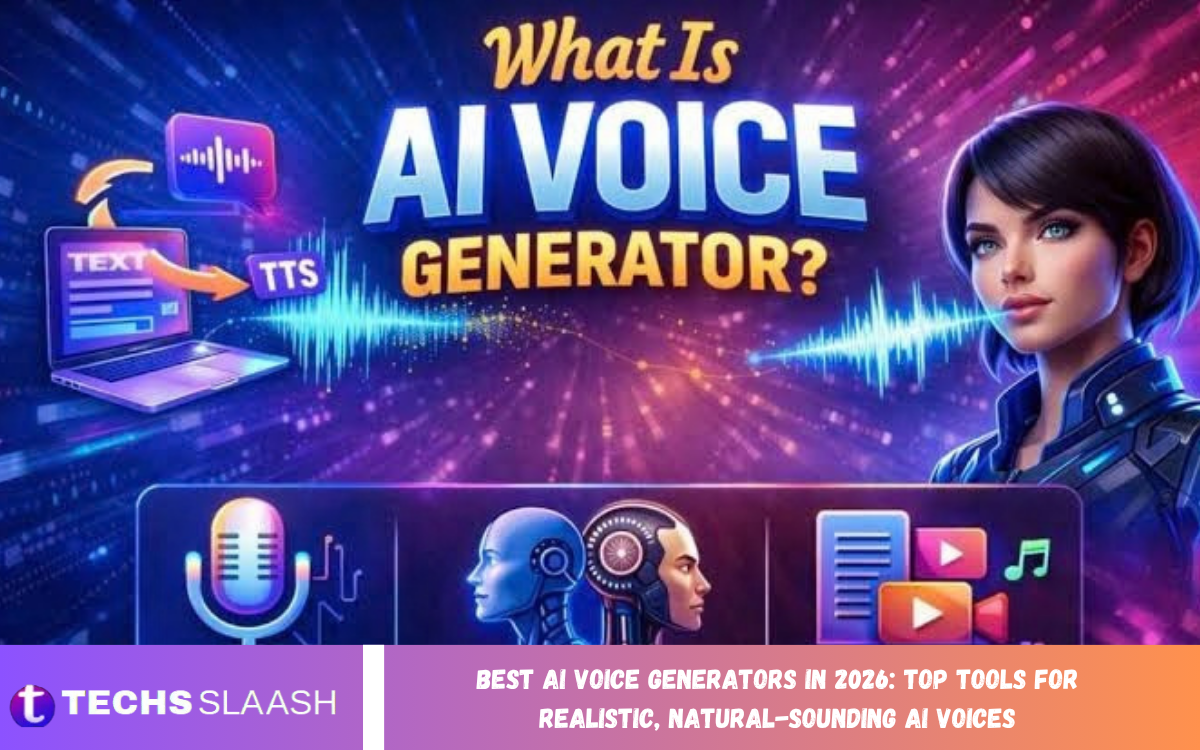
Artificial intelligence has transformed how people create voiceovers, narration, and spoken audio content. The best AI voice generators in 2026 let users turn written text into natural-sounding speech without recording every sentence in a studio.
Whether you are a content creator, YouTuber, business owner, educator, or audiobook producer, AI voice technology can make audio production more convenient. From professional narration to conversational speech, these platforms help users develop voice content efficiently while maintaining control over tone, pacing, and delivery.
What Are AI Voice Generators?
AI voice generators use artificial intelligence to turn written text into spoken audio or create synthetic voices from supported inputs. Many platforms provide multiple voice styles, language options, pronunciation controls, and editing features that help users produce audio for different audiences and purposes.
Some tools focus on realistic text-to-speech, while others offer voice cloning, speech conversion, or conversational voice capabilities. The quality of the result depends on the model, selected voice, script, and settings. Review the audio before publishing to catch pronunciation mistakes, unnatural pauses, and emphasis errors.
Best AI Voice Generators in 2026
Choosing the right AI voice generator depends on your content goals, budget, preferred language, and desired speaking style. A creator producing YouTube videos may need expressive narration, while a business developing training materials may prioritize clear pronunciation and consistent delivery.
The following platforms offer different approaches to AI-generated speech and voice production. Features, pricing, voice libraries, and usage limits can change, so check current product details before selecting a service for professional or commercial projects.
ElevenLabs for Realistic AI Voices
ElevenLabs is known for AI speech generation designed to sound expressive and natural. Its tools support a range of voice styles and languages, making the platform useful for narration, video voiceovers, podcasts, audiobooks, and other spoken content where realistic delivery matters.
Depending on the plan and available features, users may be able to adjust voice characteristics, generate speech from text, or use authorized voice-cloning tools. For the best results, use well-written scripts and review names, technical terms, and emotional passages carefully. Voice quality can vary by model and language.
Murf AI for Professional Voiceovers
Murf AI is designed to help users create voiceovers for presentations, educational materials, advertisements, and business videos. Its interface focuses on making voice selection and narration production accessible to users who may not have professional audio-recording experience.
The platform can be useful when a project needs clear speech with a consistent style. Users can explore available voices and adjust supported delivery settings to match the intended audience. Before exporting a final recording, listen to the full narration and make sure the timing, pronunciation, and emphasis match the visual content.
PlayHT for Text-to-Speech Content
PlayHT offers AI-powered text-to-speech capabilities for converting written material into spoken audio. It can be useful for website narration, digital content, educational resources, and other projects where creators want to make written information available in audio form.
Voice options and supported languages depend on the current product offering. When preparing longer recordings, divide the script into logical sections and read sentences aloud to check how they sound. This approach can make it easier to correct awkward phrasing, improve transitions, and produce audio that feels more comfortable to listen to.
OpenAI Text-to-Speech for Natural Speech
OpenAI provides speech-generation capabilities through its AI products and developer tools, depending on the available interface. These capabilities can support applications that need spoken responses, voice-based experiences, narration, or audio generated from text.
Developers may find speech-generation tools useful when integrating voice into applications, while other users should check the current products available for their needs. Always review the supported voices, language behavior, usage limits, and licensing terms. For important recordings, test a short sample before generating an entire script.
Google Cloud Text-to-Speech for Scalable Projects
Google Cloud Text-to-Speech provides speech synthesis services that developers and organizations can integrate into software and digital products. It offers voice options across supported languages and can be used for applications such as automated announcements, accessibility features, and interactive services.
This type of service may be especially suitable for projects that require repeatable speech generation at scale. However, setup and usage may involve technical configuration, account management, and usage-based costs. Organizations should evaluate audio quality, supported languages, latency, and integration requirements before using it in production.
Microsoft Azure AI Speech for Business Applications
Microsoft Azure AI Speech offers speech capabilities for developers and organizations, including text-to-speech. It can support customer-service systems, accessibility experiences, voice-enabled applications, and automated spoken information.
Businesses can benefit from the service’s integration options and configurable speech features. The best setup depends on the application’s technical requirements, expected usage, and preferred voice style. Teams should also assess privacy, data handling, security, and cost before processing sensitive information through any cloud-based voice service.
Speechify for Reading and Listening
Speechify converts written content into audio, helping users listen to supported text instead of reading every word on a screen. It can be useful for articles, documents, study materials, and other text that people want to consume while travelling or completing everyday tasks.
Its usefulness depends on the user’s reading habits, preferred voices, and the content types supported by the chosen version. When using text-to-speech for learning or accessibility, check that the tool handles punctuation, abbreviations, and specialized vocabulary correctly. Listening can complement reading, but important information should still be verified against the original source.
Read Also: Best AI Video Generators in 2026: Top Tools for Creating Professional Videos with AI
Canva AI Voice Tools for Content Creation
Canva provides a broader content-creation environment that may include access to AI voice features through its own tools or supported integrations. This can help users combine narration with presentations, promotional videos, educational content, and social media designs without managing every production step separately.
The available voice-generation features may depend on integrations, region, or subscription. Creators should confirm which options are currently accessible in their account and review the terms of any third-party service involved. Matching narration with visuals, captions, and suitable background audio can make the finished content more polished.
How to Choose the Best AI Voice Generator
Start by deciding how the generated audio will be used. YouTube narration may require expressive delivery, while business training videos often benefit from a clear and consistent voice. Audiobooks may need reliable long-form narration, and applications may prioritize low latency and dependable integration.
Next, compare voice quality, supported languages, pronunciation controls, editing options, export formats, and pricing. Check whether commercial usage is permitted under your chosen plan and whether voice cloning requires additional consent. Testing a sample script across several tools is a practical way to compare the results before making a commitment.
Tips for Creating Natural-Sounding AI Voices
A natural voiceover begins with a script that reads well aloud. Use clear sentences, familiar wording, and appropriate punctuation to guide pauses and emphasis. If a sentence sounds complicated when spoken, rewrite it into shorter phrases rather than expecting the voice generator to correct the writing automatically.
Listen to a sample before generating the full recording, especially when the script includes names, numbers, abbreviations, or technical terms. Adjust pronunciation settings where available and keep the speaking style consistent across sections. Adding suitable pauses and balancing the audio levels can improve the listening experience without requiring expensive recording equipment.
Benefits of Using AI Voice Generators
AI voice generators can reduce the time and equipment needed to produce narration. Creators can generate audio for videos, explainers, presentations, learning materials, and podcasts without scheduling a recording session for every revision. This can make it easier to update content when information changes.
These tools can also provide access to multiple languages and voice styles, depending on the platform. However, generated speech should not be treated as automatically perfect. Human review remains valuable for tone, context, pronunciation, factual accuracy, and the overall listening experience, particularly when the audio represents a business or public-facing organization.
Limitations and Responsible Use of AI Voices
AI-generated speech may occasionally mispronounce words, place emphasis incorrectly, or deliver sentences with unnatural rhythm. Some voices may also struggle with regional expressions, specialist terminology, or emotional nuance. Listening to the complete recording before publication helps identify problems that may not be obvious from a short preview.
Voice cloning introduces additional ethical and privacy considerations. Only clone or reproduce a person’s voice when you have the appropriate authorization, and follow the service’s consent requirements. Do not use synthetic voices to impersonate others, mislead listeners, or create fraudulent recordings. Review privacy and commercial-use policies before uploading voice samples or distributing generated audio.
The Future of AI Voice Generation
AI voice technology is developing toward more expressive speech, better multilingual performance, and greater control over pronunciation and delivery. These improvements may make synthetic narration more useful for accessibility, education, entertainment, customer support, and personalized digital experiences.
As these capabilities improve, transparency and responsible use will remain essential. Creators should consider disclosing synthetic audio when appropriate and take extra care when content could be mistaken for a real person’s statement. Combining AI-generated speech with thoughtful writing and careful editing can help users create audio that is both effective and trustworthy.
Frequently Asked Questions
What Is the Best AI Voice Generator in 2026?
The best choice depends on your needs. ElevenLabs and Murf AI are worth exploring for voiceovers, PlayHT for text-to-speech workflows, and Google Cloud Text-to-Speech or Azure AI Speech for developer-focused applications. Compare current features and pricing before choosing.
Are AI Voice Generators Free to Use?
Some platforms offer free plans, trials, or limited credits, while others require a paid subscription or usage-based payment. Free access may have restrictions on voice selection, generation length, downloads, or commercial rights. Check the current terms of each service.
Can AI Voice Generators Create Realistic Human Speech?
Yes, many modern systems can produce speech that sounds natural and expressive. However, results vary by voice, language, script, and settings. Review the generated audio for pronunciation, pacing, and tone before using it in a published project.
Which AI Voice Generator Is Best for YouTube Videos?
ElevenLabs and Murf AI are options to consider for YouTube narration, depending on your desired style and budget. The best tool should produce clear speech, offer suitable usage rights, and make it easy to revise audio when your script changes.
Can I Use AI-Generated Voices Commercially?
Commercial use depends on the provider’s terms, subscription plan, generated content, and any voice rights involved. Read the applicable licensing conditions before monetizing videos, advertisements, audiobooks, or other commercial projects.
Can AI Voice Generators Support Multiple Languages?
Many platforms support multiple languages and accents, although coverage and quality differ. Test your intended language and regional accent before committing to a tool, especially when producing content for international audiences.
Is Voice Cloning Available in AI Voice Generators?
Some services offer voice cloning or voice-replication features. These features may require sample recordings and identity verification or consent. Only use a voice that you own or have explicit permission to reproduce.
Can AI Voice Generators Create Audiobooks?
Yes, AI-generated narration can be used for audiobook projects where the provider’s terms permit it. Long-form projects require consistent pronunciation, pacing, and tone. Review the entire recording and confirm that the relevant rights and distribution rules are satisfied.
How Can I Make AI-Generated Speech Sound More Natural?
Write conversational scripts, use punctuation thoughtfully, and test short samples before producing long recordings. Correct unusual pronunciations, adjust supported speech settings, and listen for awkward pauses or emphasis. Careful editing can significantly improve the final result.
Will AI Voice Generators Replace Human Voice Actors?
AI voice tools can automate some narration tasks, but human voice actors remain valuable for distinctive performances, complex emotions, character interpretation, and nuanced storytelling. Many creators use AI for routine production but rely on human actors when a project needs a unique performance.
Conclusion
The best AI voice generators in 2026 make it easier to create narration, voiceovers, educational audio, and spoken content for many different purposes. Platforms such as ElevenLabs, Murf AI, PlayHT, OpenAI speech tools, Google Cloud Text-to-Speech, Microsoft Azure AI Speech, Speechify, and Canva-related voice features offer different benefits.
Before selecting a tool, compare voice quality, language support, pricing, editing controls, and usage rights. Start with a short sample, refine your script, and review the final audio carefully.

1 Comment
Pingback: Best AI Presentation Tools in 2026: Top Platforms for Creating Professional Slides and Stunning Presentations - Techsslaash.com