

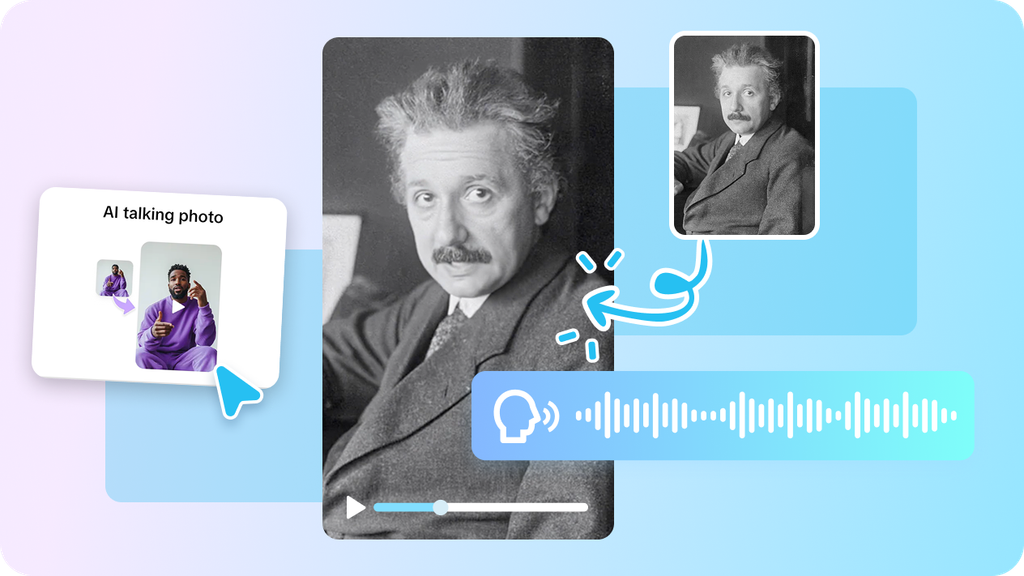
Museums are at their best when someone who loves the exhibits walks you through them. Now imagine that guide leading visitors through a gallery of inventions that don’t exist yet: pocket-sized weather machines, sky gardens that float above the city, lanterns that store your memories. A talking photo of an elegant curator, made in Pippit, can lead that tour with warmth and a little theatrical flair. You supply the inventions and the imagination, and the guide handles the explaining. If you’ve been looking for a creative way to present speculative ideas, this is it. Open Pippit and unlock the gallery doors.
A museum that only exists in your head
Pretend museums give you a rare kind of freedom. You can display a train that runs on tides, a coat that adjusts to the weather, or a lamp that glows with the colors of a good mood, and nobody asks for a patent. The challenge is making visitors believe it. That’s where a guide helps. A confident voice explaining how each invention works, who built it, and why it matters makes imagination feel like history. Think of it as a documentary and a daydream at once. Start by choosing a gallery theme, such as the future of travel or the future of home, so your exhibits connect and the tour feels planned.
Exhibits worth a stop
Here are a few invented exhibits to spark your own:
- A tide-powered railway that glides along the shoreline without a single engine.
- Memory lanterns that glow differently depending on the moment they captured.
- Pocket weather machines that create a tiny, private climate.
- A sky garden that migrates across the city following the sun.
- Translation scarves that turn every language into the wearer’s own.
Pick three to five, and give each a name that sounds like it belongs on a plaque.
Opening the gallery in three steps
Your guide is waiting at the entrance. Here’s how Pippit brings them to life.
Step 1: Introduce the curator
Log into Pippit, go to the Video generator.
Choose the option in the AI feature that will allow a static image to talk. Upload your guide’s picture by either clicking the box or dragging it there. The picture should be no less than 256×256 pixels. Make sure that you have permission to use it, and click Next.
Step 2: Write the tour
Choose Read out script and write down what your guide will tell you about each exhibit. Select the language, try several voices until you find a warm and knowledgeable voice, and add captions of your choice. Press Save. You can add your personal narration under the tab called Upload audio clip, or choose a trending clip.
Step 3: Publish the walkthrough
Press Export, enter a name for the video, select whether you need a watermark to be on it or not, set resolution, quality, frame rate, and the format of the video. Then press Download and save the walkthrough to your device.
Guide-speak that keeps visitors moving
Good museum guides blend facts with wonder. Start each exhibit with something visual, like “Notice how the light bends around this glass.” Then explain the idea in plain language. Share one surprising detail, such as the inventor’s first failed prototype, and end with a line that points to the next display. Keep sentences short and conversational, because visitors are meant to be walking, not reading. Ask the occasional question to draw people in, like “What would you carry in a memory lantern?” And avoid acronyms and heavy jargon. If a ten-year-old wouldn’t follow it, rephrase it. The goal is curiosity, not a lecture.
Echoes, hums, and gallery ambience
A museum feels like a place because of how it sounds, and SeedAudio 1.5 helps you build that space.
Room tone from a sentence
Describe a hushed gallery with soft footsteps and a faint hum from the exhibits, and you get ambience, effects, and any music together with the dialogue.
One reference voice, many exhibits
Give it a recording and the guide’s tone and accent stay steady across every stop. Add up to six references if you want other characters, such as a security robot or an inventor.
Sound that matches the visuals
If you’ve already built an animated exhibit, the model can read the video and create sound that follows the motion.
Cues on the exact beat
Use timestamps to make a chime or a soft whoosh land when the guide unveils a new invention.
Grouping exhibits into a tour that makes sense
A random list of inventions feels like a catalog. A tour has a path. Think about how visitors would move through the building and group exhibits by theme: travel in the first hall, home in the second, wonder in the last. Place the most impressive item near the end so the tour builds momentum. Add small bridges between sections, like “If you thought that was clever, wait until you see the next room.” Keep a map or numbered list so you know which clip goes where. Over time you can add new galleries, turning a single video into a growing collection.
Final touches before opening day
Pick a guide portrait that looks friendly and professional, with a face that’s clearly visible and well lit. Keep each exhibit clip short, around thirty seconds, and link them into a tour afterward. Check that captions don’t clash with your background. Listen for any tongue-twisters in your script, especially invented names, and adjust the spelling if the voice stumbles. Watch the video on a phone, since that’s likely how people will see it. And add one small detail that rewards a second viewing, such as a tiny joke in the last exhibit.
See you at the exhibit
Futuristic inventions deserve a guide who can make people believe in them. With Pippit, a single portrait becomes an expressive curator who leads visitors through your imagined gallery with confidence. Design your exhibits, write your tour, and let the doors swing open. Open Pippit today and welcome your first visitors.
