

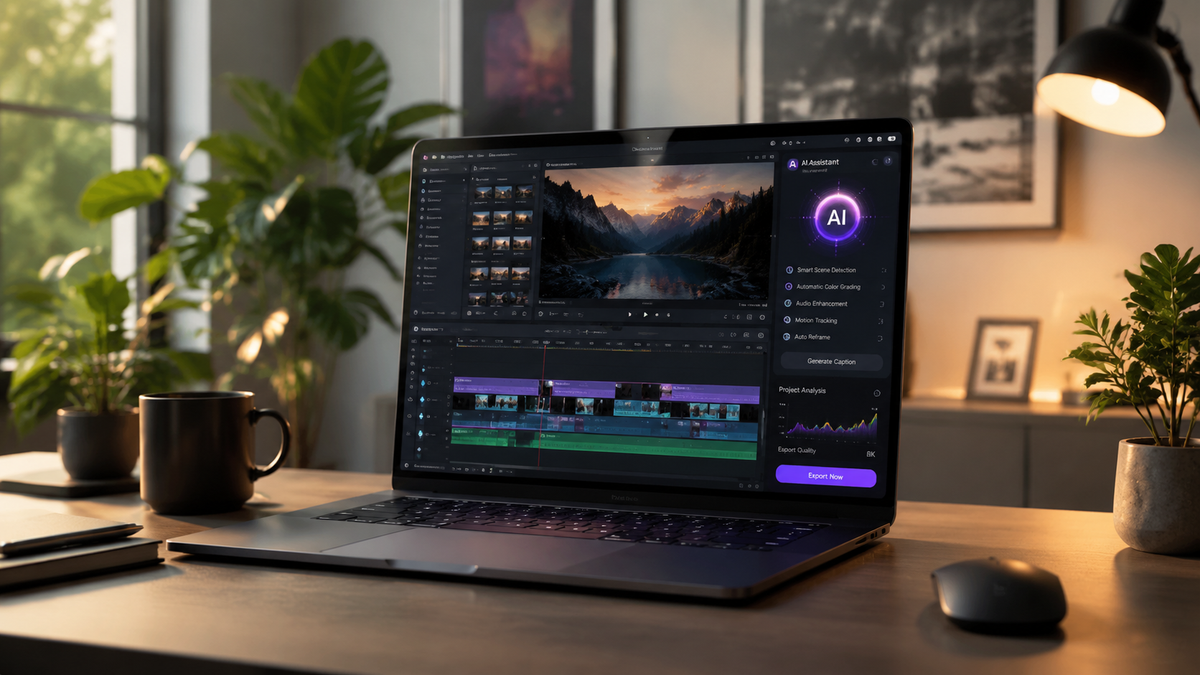
Ask any content creator or marketer what takes up the most time in their production workflow and video editing comes up consistently. The gap between raw footage and a finished, polished video that’s ready to publish has historically required either significant technical skill, expensive software, or both. Professional video editing tools like Adobe Premiere Pro and DaVinci Resolve are genuinely powerful — but they come with steep learning curves that take months to climb, subscription costs that add up quickly, and interfaces that feel built for professional editors rather than everyday creators who just need good output fast.
For most small businesses, marketers, and independent creators, the result has been a frustrating middle ground: too advanced for the tools they can actually use, too under-resourced to use the tools that would produce the results they want. AI video editing is closing that gap in 2026 in a way that’s practical enough for everyday use, not just impressive in a demo.
What an AI Video Editor Actually Does Differently
The distinction between traditional video editing and AI-assisted editing is worth understanding clearly before evaluating specific tools. Traditional editing requires you to make every decision manually — cut points, color grading, transitions, audio levels, caption placement, pacing. The software executes your decisions but doesn’t make them for you. The time and skill requirement is inherent to the process.
AI video editing shifts that dynamic by handling a significant portion of the decision-making automatically. Scene detection identifies natural cut points. Color grading can be applied intelligently based on the footage’s characteristics rather than manual adjustment. Captions can be generated and positioned automatically. Background removal works without careful rotoscoping. And in the most advanced implementations, footage can be transformed stylistically — changing the visual treatment, color story, or even the apparent lighting conditions of a clip — based on a natural language description of what you want.
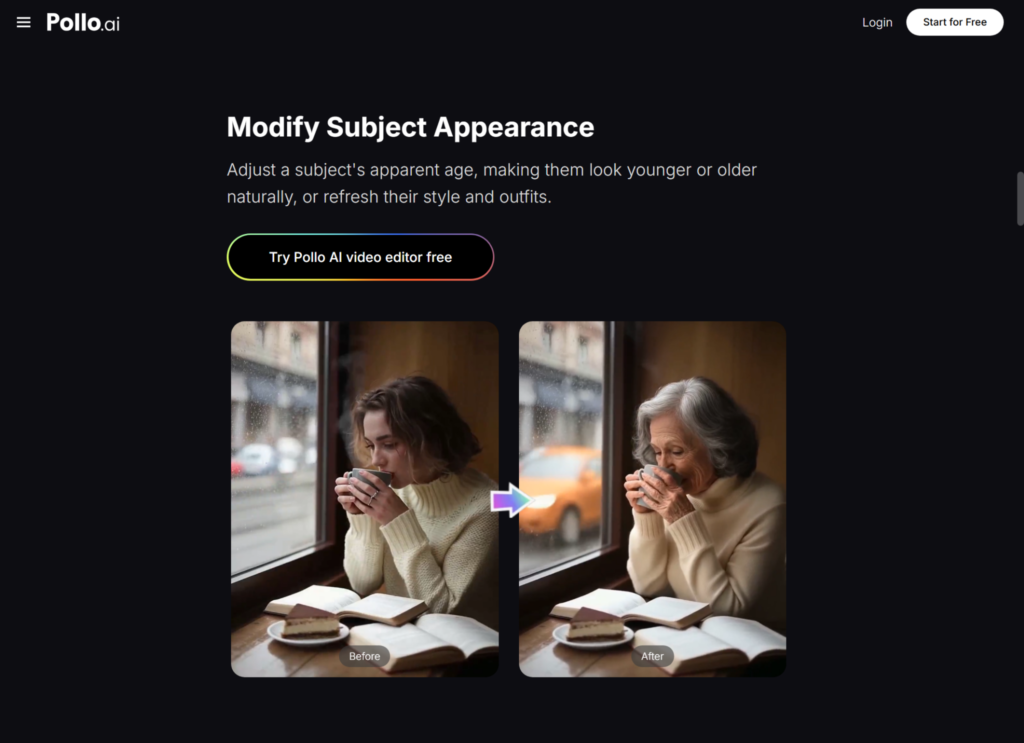
Pollo AI’s dedicated AI video editor inside its Creative Studio brings these capabilities into a multi-model environment that matters for the range of editing tasks creators and marketers actually face. Different generation and transformation models have different strengths across different types of footage and editing objectives — some excel at style transfer and visual transformation, others at motion enhancement, others at generating content to fill gaps in existing footage. Having access to multiple models within the same platform on shared credits means you can match the editing approach to the specific task rather than being limited by what a single tool can do.
Practical Applications for Creators and Marketing Teams
The editing tasks where AI assistance delivers the most immediate value break down fairly consistently across different creator types. For social media content creators, the highest-volume application is format adaptation — taking footage produced for one platform and adapting it for another, with the aspect ratio adjustments, pacing changes, and caption additions that each platform requires. What used to take hours of manual rework per piece of content can now be handled in a fraction of the time.
For marketing teams producing advertising content, AI video editing enables creative variation at a scale that changes the economics of systematic testing. Rather than producing one or two ad creatives and running them until fatigue, teams can generate multiple edited variations of the same footage — different cuts, different visual treatments, different caption approaches — and test them against each other across audiences and placements. The data that comes back from that testing compounds into better creative decisions over time.
For small business owners managing their own video content without a dedicated creator or editor, AI video editing removes the technical barrier that has historically made professional-quality output inaccessible. Recording decent footage has become easier as phone cameras have improved dramatically. Editing that footage to a publishable standard is where most non-technical creators have gotten stuck — and AI editing tools are where that bottleneck is being resolved.
Creative Studio: Where Video Editing Connects to Full Content Production
Video editing rarely happens in isolation from the broader content production workflow. The footage that gets edited needs to come from somewhere — and for creators using AI generation tools, that source is increasingly AI-generated video rather than recorded footage. Pollo AI’s Creative Studio connects the video editing capability to text-to-video generation, image-to-video generation, and audio tools within the same environment, which means the full production pipeline — from initial concept to finished, edited video — can happen without leaving the platform.
For marketing teams, the connection between the Creative Studio and the Marketing Studio is equally relevant. Edited video assets from the Creative Studio can flow directly into the Marketing Studio’s advertising and promotional content workflow — generating platform-specific ad formats from polished edited footage without additional reformatting or production steps. The Commerce Studio rounds out the platform for e-commerce businesses, connecting product imagery production to video content creation under the same shared credit system.
Dreamina AI and the Broader AI Creative Landscape
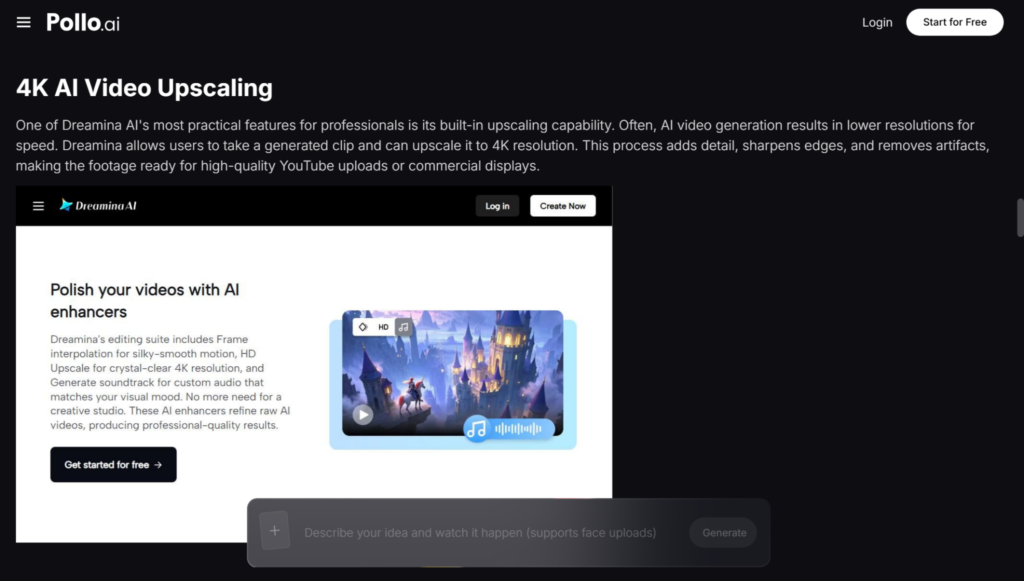
Understanding the full range of AI video and creative tools available helps creators and marketing teams make more deliberate decisions about which capabilities belong in their workflow. Dreamina AI has built capabilities in AI image and video generation with a particular orientation toward creative and artistic output — it’s worth exploring for creators whose work involves stylized or illustrated visual content rather than the photorealistic or commercial production aesthetic that most marketing video requires.
The distinction between tools optimized for creative artistic exploration and those optimized for commercial content production reflects genuinely different output requirements. For creators who need both — artistic content for personal projects and polished commercial content for clients or their own marketing — understanding which tool serves which objective helps you build a more intentional workflow rather than trying to force one platform to handle both.
Building a Sustainable Video Production Habit
As technology continues to shape industries and everyday life, AI tools are increasingly making complex creative capabilities accessible to a much wider range of people. The creators and marketing teams getting the most consistent value from AI video editing in 2026 have made the same structural shift: they’ve stopped treating high-quality video output as something that requires special effort and started treating it as the default standard for anything they publish.
That shift is supported by a few practical workflow habits. Establish the output formats and quality standards for each channel before you start editing — knowing exactly what a finished TikTok, Instagram Reel, or YouTube video needs to look and feel like makes the editing direction more precise and the output more consistent. Build prompt templates or editing presets for recurring content types so you’re not making the same creative decisions from scratch every time. And produce more than you publish — generating and editing extra variations gives you options to select the strongest output rather than being committed to whatever came out first.
In 2026, video content is the primary format through which brands, creators, and businesses communicate — and the tools that make producing it at a professional standard accessible to everyone are available now. Building the workflow habits around them is what separates consistent, high-quality video output from occasional production when time and budget allow.
