

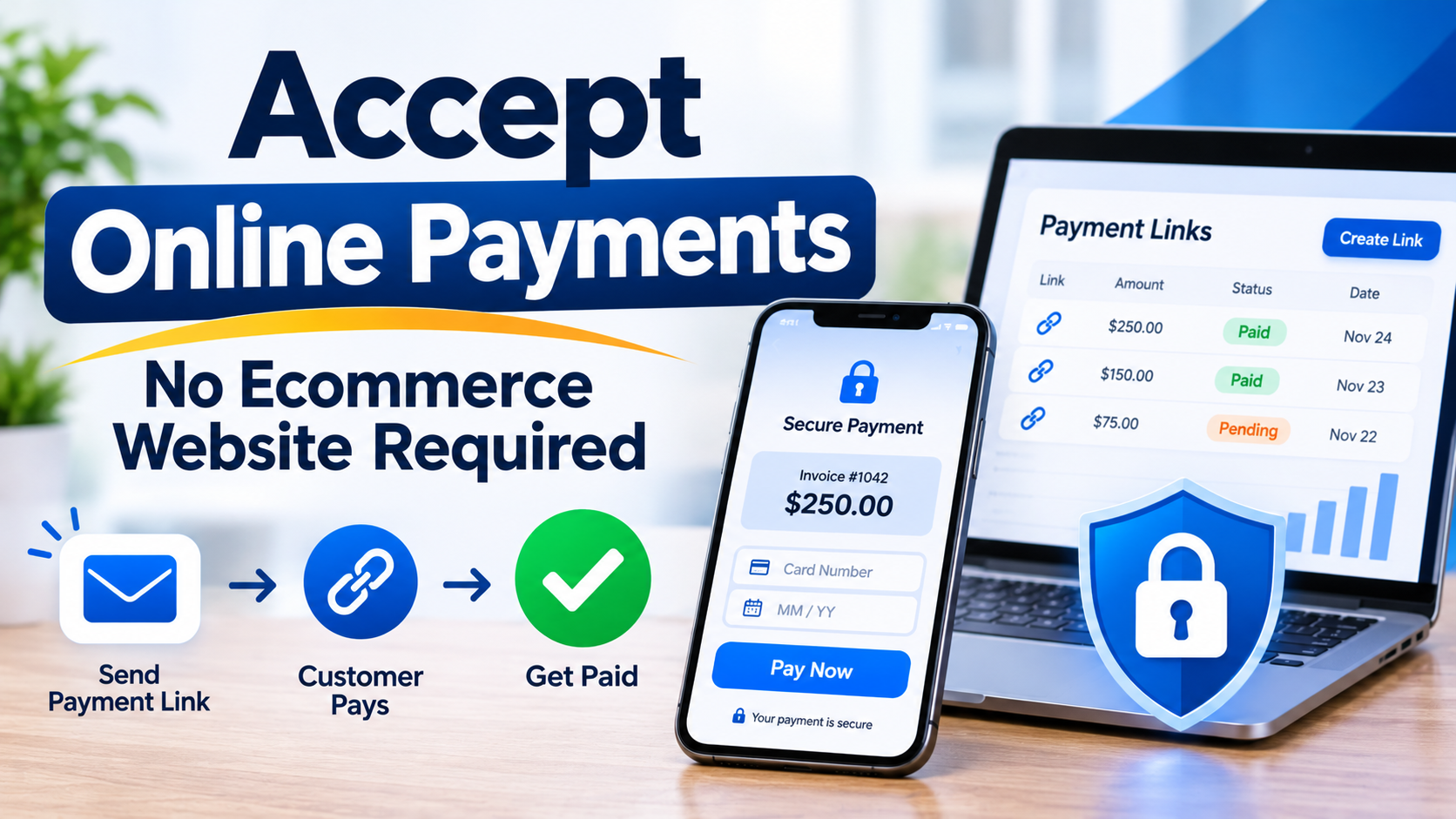
A business does not need an ecommerce website to accept credit cards online. One of the simplest options is a payment link: create the amount, send the secure link by email or text, and let the customer enter their own payment details.
For many service businesses, that is enough.
A contractor may need a $1,000 deposit before scheduling a project. An accountant may want a client to pay an outstanding balance. A wholesaler may be following up on an invoice that reached its due date.
None of them necessarily needs a shopping cart.
What they need is a safe path from “you owe us” to “paid.”
This is where payment links become particularly useful. Instead of investing in a complete ecommerce website, merchants can collect payments through a simple URL that customers can open from their phone, tablet or computer. It removes several steps from the payment process and gives businesses another way to get paid without changing how they communicate with customers.
How Do Payment Links Work?
The process is relatively straightforward. A business creates a payment request through its payment provider, enters the amount and adds any relevant information, such as an invoice number, service description or customer reference. The provider generates a payment link that can be shared through email, SMS or another communication channel.
The customer opens the link and reaches a hosted payment page. They enter their card details, review the amount and complete the transaction. Once the payment is processed, the merchant can check its status through the payment dashboard.
This approach is especially helpful for businesses that do not sell standardized products. A consultant, repair service or independent professional may charge different amounts depending on the work involved. A payment link allows them to collect those amounts without creating individual product listings or setting up a traditional online store.
This is where a payment link differs from asking for card information by email. The customer should never have to type a card number, expiration date and security code into a normal email message. Instead, the email contains only the link; the payment details are entered on the hosted payment page.
RapidCents offers secure payment links for businesses that can be sent by email or SMS. A merchant can set the amount, add an invoice or job reference, establish an expiry date and allow partial payments when appropriate.
The dashboard then shows whether the request is still open, partially paid, completed or expired.
For businesses serving customers in the United States, RapidCents also provides online payment links, offering another relevant option to explore when choosing a way to collect payments without building an ecommerce website.
Payment Links vs. Invoices: What’s the Difference?
Payment links and invoices are related, but they are not identical.
An invoice explains what the customer purchased, including line items, taxes and payment terms. A payment link is primarily an easy way to collect the money.
For detailed professional work, send an invoice with a payment option. For a deposit, outstanding balance or agreed amount, a standalone link may be faster.
That distinction keeps the process simple.
For example, an accounting firm might send a detailed invoice showing consulting hours, service charges and applicable taxes. A customer can review the document and use the payment link to settle the balance. A home renovation contractor, on the other hand, might simply send a link requesting an agreed deposit before purchasing materials.
The right approach depends on what the customer needs to see before paying. When the amount requires an explanation, an invoice provides useful context. When both parties have already agreed on the amount, a direct payment link can save time.
Which Businesses Can Accept Payments Without an Ecommerce Website?
Payment links are not limited to online retailers. They can work for a wide range of businesses that need to collect money remotely.
Examples include:
· Consultants and freelancers: Collect project deposits, milestone payments and outstanding balances.
· Contractors and home service providers: Request deposits before starting installation, repairs or maintenance work.
· Professional service firms: Accept payments for accounting, legal, consulting and other professional services.
· Wholesalers and distributors: Collect payments from existing customers without requiring them to place orders through an online store.
· Small businesses: Send payment requests to customers who prefer paying remotely rather than visiting a physical location.
For these businesses, the main benefit is flexibility. They can continue finding customers, discussing projects and sending quotes through their existing channels while using a secure payment page to handle the financial side.
What Should You Look for in a Payment Link Provider?
Not every payment solution offers the same features. Before choosing a provider, businesses should look beyond the ability to generate a URL.
Security should be a priority. Customers should be directed to a hosted payment page where card information can be entered securely rather than shared through ordinary messages.
Merchants should also check whether they can customize payment amounts, include references, set link expiration dates and monitor transaction statuses. Partial payment options can be useful for businesses collecting deposits or accepting installments.
Reporting is another important consideration. Being able to identify completed, pending and expired payment requests makes it easier to follow up with customers and keep financial records organized.
Transaction fees, settlement times, supported payment methods and customer support should also be considered before making a decision.
Do You Really Need an Ecommerce Website to Accept Credit Cards Online?
Not necessarily.
If your business primarily sells services, collects deposits or sends invoices, a payment link may provide everything you need to receive online payments. An ecommerce website becomes more useful when customers need to browse product catalogs, compare options, manage shopping carts and place orders independently.
Customers should not have to learn your accounting system just to pay you.
Give them the amount, a secure place to enter their card and a clear confirmation when the payment is complete.
For many businesses, that is all it takes to start accepting online payments without the cost and complexity of building a full ecommerce website.
