

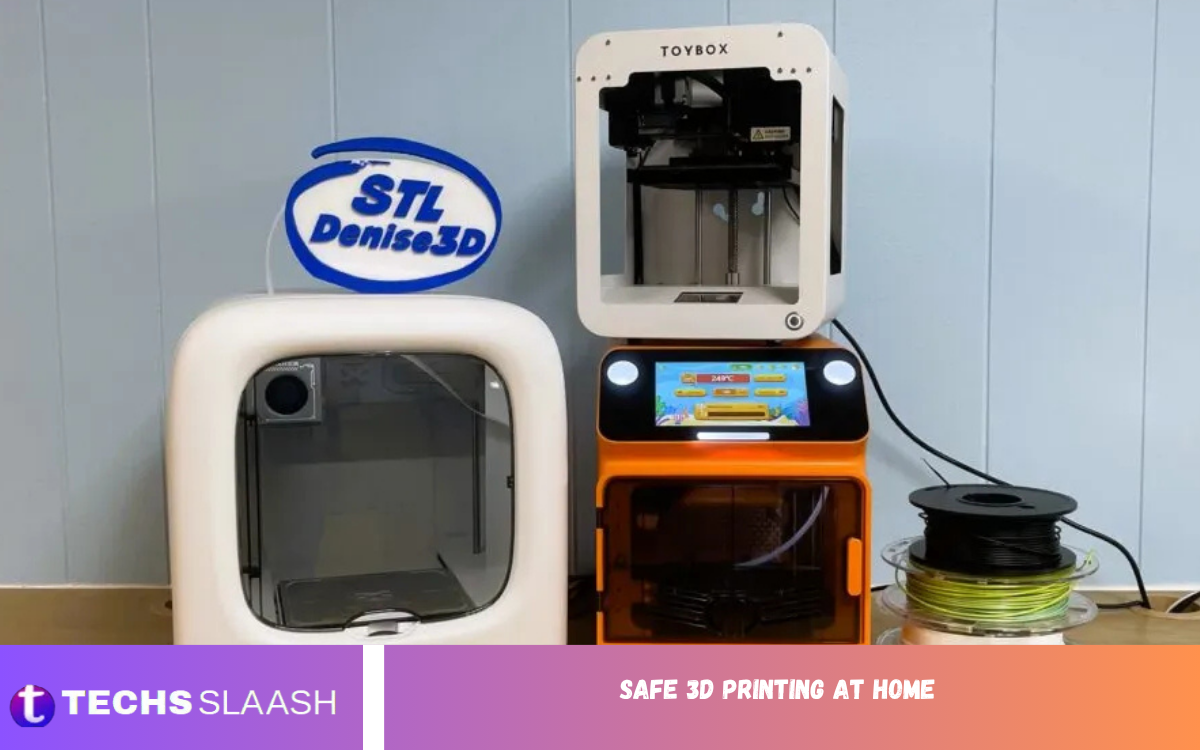
3D printing has become a popular hobby for creating prototypes, household items, decorations, replacement parts, and creative projects. However, using a 3D printer at home requires more than simply loading filament and starting a print. Heat, moving components, electrical systems, fumes, particles, and printing materials can pose hazards if the equipment is used carelessly.
Safe 3D Printing at Home starts with understanding these risks and building good habits before operating the machine. Organizations such as NIOSH identify potential exposure to ultrafine particles, volatile and semi-volatile organic compounds, heat, moving parts, electrical hazards, and chemicals as important considerations for 3D printer users.
Choose the Right Location for Your Printer
The location of a 3D printer plays an important role in home safety. Place the machine on a stable, level, non-combustible surface where it cannot easily be knocked over. Keep it away from curtains, paper, clothing, cardboard, and other materials that could ignite if a component overheats or fails.
A well-ventilated workspace is also important because some 3D printing processes release ultrafine particles and chemical emissions. Avoid placing a frequently used printer directly beside your bed, in a small enclosed bedroom, or in an area where people spend long periods sitting close to the machine.
Understand 3D Printing Materials
Different printing materials can produce different emissions and require different handling procedures. Common FDM materials include PLA, PETG, ABS, ASA, TPU, nylon, and other specialty filaments. The temperature, additives, pigments, and polymer type can influence the particles and chemicals released during printing.
PLA is commonly selected by beginners because it generally has lower emissions than several higher-temperature engineering materials, but lower emissions do not mean zero emissions. NIOSH and other safety organizations recommend considering the material, printing conditions, ventilation, and exposure time when establishing a safe workspace.
Improve Ventilation and Air Quality
Ventilation is one of the most important parts of Safe 3D Printing at Home. Heating plastic can release ultrafine particles and volatile organic compounds into indoor air, and these pollutants can remain suspended for a period of time depending on the printer, material, room size, temperature, and ventilation conditions.
Whenever practical, operate the printer in a well-ventilated area and consider source-control measures such as an enclosure with appropriate filtration or exhaust. A combination of source control, ventilation, and air cleaning can reduce exposure more effectively than relying on room ventilation alone.
Use Enclosures When Appropriate
An enclosure can help control emissions and provide additional protection around the printer. It can be especially useful when printing materials that require higher temperatures or may produce greater chemical emissions. However, simply putting a printer inside a closed box does not automatically make the setup safe.
An enclosure should be designed with the printer’s operating temperature, ventilation, filtration, electrical requirements, and manufacturer’s instructions in mind. For materials with higher emission concerns, controlled exhaust or suitable filtration can be particularly valuable. The goal is to prevent concentrated emissions from simply being trapped and later released into the living space.
Handle Resin Printers Carefully
Resin-based 3D printers require additional precautions because the liquid photopolymer resin differs from ordinary filament. Resin can come into contact with skin during filling, printing, cleaning, or removing finished models, so careful handling is essential. NIOSH identifies solvents used during post-processing as another potential hazard because some can irritate the eyes or respiratory system and may create flammable vapors.
Keep resin containers closed when not in use, follow the manufacturer’s safety instructions, and use appropriate protective equipment during handling and cleaning. Resin work should take place in a controlled, ventilated area away from food, children, and pets. Never treat uncured resin as if it were an ordinary finished plastic object.
Prevent Burns and Heat-Related Injuries
3D printers operate with components that can become extremely hot. The nozzle, heated bed, and recently printed objects may remain hot even after a print has finished. Touching these components without checking their temperature can cause painful burns.
Keep hands, loose clothing, hair, and other objects away from moving and heated components while the printer is operating. Allow hot parts to cool before maintenance, cleaning, or removal whenever possible. Heat is a recognized safety concern in 3D printing, including the possibility of burns and fire caused by overheating.
Reduce Electrical and Fire Risks
Electrical safety should never be overlooked when practicing Safe 3D Printing at Home. Inspect power cables, plugs, connectors, and other electrical components regularly for damage. Avoid using questionable extension cords, damaged power supplies, loose connections, or overloaded electrical outlets.
Fire prevention is equally important because 3D printers combine electricity, heating elements, plastics, and long operating periods. Keep combustible materials away from the printer, maintain the equipment according to the manufacturer’s instructions, and investigate unusual smells, noises, smoke, overheating, or repeated errors instead of continuing the print. 3D printer safety guidance specifically identifies heated components, electrical hazards, and fire risks as areas requiring control.
Maintain Your 3D Printer Regularly
Regular maintenance improves both print quality and safety. Check belts, screws, fans, cables, hotend components, build surfaces, and moving assemblies according to the manufacturer’s maintenance recommendations. Dust and accumulated debris should also be removed carefully because they can interfere with cooling and mechanical operation.
Do not perform maintenance while the machine is operating unless the manufacturer specifically provides a procedure that requires it. Turn the printer off and disconnect power when appropriate before working on electrical or mechanical components. Good maintenance reduces unexpected failures and helps identify worn parts before they become larger problems.
Read Also: Software Growth in 2026: AI or Not
Practice Safe Printing Habits
Safe printing involves more than the equipment itself. Avoid standing directly beside the printer for unnecessary periods, particularly during long prints. If the printer is operating in a shared living area, consider how its emissions, heat, noise, and moving parts could affect other household members.
Keep the workspace organized and avoid placing food, drinks, cosmetics, or personal items near the machine. Use appropriate tools to remove prints and support structures, as sharp scrapers and freshly cut materials can cause cuts or punctures. NIOSH notes that hazards can occur before, during, and after printing, as well as during cleaning or maintenance.
Keep Children and Pets Away
Children and pets can be particularly vulnerable to the physical hazards of a 3D printer because they may touch hot components, interfere with moving mechanisms, or accidentally pull on cables. A printer should therefore be positioned where unauthorized access is difficult.
Consider using a dedicated workspace, enclosure, barrier, or other practical control measures to prevent accidental contact. Explain basic printer safety to older children who may be interested in the hobby, but never assume that curiosity replaces supervision. A safe workspace should protect everyone in the household, not just the person operating the printer.
Use Personal Protective Equipment Wisely
Personal protective equipment can provide an additional layer of protection during specific tasks, particularly resin handling, cleaning, maintenance, or print removal. However, protective equipment should not be treated as a replacement for proper ventilation, source control, safe materials, and good equipment maintenance.
For resin handling and chemical cleaning, follow the safety information supplied with the specific product and use suitable protection. During mechanical tasks, eye protection may be appropriate when removing supports or working with tools. The best approach is to reduce hazards at their source before relying on personal protective equipment.
Know When to Stop a Print
Knowing when to stop a printer can prevent a minor problem from becoming a serious incident. Stop the machine if you notice smoke, unexpected overheating, damaged electrical cables, unusual burning smells, uncontrolled movement, repeated mechanical failures, or other conditions that suggest malfunction.
Do not ignore warning signs simply because the printer has successfully completed previous jobs. Allow the equipment to cool when necessary, disconnect power when appropriate, and inspect the issue according to the manufacturer’s instructions. If an electrical or mechanical fault cannot be safely diagnosed, professional assistance is preferable to experimenting with potentially hazardous components.
Safe Post-Processing and Cleanup
Finishing a 3D print can introduce additional risks. Removing supports, sanding surfaces, cutting filament, cleaning resin prints, and handling solvents can create particles, sharp edges, or chemical exposure. Use suitable tools and protective measures for the particular material and finishing process.
Keep the work area clean after every project. Dispose of waste according to the instructions applicable to the material and chemicals being used. For resin printing especially, prevent uncured resin and contaminated materials from spreading onto household surfaces, clothing, or objects that may later come into contact with people.
Create a Safe Home Printing Routine
A consistent routine makes Safe 3D Printing at Home easier to maintain. Before every print, inspect the machine, confirm the correct material and settings, check the workspace, and make sure ventilation or filtration is operating as intended. During longer jobs, remain aware of the printer’s condition rather than assuming every print will finish normally.
After printing, allow hot components to cool, clean the workspace, and check the finished model for defects. Over time, these simple habits become part of normal printer operation, reducing preventable accidents and improving reliability and print quality.
Frequently Asked Questions
Is 3D printing safe to do at home?
3D printing can be used safely at home when appropriate precautions are taken. The main considerations include emissions, heat, moving components, electricity, fire risk, and the specific material being printed.
Is PLA safe for home 3D printing?
PLA is generally considered a lower-emission choice than several other common printing materials, but it still produces ultrafine particles and chemical emissions when heated. Good ventilation and sensible exposure controls remain recommended.
Should a 3D printer be placed in a bedroom?
A bedroom is generally not an ideal location for a frequently used printer, particularly when ventilation is limited. A dedicated, well-ventilated workspace is preferable because emissions can remain in indoor air after printing.
Do I need an enclosure for my 3D printer?
An enclosure can be useful for controlling emissions, improving temperature stability, and adding physical protection. Its usefulness depends on the printer and material, and it should be paired with appropriate ventilation or filtration when needed.
Are resin 3D printers safe at home?
Resin printers require additional precautions because uncured resin and cleaning chemicals require careful handling. Proper ventilation, suitable protective equipment, controlled storage, and careful post-processing are important.
Can 3D printers cause fires?
A 3D printer contains heating elements and electrical components, so fire is a potential hazard. Keeping the machine maintained, placing it away from combustible materials, and responding to abnormal behavior can reduce risk.
Should I leave my 3D printer running overnight?
Leaving a printer operating unattended increases the time during which a malfunction could go unnoticed. For safer home use, avoid unattended printing unless you have carefully assessed the equipment, environment, and manufacturer’s safety features.
Do 3D printers release harmful fumes?
Some 3D printing processes release VOCs, semi-volatile organic compounds, and ultrafine particles. The amount and type depend on factors such as the printer, material, temperature, and printing conditions.
Is ventilation enough for safe 3D printing?
Ventilation is an important control, but it is only one part of a broader safety strategy. Material selection, source control, enclosure design, filtration, printer maintenance, and exposure time should also be considered.
What is the most important home 3D printing safety rule?
The most important rule is to understand the hazards of your particular printer and material before operating it. Keep the printer maintained, control emissions, protect against heat and electrical hazards, and never ignore unusual behavior.
Conclusion
Safe 3D Printing at Home is achievable when the hobby is approached with the same attention given to any equipment that combines heat, electricity, chemicals, and moving parts. Choosing a suitable location, selecting appropriate materials, maintaining ventilation, controlling emissions, and keeping combustible items away from the printer can significantly improve the safety of a home workspace.
The safest approach is not to rely on a single solution. Instead, combine source control, good ventilation, responsible material handling, regular maintenance, fire awareness, and sensible operating habits.

1 Comment
Pingback: Expired Salt Water Pool Test Kit: What Happens - Techsslaash.com