

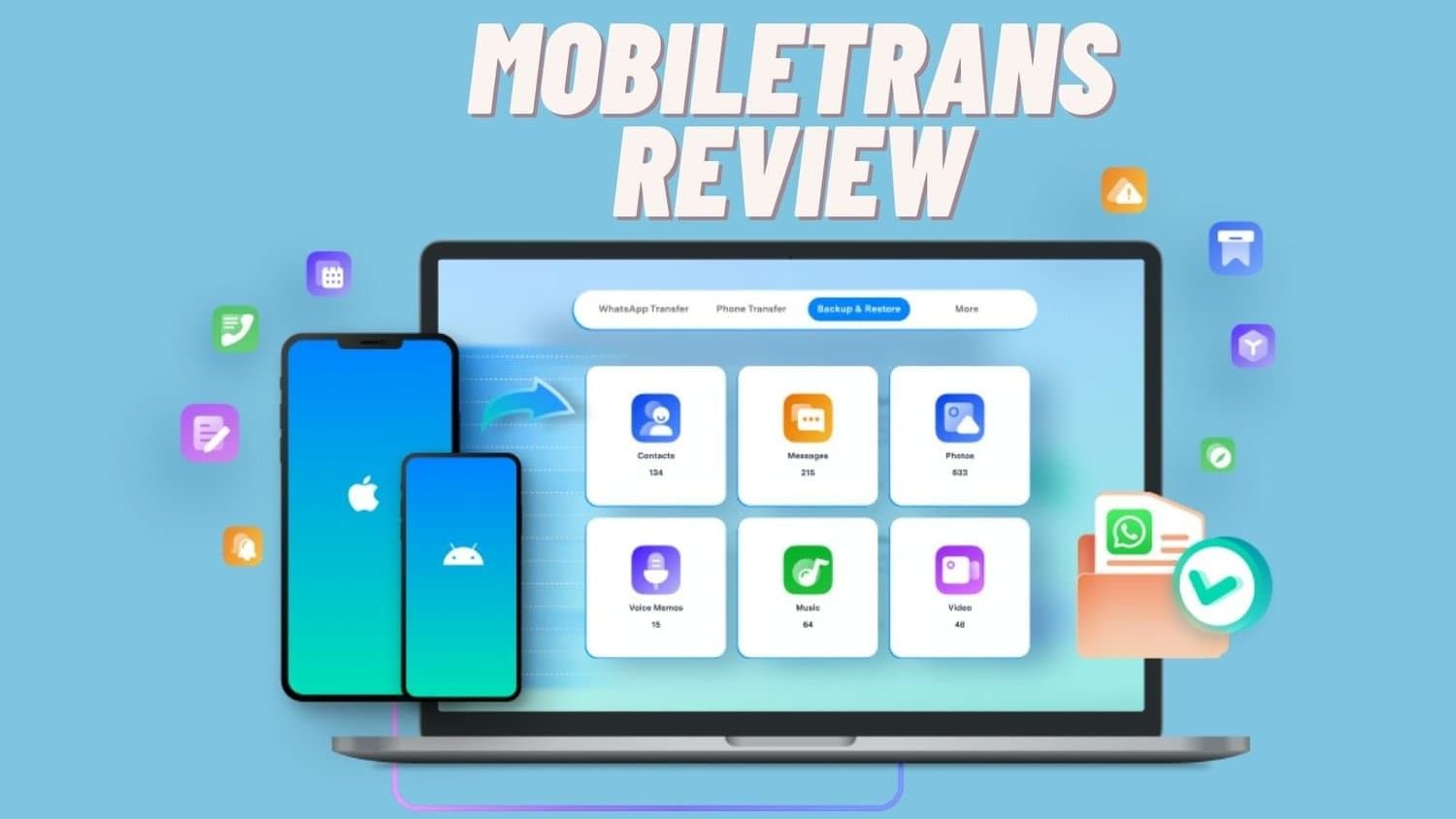
Upgrading a phone is always an exciting process that is associated with improved performance, new functions, and a new start. However, this excitement is often followed by a chore that takes hours of the user’s time, which is to copy data from the old device.
There are some unpleasantries involved in the process, like the problem of incompatibility of operating systems, the problem of data loss in the transition, and the cumbersome process of moving applications, contacts, pictures, documents, and other important files. For many, the sentimentality of losing one’s mobile phone entails sacrificing cherished moments, data contacts, and other vital information to upgrade to a new phone.
Transfers between systems, like moving from an Android phone to an iPhone or the other way around, are even more complicated. This frequently appears as difficulties with file formats, limitations set by the operating system, and problems with certain software applications, making the task all but insurmountable.
About Wondershare

Specifically, Wondershare was established in 2003, and today, it is a renowned international software company. This business was founded as it seeks to offer various solutions for software that would improve users’ interactive experiences. Over the years, Wondershare has come up with various software that is in the market for various people to consume in their daily activities. The focus on companies’ innovative approach and high-quality products is testified by millions of customers all over the world.
Mission and Global Reach
Wondershare’s mission is to make people around the world achieve their goals and make the world a happier, more imaginative place to live. This mission is seen in the company’s production of strong yet easy-to-use and accessible solutions to existing problems. Catering to the users, Wondershare ensures that technology is friendly and promotes possibilities that allow people to accomplish their tasks creatively and effectively.
Wondershare is a company with international coverage. Its products are used by millions of people in more than 150 countries. Such a wide coverage can be attributed to the firm’s expertise in satisfying the needs of multiple customers.
Introducing Wondershare MobileTrans
Among the products, which are developed by Wondershare company, one of the most important and unique is MobileTrans – the tool that transfers information between two phones easily. Wondershare MobileTrans addresses one of the most common pain points for smartphone users, as they are able to prevent the tedious process of transferring data when one wishes to change their phone.
MobileTrans is distinguished by the reliability of its features and an intuitive shell, so it is used by millions of people. The supported formats of data are contacts, messages, photos, videos, music files, and applications. Furthermore, MobileTrans supports more than 6000 mobile devices and integrates the Windows and Mac versions perfectly.

Official Website and Resources
Key Features of Wondershare MobileTrans
Phone-to-Phone Transfer
Utilizing Wondershare MobileTrans, it is possible to transfer data between two phones as easily and effectively as possible. This feature enables users to share data from one phone to another without stressing how to go about the process or even requiring the services of an expert.
This is due to the fact that the software is equipped to transfer virtually any kind of data across your machines so your important data does not have to be left behind. The migration is saveable with contacts, messages, call logs, photos, videos, music, calendars, applications, and even application profiles. This full-spectrum support implies that you don’t have to lose any important data within the migration process.
Easy:
- Perhaps, the strengths inherent in Wondershare MobileTrans include the simplicity of the operations that are copied from one device to another; the interface is clear and has tips. Only the client has to choose what kind of information the old and the new device have to exchange and start the process of sharing the information. It is used to address issues that are related to data conversion and complete the entire transfer efficiently.
Simple:
- The simplicity of the MobileTrans platform, recognizing that it is a transfer tool, entails that the users are steps through a clear and straightforward process. The set instructions and practical guidelines that can be observed during navigation imply simplicity of potential usage through a clear icon matrix for both – IT professionals and those who are not too tech-savvy. MobileTrans offers a rather clear interface whether you are migrating data from one platform to another or from one version of a platform to another within the same system.
Quick:
- Due to the immediacy and convenience of the transfers, it could be coincidental that the transfer remains fast and efficient.
- One perk of utilizing Wondershare MobileTrans is the relative speed at which the program works. The software is well designed to have the capability of copying huge amounts of data in the shortest time possible. In the best case scenario it might take a user up to a few minutes to accomplish a data transfer if the amount of data on the disk is significant. This fast transfer speed negates a lot of down time and users can start using their new device with all their data copied over and in tact without any delays.
Support for Most File Types:
- MobileTrans can transfer 18 types of data in its supported models. Some of the items include contacts, photos, messages, applications, music, notes, videos, and so on. This kind of support is all-around; hence, when you transfer from one phone to another, you will not lose any data.
Best Privacy Protection:
- This software tool is secure and keeps the user’s privacy intact as it was designed with this in mind. The software never stores any data before the user permits it to do so, thus, our data is safe during the transfer process.
Moving to New Systems or New Handsets
Android to iPhone
Therefore, the transition of people from an Android operating system to the iPhone is not an easy task because the two systems are uniquely distinct. Some of the problems relate to compatibility, file formats, and the number and types of apps available. People have challenges in migrating contacts, messages, photos, multimedia, and other data from one device to another without data loss.
Cross-platform transfer often becomes a complicated task, but with Wondershare MobileTrans, this becomes very easy. This application helps to migrate all types of necessary data like contacts, messages, images, videos, and applications from one Android phone to an iPhone. MobileTrans is designed to take care of many details of data conversion and compatibility to make the process flawless and ensure that the data will not be lost.
iPhone to Android
Switching between an iPhone and an Android device is just as easy with Wondershare MobileTrans as well. The software essentially has pre-solved many problems, among them including copying iMessages, photos, videos, contacts, and applications data.
MobileTrans helps this process by preserving the data and, at the same time, ascertaining that all bytes are properly formatted to be readable by the Android operating system. The process is rather comprehensible, and in order to transfer the money, it takes several easy steps; thus, the application is suitable for everybody regardless of the level of one’s IT experience.
Android to Android and iPhone to iPhone;
But for the users who are upgrading from one phone to another but with the same platform, Android to Android or iPhone to iPhone, Wondershare MobileTrans ensures that the process of upgrading is unearthing. The software enables one to transfer all the data ranging from contacts, messages, call logs, photos, videos, music among other items, and even applications.
This abolishes the inconvenience of having to back up files manually and carry out restores, which can prove to be cumbersome. MobileTrans helps to organize all these steps, resulting in users of this application immediately starting to use a new device, having all the data from the old one.
In mitigating the issue of transfers between the platforms and enhancing the transition procedures between the different phases of the same platform, MobileTrans for Wondershare brings nothing more than a befitting solution for all your data transfer requirements. This makes it highly helpful for anyone who is using one operating system and wants to shift to another operating system phone.
How to Use Wondershare MobileTrans?
Download and Install MobileTrans

Before any procedure, which will be described further, you should download and install Wondershare MobileTrans on your computer. Visit the official download address at https://mobiletrans.wondershare.com/ and after the separation by the streaming type and by client category, use the mobile transaction as a sorting criterion.
Go to the download button between the Windows version and Mac version of the present software. When the downloading process is done, double click the installer file to launch the installation process of MobileTrans and then complete the installation.
Connect Your Devices

To do this, after installing the MobileTrans, open it. Plug both the old and new devices into your computer, via their individual USB cables. Make sure that both devices would be correctly identified by the specific software you are going to use. This will mean that MobileTrans will show both the source which in this case is the old device and the destination, which in this case is the new device. Check the positions; if they are incorrect, click the “Flip” button beside the drag-and-drop area.
Select the Transfer Mode

Subsequently, locate and select the ‘phone to phone transfer’ option from the main interface of the program. This mode is aimed at relating two mobile devices and requires data exchange between them. After that, a list of data types available for the transfer appears: Contacts, messages, photos/media, videos, music, applications, and others. To start exporting data, select the data types you want to transfer by ticking the relevant check boxes.
Start the Transfer

When you have identified the data type that you want to transfer, click on the start button to begin the transfer process. Transferring will start transferring the selected data from the source device to the other device, that is, the destination device of MobileTrans. The extent of the transfer will be shown on the display so you can track the progress. As the transfer progresses, make sure that both devices are connected to the computer for continuous connection.
Complete the Transfer
When the transferring is done, the program, MobileTrans will let you know it is complete. You can then remove both the device from your computer safely and the process is complete. All the chosen data will now be accessible on the new device; no data will be lost throughout the transfer process.
Wondershare MobileTrans User Guide
Link to the Detailed User Guide
For a comprehensive understanding of how to use Wondershare MobileTrans, you can refer to the detailed user guide available at https: The first change is the format of the website, and its content and services must be accessible to mobile users through mobile trans. https://mobiletrans.wondershare.com/guide/.
Overview of the Guide’s Content
To use all the features of Wondershare MobileTrans, the user guide gives each procedure through which the users can easily operate the application. This is a comprehensive guide on how to install and configure the App on various devices; besides learning how to transfer apps between various platforms and how to backup app data, and lots more.
As has been mentioned previously, there are separate sections in the guide that provide readers with systematic means of locating the necessary data. Users can learn how to:
- Ensure that they download and install MobileTrans on their computer and launch it.
- Identify and/or connect to their devices.
- Select and start the various categories of transfers.
- Handle common troubleshooting issues.
- In addition, other features like data backup and restore can be used.
Conclusion
Wondershare MobileTrans is a great tool to transfer files between your PC or Mac and devices for the following reasons:
MobileTrans for phone transfer from Wondershare is arguably one of the most efficient and secure ways to transfer data from one phone to another. Lots of options for data types – up to 18, compatibility with over 6000 devices, and, at last, privacy – MobileTrans is a tool that will make the switch to a new device easy. This application is easy to use and useful to all categories of users because of its fast rate of file transfer.
