

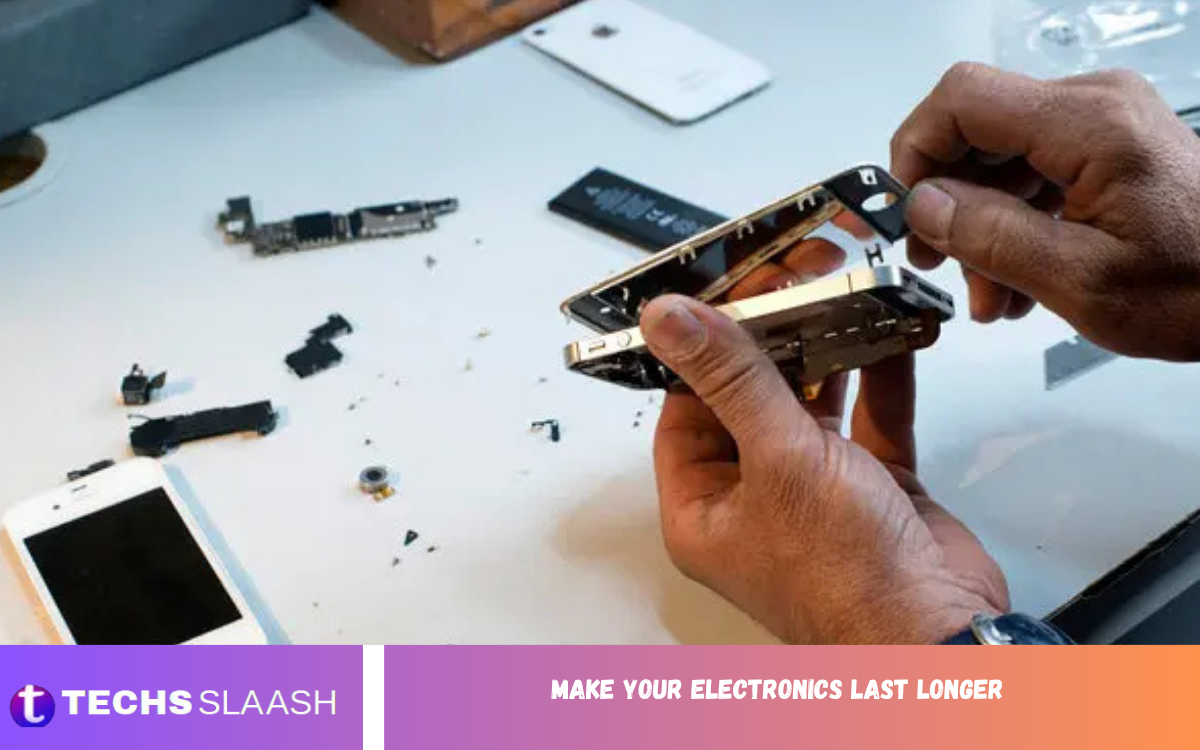
Electronic devices have become an essential part of everyday life, from smartphones and laptops to televisions, gaming consoles, and home appliances. As technology continues to evolve, replacing gadgets can be expensive, making it more important than ever to extend the lifespan of your electronics.
Making your electronics last longer doesn’t require advanced technical skills. Simple habits such as keeping devices clean, protecting them from overheating, updating software regularly, using quality accessories, and charging batteries correctly can significantly increase their durability.
Why It Is Important to Make Your Electronics Last Longer?
Extending the life of your electronic devices offers several advantages.
Some of the biggest benefits include:
- Lower replacement costs
- Better long-term performance
- Reduced electronic waste
- Improved reliability
- Greater return on investment
- Better resale value
- Reduced environmental impact
A few minutes of maintenance every month can save hundreds of pounds or dollars in repair or replacement costs over time.
Keep Electronics Clean
Dust and dirt are among the biggest enemies of electronic devices.
Dust blocks ventilation systems, traps heat, and causes internal components to work harder than necessary.
To clean electronics safely:
- Use a microfiber cloth
- Avoid excessive moisture
- Clean screens with approved screen cleaners
- Remove dust from vents using compressed air
- Clean keyboards regularly
- Keep charging ports free from debris
Never spray liquid directly onto electronics.
Instead, apply cleaner to a cloth first.
Protect Devices from Overheating
Heat is one of the leading causes of electronic failure.
When internal temperatures remain high for extended periods, batteries, processors, and storage devices wear out faster.
To prevent overheating:
- Keep air vents unobstructed
- Use laptops on hard surfaces
- Avoid direct sunlight
- Keep devices away from heaters
- Clean cooling fans regularly
- Consider cooling pads for gaming laptops
Proper ventilation significantly improves device longevity.
Charge Batteries Correctly
Battery health directly affects smartphones, laptops, tablets, and wireless accessories.
Good charging habits help batteries maintain capacity for longer.
Best practices include:
- Avoid letting batteries reach 0% regularly
- Keep battery levels between 20% and 80%
- Use manufacturer-approved chargers
- Avoid overnight charging whenever possible
- Keep batteries cool while charging
- Unplug devices after reaching full charge
Modern lithium-ion batteries perform best when they avoid frequent deep discharge cycles.
Use Original or Certified Accessories
Cheap accessories may save money initially but often damage electronics.
Low-quality chargers and cables can:
- Deliver unstable voltage
- Cause overheating
- Damage charging ports
- Reduce battery life
- Create safety hazards
Always purchase certified accessories from trusted manufacturers.
Quality accessories protect both your device and your investment.
Update Software Regularly
Software updates are not only about new features.
They often include:
- Security patches
- Battery optimisations
- Bug fixes
- Performance improvements
- Hardware compatibility updates
Keeping operating systems and applications updated ensures devices continue operating efficiently.
Enable automatic updates whenever possible.
Install Reliable Antivirus Protection
Computers and smartphones face increasing cybersecurity threats.
Malware can:
- Slow performance
- Damage files
- Steal personal information
- Consume system resources
- Shorten hardware lifespan through excessive background activity
Install reputable antivirus software and perform regular system scans.
Avoid downloading software from unknown sources.
Avoid Physical Damage
Physical damage remains one of the most common reasons electronics fail.
Simple precautions include:
- Use protective cases
- Install screen protectors
- Carry laptops in padded bags
- Avoid dropping devices
- Keep electronics away from children and pets
- Never stack heavy objects on laptops
Protective accessories cost far less than repairs.
Store Electronics Properly
Storage conditions affect long-term performance.
Store devices in:
- Dry environments
- Moderate temperatures
- Dust-free locations
- Protective cases
- Low humidity
If storing electronics for several months:
- Charge batteries to around 50%
- Turn devices off completely
- Store away from direct sunlight
Proper storage prevents battery degradation and corrosion.
Keep Liquids Away
Water damage can permanently destroy electronics.
Protect devices by:
- Keeping drinks away from workstations
- Using waterproof cases outdoors
- Drying hands before handling electronics
- Avoiding bathrooms with excessive humidity
- Never cleaning electronics with excessive liquid
Even water-resistant devices should not be exposed unnecessarily.
Read Also: Atlas Shuttle PDX: Reliable Portland Airport Transportation
Manage Storage Space
Nearly full storage affects performance.
Low storage space causes:
- Slower operation
- Longer loading times
- Software instability
- Reduced efficiency
Maintain healthy storage by:
- Removing unused applications
- Deleting duplicate files
- Clearing browser cache
- Organising documents
- Using cloud storage
Free storage allows operating systems to function efficiently.
Restart Devices Regularly
Many people rarely restart their devices.
Restarting:
- Clears temporary memory
- Closes background processes
- Refreshes system resources
- Improves responsiveness
- Installs updates properly
Restart computers weekly and smartphones every few days.
Protect Against Power Surges
Power fluctuations damage expensive electronics.
Use:
- Surge protectors
- Uninterruptible Power Supplies (UPS)
- Quality extension leads
Power protection is especially important for:
- Desktop computers
- Gaming systems
- Televisions
- Home office equipment
A small investment in surge protection can prevent major repair costs.
Avoid Overloading Devices
Running multiple demanding applications simultaneously places unnecessary stress on hardware.
Close unused programs and browser tabs.
Avoid:
- Excessive multitasking
- Running unsupported software
- Constant maximum processor usage
- Installing unnecessary background applications
Balanced workloads improve long-term reliability.
Maintain Laptop Cooling Systems
Laptop cooling systems require regular maintenance.
Every few months:
- Remove dust from vents
- Clean cooling fans
- Inspect air intakes
- Replace thermal paste if necessary (by professionals)
Proper cooling extends processor and graphics card lifespan.
Protect Screens
Displays are among the most expensive components to replace.
Screen protection tips include:
- Use tempered glass protectors
- Avoid placing heavy objects on screens
- Clean gently with microfiber cloths
- Keep sharp objects away
- Avoid excessive pressure
Proper screen care keeps displays looking new for years.
Disconnect Unused Accessories
External accessories consume power and create unnecessary wear.
Disconnect:
- USB drives
- External hard drives
- Chargers
- Docking stations
- Unused peripherals
This reduces strain on ports and power systems.
Organize Cables Carefully
Damaged cables can harm electronics.
Avoid:
- Sharp bends
- Tight wrapping
- Pulling cables forcefully
- Twisting connectors
Store cables neatly using cable organisers.
Replace damaged cables immediately.
Monitor Battery Health
Many smartphones and laptops include battery health monitoring.
Check battery condition periodically.
If battery capacity falls significantly, replacing only the battery may restore device performance without purchasing a new device.
Schedule Regular Maintenance
Routine maintenance helps detect problems early.
Create a maintenance schedule including:
- Cleaning devices monthly
- Checking software updates
- Reviewing storage usage
- Inspecting charging cables
- Testing battery health
- Running antivirus scans
Preventive maintenance reduces expensive repairs.
Reduce Electronic Waste
Learning to Make Your Electronics Last Longer benefits the environment.
Extending device lifespan reduces:
- Manufacturing demand
- Mining for raw materials
- Carbon emissions
- Electronic landfill waste
Responsible electronics ownership supports sustainable technology practices.
Common Mistakes That Shorten Electronic Lifespan
Avoid these common habits:
- Ignoring software updates
- Using counterfeit chargers
- Blocking cooling vents
- Charging continuously at high temperatures
- Dropping devices
- Overfilling storage
- Installing unsafe software
- Skipping regular cleaning
- Exposing electronics to moisture
- Leaving batteries completely discharged for extended periods
Correcting these habits dramatically increases device longevity.
Best Daily Habits to Make Your Electronics Last Longer
Build these habits into your daily routine:
- Clean screens regularly
- Keep devices cool
- Charge responsibly
- Restart devices periodically
- Update software promptly
- Back up important files
- Use protective accessories
- Avoid unnecessary strain on hardware
- Handle devices carefully
- Store electronics safely
Small actions consistently performed deliver the greatest long-term benefits.
Future Trends in Electronic Longevity
Manufacturers continue improving device durability through:
- Longer software support
- Improved battery technology
- Modular repair-friendly designs
- Better cooling systems
- Stronger display materials
- More energy-efficient processors
- AI-powered battery optimisation
Consumers who combine these innovations with proper maintenance will enjoy electronics that last significantly longer than previous generations.
Frequently Asked Questions
Should I always use the original charger?
Yes. Original or certified chargers provide stable power and help protect battery health.
Do software updates help devices last longer?
Yes. Updates improve security, fix bugs, optimise performance, and often extend hardware usability.
Can a full storage drive slow down my device?
Yes. Keeping adequate free storage helps maintain smooth performance and system stability.
How can I protect my laptop from overheating?
Use it on hard surfaces, keep vents clean, avoid blocking airflow, and consider a cooling pad during heavy workloads.
Does using a protective case really help?
Absolutely. Cases and screen protectors reduce damage from drops, scratches, and daily wear.
What is the best way to make your electronics last longer?
Combine regular cleaning, responsible charging, timely updates, proper storage, quality accessories, and careful handling for the best long-term results.
Conclusion
Choosing to Make Your Electronics Last Longer is one of the smartest ways to protect your investment, reduce unnecessary expenses, and minimize environmental impact. Regular cleaning, proper charging habits, software updates, careful storage, and quality accessories all contribute to extending the lifespan of your devices.
