

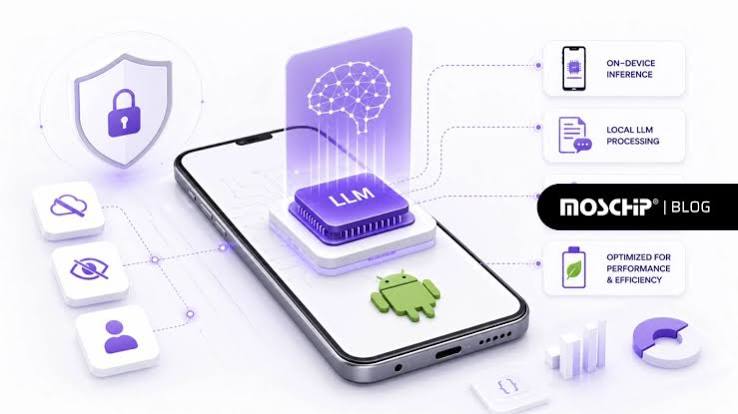
Organisations are using AI for search, summarisation, document creation, customer service and analytics. The main problem they face is data risk in that sending internal docs, client data or regulated information to a third party cloud model could breach policy, contract or compliance. Privacy first AI addresses this by running the large language model (LLM) locally so the prompts, the files and the outputs all remain within your own network. If you’re looking at this as part of a Gen AI course then understanding both the ‘how’ and the ‘why’ of local LLMs is now a very practical, job relevant skill.
1) What “Privacy-First AI” Really Means
A local LLM setup means the model is running on your own hardware (your dev laptop, your workstation, your on-prem server). Your users send their prompts to an internal endpoint rather than to a public API. That reduces exposure in three key ways:
- Data residency: the data never leaves your premises (or your controlled environment).
- Access control: you determine who can use the model, from which devices and on which documents.
- Auditability: you can log the requests, enforce retention rules and prove compliance.
Local LLMs in no way make you compliant. What they do give you is the controls. You still need policies around what data you process, how you use the outputs and how you handle the logs.
2) Getting Started With Ollama and LM Studio
Two of the more popular options for local LLM workflows are Ollama and LM Studio. Both are in the business of making local model usage as easy as possible (particularly for the non-research user).
Ollama is the one you’ll often turn to if you’re after a clean, scriptable experience. It usually just exposes a local server that your applications can call to. It’s very useful for integration into internal tools or for building up lightweight prototypes. Teams love it because it’s so amenable to automation: you can define a standard model, version it and roll it out to all your machines in a consistent way.
LM Studio is the go-to when you want a friendly desktop interface. It’s useful for non-technical users to test models, compare outputs, run local chat sessions etc. It’s also very useful for doing quick evaluations (how well does the model follow instructions, how well does it summarise, how well does it answer questions on a policy document etc).
A key point: the model you choose makes a difference. Smaller models may be quicker to run but will struggle with complex reasoning or with long documents. Larger models can be more capable but will require more memory and more compute. A good Gen AI course will teach you to pick the right model for the job rather than just go with the biggest one.
3) Hardware Planning: What You Actually Need
Local LLM performance is very much dependent on your hardware. You don’t need a data centre to get started with it at all, but you do need to have realistic expectations.
- CPU only setups will work for small models and light use cases (basic drafting, short Q&A etc). They can be quite slow for anything more demanding.
- GPU acceleration is normally the best experience. More VRAM (video memory) allows for larger models and longer contexts.
- RAM and storage are both important. The models can be several gigabytes in size and caching has a big effect on responsiveness.
Practical guidance for teams:
- Start with a single ‘pilot’ machine (a workstation or server) for controlled testing.
- Pick one or two models that best suit your main use cases (e.g. summarisation and internal Q&A).
- Measure latency, response quality and resource usage against the actual internal docs (sanitised where necessary).
- Plan for concurrency. A single local machine might be quite adequate for a few users but a large number of users will almost certainly require a shared server with some form of scheduling, rate limiting and monitoring.
This is where privacy first AI becomes a systems issue rather than just a software issue.
4) Security, Governance, and Operational Controls
Running locally reduces your exposure to the cloud, but of course that shifts the onus onto you. A privacy first setup should be no different in terms of discipline to any of your other internal services.
- Network isolation: keep the model endpoint on a private network or behind a VPN. Don’t expose it publicly.
- Authentication and authorisation: Require identity based access. Who can use the model and what they can access needs to be restricted.
- Logging with care: logs are useful for debugging and compliance, but they can also contain sensitive prompts. You need to decide what you log, how long you keep it and who can see it.
- Document permissions: if you’re adding in retrieval (RAG) to allow the model to answer from your internal files then you must enforce the same permissions as your document system. The model should not become a back door to restricted content.
- Output policy: Local LLMs can still hallucinate. There should be checks in place for high stakes outputs (legal text, medical advice, financial decisions etc). A human review is often required.
For lots of organisations the big win is to be able to run AI workflows in-house whilst still meeting their internal security requirements. For the individual it’s about learning those controls as part of a gen AI course which is what will set you apart from the people who just know how to call a public API.
Conclusion: Local LLMs Are Practical, Not Just a Trend
Privacy-first AI with local LLMs is a strong option when your data is sensitive, regulated, or contractually restricted. Tools like Ollama and LM Studio make it easier to run models on your own hardware, test them quickly, and integrate them into internal workflows. The real success factors are not only model capability, but also hardware planning, access control, logging discipline, and permission-safe document retrieval. If you implement these fundamentals, local LLMs can deliver useful AI features without letting your data leave your premises—exactly the mindset modern teams aim to build through a focused gen AI course.
