

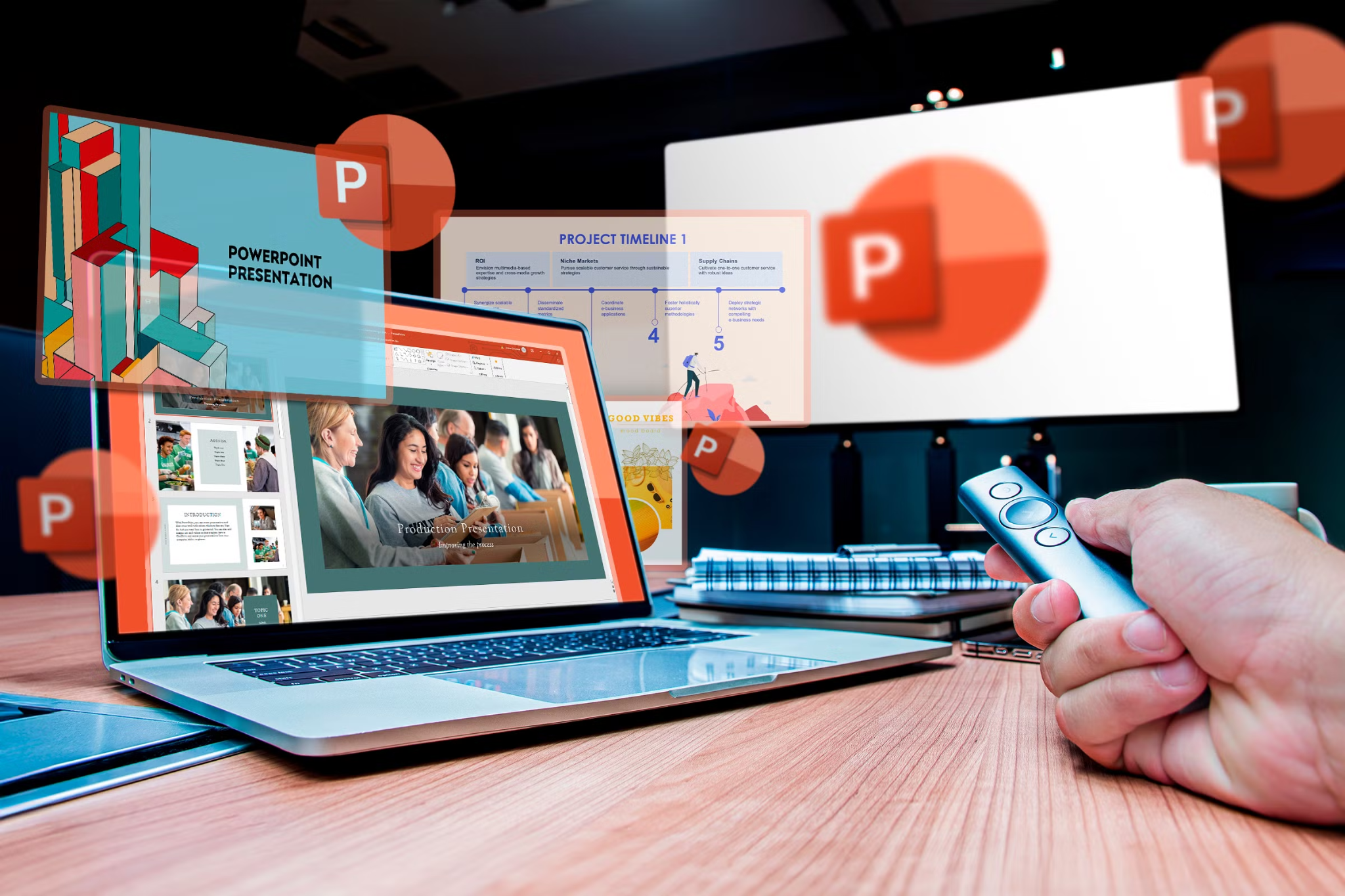
Creating an engaging presentation is an important skill in today’s professional and educational environments. Whether you are introducing a business idea, teaching students, presenting research, or sharing workplace updates, the way information is organized and displayed can influence how effectively your audience understands your message. Exploring different powerpoint presentation examples can help you discover creative layouts, improve visual storytelling, and develop slides that communicate ideas more clearly.
A successful presentation does not always require complicated graphics or advanced design skills. Instead, it needs a clear structure, readable text, relevant visuals, and a consistent design. Here are 15 creative presentation ideas that can inspire your next project.
1. Business Strategy Presentation
A business strategy presentation helps companies communicate their goals, priorities, and future plans. It can include market research, company objectives, performance indicators, and action plans. Using simple charts, timelines, and organized sections makes complex business information easier to understand.
2. Startup Pitch Deck
Entrepreneurs often use pitch decks to introduce their business ideas to potential investors and partners. A strong pitch presentation typically covers the problem, proposed solution, target market, business model, competition, and financial projections. Keeping each slide focused on one important idea helps maintain audience attention.
3. Educational Classroom Presentation
Teachers and students can use PowerPoint to explain academic subjects through images, diagrams, and short explanations. For example, a science presentation might include labeled illustrations, experiment results, and interesting facts. A visually organized classroom presentation can make learning more interactive and memorable.
4. Marketing Campaign Presentation
Marketing teams use presentations to explain campaign strategies, audience research, promotional activities, and expected results. Product images, customer profiles, social media statistics, and campaign timelines can help communicate the strategy. A consistent visual identity also makes the presentation look more professional.
5. Annual Business Report
An annual report presentation provides an overview of an organization’s achievements, challenges, and financial performance. Instead of placing large amounts of text on slides, presenters can use charts, graphs, and comparison tables to highlight important information. This approach allows stakeholders to understand key results quickly.
6. Project Proposal Presentation
A project proposal presentation explains what an organization plans to accomplish and how it intends to achieve its objectives. It should include the project’s purpose, timeline, estimated budget, required resources, and expected outcomes. A clear structure helps decision-makers evaluate the proposal.
7. Product Launch Presentation
A product launch presentation introduces a new product or service to customers, employees, or business partners. High-quality product images, feature highlights, benefits, and pricing information can make the presentation more engaging. A simple storytelling approach can also help explain why the product matters.
8. Training and Development Presentation
Workplace training presentations help employees understand new procedures, tools, and professional responsibilities. They can include step-by-step instructions, screenshots, practical examples, and short knowledge checks. Breaking information into smaller sections makes training materials easier to follow.
9. Research Presentation
Students, researchers, and professionals frequently use PowerPoint to present research findings. An effective research presentation includes an introduction, research objectives, methodology, findings, and conclusions. Charts and visual comparisons can help explain complicated data without overwhelming the audience.
10. Personal Portfolio Presentation
A portfolio presentation is useful for designers, photographers, freelancers, and other creative professionals. It allows individuals to showcase their skills, previous projects, achievements, and professional experience. Large visuals and minimal text help make the work itself the main focus.
11. Sales Presentation
Sales presentations are designed to explain the value of a product or service to potential customers. They commonly include customer challenges, product benefits, pricing options, testimonials, and a clear next step. Presenting information in a customer-focused way makes the message more relevant.
12. Timeline and Project Roadmap
A timeline presentation displays important events, deadlines, milestones, and project stages in chronological order. It is particularly useful for project managers and business teams that need to coordinate activities. Horizontal timelines, milestone markers, and simple icons can make the information easier to follow.
13. Nonprofit and Fundraising Presentation
Nonprofit organizations use presentations to explain their missions, share community stories, and encourage financial support. Including meaningful photographs, impact statistics, fundraising goals, and real examples can help audiences understand the importance of their work.
14. Event Planning Presentation
Event planners can use PowerPoint to organize conferences, workshops, corporate meetings, and social events. Slides may include schedules, venue details, speaker introductions, budgets, and promotional concepts. A well-designed layout keeps all important event information organized in one place.
15. Financial Analysis Presentation
Financial presentations help businesses explain budgets, revenue, expenses, profitability, and investment opportunities. Clear graphs, comparison tables, and highlighted figures make financial information easier to interpret. Using consistent formatting also improves readability and professionalism.
What Makes a PowerPoint Presentation Effective?
Although presentation topics can vary, several design principles apply to almost every successful slide deck.
Keep the message clear: Each slide should communicate one central idea. Avoid adding unnecessary information that distracts from the main subject.
Use consistent formatting: Choose a suitable font combination, color palette, and heading style. Consistency gives the entire presentation a polished appearance.
Include relevant visuals: Images, charts, diagrams, and icons can explain information more effectively than long paragraphs. However, every visual should support the message.
Make text readable: Use appropriate font sizes, sufficient spacing, and strong contrast between text and background. Avoid overcrowding slides with too many details.
Create a logical structure: Organize the presentation with an introduction, main discussion, and conclusion. A natural flow helps audiences follow the information.
How AI Tools Can Improve Presentation Creation
Creating professional slides can take considerable time, especially when organizing content, selecting layouts, and finding suitable visuals. AI-powered presentation tools can simplify these tasks by helping users generate slide structures, suggest design ideas, and organize information.
Instead of starting with an empty presentation, users can explore automated design suggestions and customize the results according to their needs. These tools can be particularly useful for students preparing assignments, professionals creating reports, and businesses developing marketing materials.
However, AI-generated content should always be reviewed before presenting. Checking facts, improving wording, and adjusting visual elements ensures the final presentation meets the intended requirements.
Final Thoughts
A creative presentation combines useful information with an attractive and organized design. From business strategy and startup pitch decks to classroom lessons and financial reports, each presentation type serves a different purpose. Reviewing different powerpoint presentation examples can provide inspiration and help you identify the layouts and design techniques that work best for your audience.
By focusing on clear communication, consistent formatting, and relevant visuals, anyone can create professional presentations that make information easier to understand and leave a lasting impression.
