

Faceless YouTube channels aren’t a niche trend anymore, they’re a core production style, and an AI voice generator is the one tool that makes the whole format possible. But “free AI voice generator for YouTube” is a phrase that hides a real catch most creators don’t discover until after they’ve uploaded: not every free plan actually lets you monetize what you make.
Read more: AI Video Generator for TikTok Free
This guide cuts through that confusion, walks through which free tools genuinely work for YouTube, and explains exactly what to check before you build a channel around any of them.
Table of Contents
Best Free AI Voice Generator for YouTube
The best free AI voice generators for YouTube in 2026 combine natural-sounding speech with commercial usage rights on the free tier, since YouTube monetization requires that license. Tools worth testing include Murf, Canva’s AI voice generator, Quillbot, and ElevenLabs, but check each one’s free-plan terms carefully, since several popular tools restrict commercial use unless you upgrade to a paid plan.
Why an AI Voice Generator Matters for YouTube in 2026
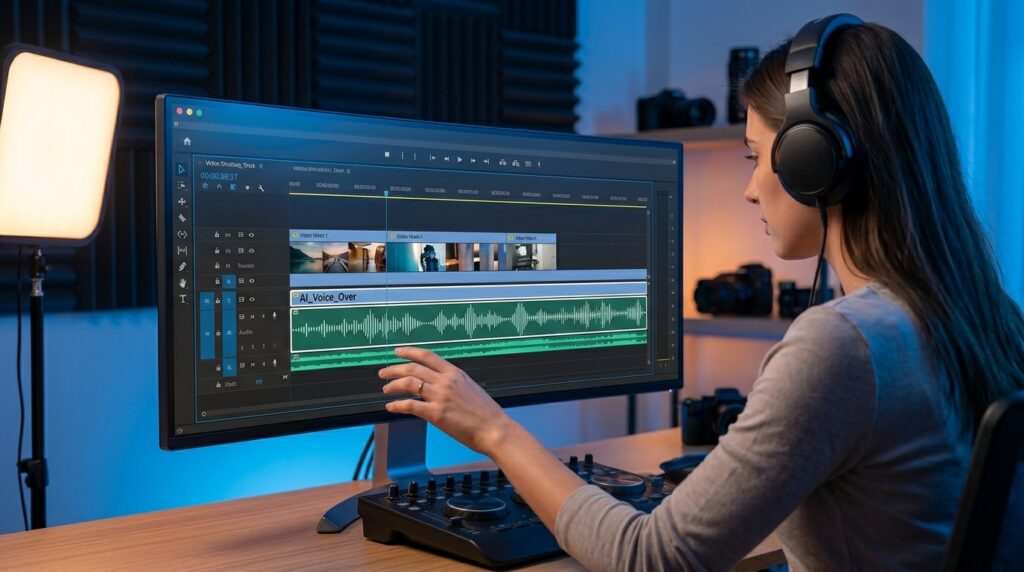
Recording a clean voiceover used to require a quiet room, a decent microphone, and the patience to redo a line a dozen times until it sounded right. An AI voice generator replaces that entire process with a script and a few clicks, which is exactly why faceless YouTube channels, tutorial series, and explainer videos have leaned into AI narration so heavily.
The appeal isn’t just convenience. Recording voiceovers manually typically eats 30 to 90 minutes per video, once you account for retakes, environment noise, and post-processing time. Most creators would rather spend on research, editing, or publishing. An AI voice generator collapses that into minutes, which matters more than it sounds, because every delayed upload reduces algorithmic distribution, and consistency is one of the few levers a small channel fully controls.
There’s also a quality bar that’s risen fast. A few years ago, “AI voice” was shorthand for flat, robotic narration that viewers could spot instantly. That’s changed. Modern neural text-to-speech models handle pacing, emotional tone, and natural pauses well enough that listeners often can’t reliably tell a voice is synthetic, especially in narration-heavy formats like top-10 lists, finance explainers, and product breakdowns.
What Makes a Voice Generator Actually Good for YouTube
Not every text-to-speech tool is built with YouTube in mind, and the difference shows up the moment you publish. A handful of factors separate a tool that works for casual use from one that holds up across a real channel:
- Commercial usage rights on the free tier — YouTube monetization specifically requires commercial rights, and several otherwise excellent tools withhold that license unless you pay.
- Voice quality under natural pacing — short pauses, sentence stress, and tone shifts matter more than raw clarity.
- Script length limits — a tool capped at a few hundred characters per generation becomes tedious fast on long-form content.
- Pronunciation control — being able to correct how a tool says a brand name, acronym, or technical term saves repeated re-edits.
- Export quality — clean MP3 or WAV exports without watermarks or embedded branding audio.
Skipping any one of these is usually what causes creators to switch tools mid-project, so it’s worth checking all five before building a workflow around a single generator.
The Best Free AI Voice Generators for YouTube, Compared
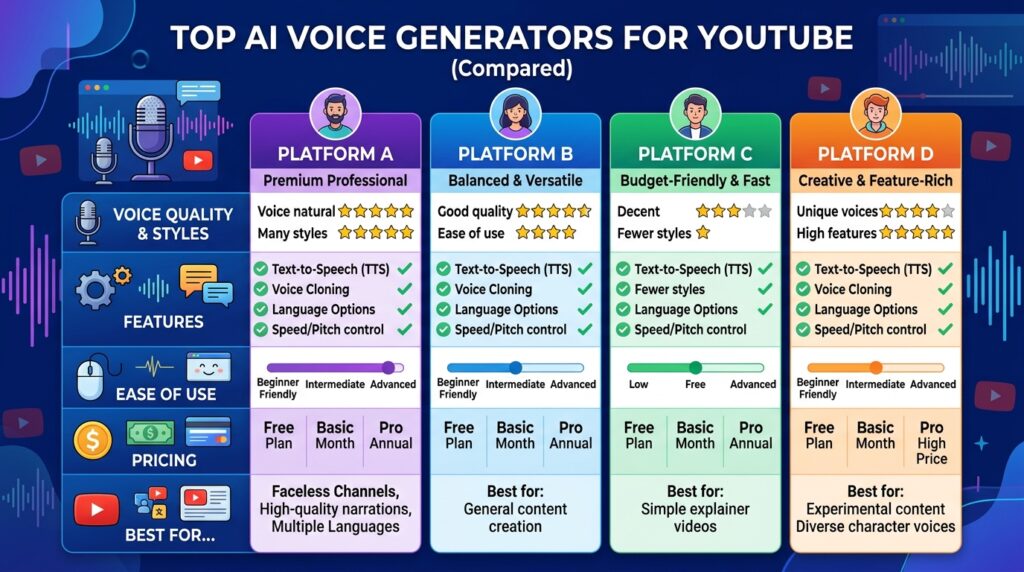
Plenty of tools claim to be “free,” but the free tier means something different at each one. Some genuinely let you publish and monetize from day one. Others give you a taste, then gate the features YouTube actually requires behind a paid plan. Here’s an honest look at the options creators bring up most often.
Murf offers a free plan with roughly 10 minutes of voice generation, which is enough for short scripts or testing the tool before committing. The catch is explicit in Murf’s own terms: the free plan does not include a commercial license, meaning anything you generate for free technically can’t be monetized on YouTube until you upgrade to a paid tier. Murf’s strength is voice quality for business-style narration in training videos, explainers, and presentations, rather than for personality-driven content.
ElevenLabs consistently gets credit for producing some of the most realistic AI voices available, including expressive narration and voice cloning. The trade-off is similar to Murf’s: the free plan doesn’t include commercial rights, and meaningful usage starts with the paid Starter tier, which has a fairly small monthly character allowance.
If voice realism is your top priority and you’re willing to pay a small monthly fee once your channel grows, ElevenLabs is worth testing early so you know what you’re working toward.
Canva’s AI voice generator sits within Canva’s existing video editor, making it a practical pick if you’re already building thumbnails, intros, or short-form edits in Canva. You type or paste a script, choose a voice and language, and the narration drops straight into your timeline next to the rest of your editing tools, including auto-generated captions from its audio-to-text feature.
Quillbot’s AI voice generator is one of the few tools in this space with no sign-up requirement and no hidden paywall. In its basic mode, you type text, pick a style, and generate audio immediately, making it useful for quickly testing a script’s tone before committing to a longer workflow elsewhere.
LOVO leans toward character-style and social-video voices, with a script editor (Genny) built specifically to assemble a full voiceover from multiple text blocks, which better fits YouTube’s longer-form structure than single-line generators.
Comparison Table: Free AI Voice Generators for YouTube
| Tool | Free Plan Limits | Commercial Rights on Free Plan | Best For |
|---|---|---|---|
| Murf | ~10 minutes of generation | No — requires paid plan | Business and training-style narration |
| ElevenLabs | Limited characters, no commercial use | No — requires paid plan | Maximum voice realism, voice cloning |
| Canva AI Voice Generator | Included with Canva’s free/Pro plans | Check the current Canva terms before publishing | Creators already editing video inside Canva |
| Quillbot | No sign-up required for basic use | Check current terms before monetizing | Quick script testing, casual narration |
| LOVO (Genny) | Limited free generation | Check current terms before monetizing | Character voices, structured multi-block scripts |
A pattern is obvious once you line these up: the tools known for the most realistic voices tend to reserve commercial rights for paying users, while more design-platform-adjacent tools like Canva bundle voice generation into a broader free or low-cost subscription.
Before you build a content pipeline around any tool here, open its current terms of service and confirm that commercial use is permitted. Explicitly pricing pages and feature lists change often enough that a screenshot from six months ago isn’t reliable.
How to Choose the Right Free AI Voice Generator for Your Channel
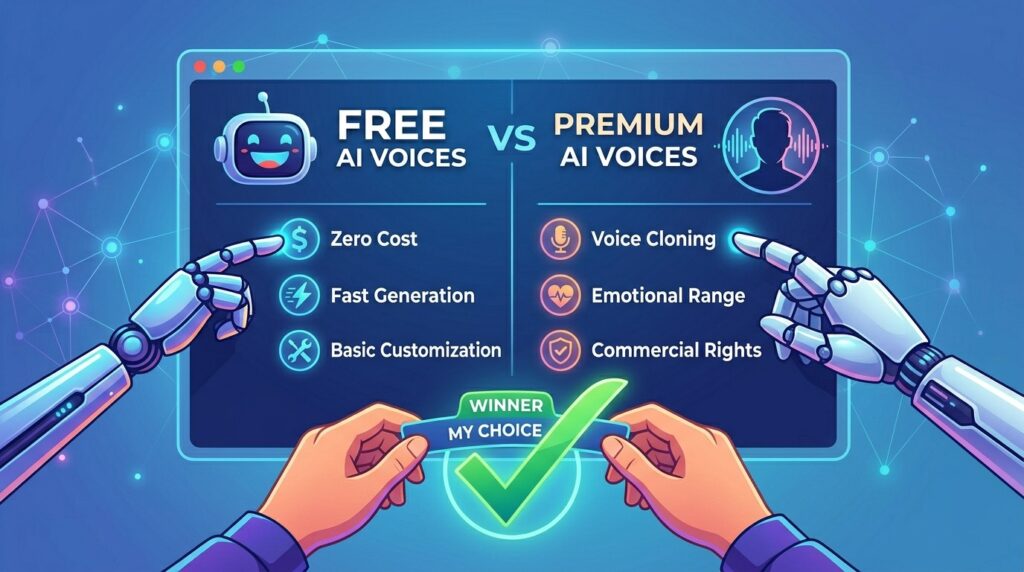
Picking a tool isn’t really about finding “the best” one in the abstract; it’s about matching a tool’s strengths to your specific content format. A meditation channel and a fast-paced top-10 list channel need very different things from a voice generator, even though both technically use “AI narration.”
Start by asking what your content actually sounds like when it’s working well. Calm, explanatory content benefits from a steady, lower-energy voice with natural pacing. Commentary and reaction-style content benefits from more expressive delivery and tighter pauses. Most tools let you preview voices before committing, so testing two or three sample lines from your actual script, not a generic demo sentence, is the fastest way to tell if a voice fits.
Next, check the free tier’s real limits, not just its existence. A free plan capped at a few thousand characters a month might cover three or four short videos, which is enough to validate a channel concept but not enough to sustain a weekly upload schedule. If your plan is to publish consistently, model out how many characters your average script uses and compare that against the free allowance before assuming a tool will carry you past the testing phase.
Avoiding the Most Common Mistakes
Most disappointing results from AI voice tools trace back to a small set of avoidable mistakes rather than any real flaw in the technology itself:
- Choosing a voice based on the demo, not your script. Demo lines are tuned to sound impressive; your actual content might expose flatness that a demo never shows.
- Ignoring pronunciation overrides. Brand names, acronyms, and niche terminology often need a manual correction the first time, and skipping that step means re-rendering later.
- Using default pacing for fast-paced content. Many tools default to a neutral, even pace that feels sluggish for commentary or list-style videos.
- Publishing before checking commercial rights. This is the single most costly mistake: generating a full video on a free plan, only to discover the license doesn’t cover monetized use.
- Not testing with real viewers. A voice that sounds fine to the creator can still read as flat or artificial to a fresh audience; a quick poll or comment-section test catches this early.
These mistakes matter because they hit the two metrics YouTube actually rewards: audience retention and watch time. A voice that’s slightly mispronounced or oddly paced doesn’t just sound unpolished, it gives viewers a reason to click away inside the first few seconds, and YouTube’s algorithm responds to exactly that signal.
Free vs. Paid AI Voice Generators: When to Upgrade
Every tool on this list eventually draws the same line: free is for testing; paid is for publishing at scale. That’s not a dig at free tiers, it’s simply how the economics of running large voice models work. The real question for a creator isn’t whether to eventually pay, but when.
If you’re validating a channel concept, sticking with a free plan until you’ve published five to ten videos and have a sense of retention is a reasonable bar before spending anything. If your content depends on emotional nuance or voice cloning narrative documentaries, dramatized retellings, character-driven content, paying for a tool like ElevenLabs early often pays off faster than fighting a free tier’s limitations, script after script.
If your priority is simply efficient, professional-sounding narration without much personality, a modestly priced plan from a tool like Murf or a free, design-bundled option like Canva can carry a channel much further before an upgrade becomes necessary.
One detail worth flagging: free plans that don’t include commercial rights aren’t just a minor inconvenience; they pose a real risk if you monetize videos built on them. YouTube’s Partner Program requires that you hold the rights to monetize everything in your video, including any voiceover. Generating narration on a free plan that explicitly excludes commercial use, then running ads against that video, can put your monetization status at risk if it’s ever flagged. Reading the license terms before you build, not after you publish, avoids that entirely.
Pros and Cons of Using AI Voice Generators for YouTube
Pros
- Cuts voiceover production time from up to 90 minutes per video down to a few minutes of script review
- Removes the need for recording equipment, a quiet environment, or voice-acting skills
- Supports faceless channels, multilingual dubbing, and rapid Shorts production
- Modern voices are convincing enough that most viewers can’t reliably identify them as synthetic
- Many tools include pronunciation controls and pacing adjustments for polish
Cons
- Several leading tools reserve commercial rights for paid plans, creating monetization risk if missed
- Free character or minute limits can force frequent re-subscribing or tool-hopping for active channels
- Generic prompts and default settings still produce flat, lifeless narration
- Voice quality and licensing terms change frequently, so older reviews or guides can be outdated
- Heavy reliance on one voice across many videos can make a channel sound formulaic over time
Frequently Asked Questions
Is there a truly free AI voice generator for YouTube videos?
Yes, several tools offer free voice generation, but “free” doesn’t always include commercial rights. Confirm a tool’s terms specifically allow monetized YouTube use before building a video around it.
Can I monetize YouTube videos that use a free AI voice?
Only if the tool’s free plan explicitly grants commercial usage rights. Many popular tools, including Murf and ElevenLabs, restrict commercial use to paid plans, so check before publishing.
Which AI voice generator sounds the most realistic?
ElevenLabs is widely regarded as producing some of the most lifelike AI voices available, including expressive tone and voice cloning, though its most realistic features sit behind paid plans.
Do I need a microphone if I use an AI voice generator?
No. AI voice generators convert a written script directly into speech, so you can produce a full voiceover without recording any audio yourself or owning microphone equipment.
How long can a script be on a free AI voice generator plan?
It varies by tool, with free plans often capped between roughly 1,000 and 5,000 characters per month. Check each platform’s current limits since allowances change over time.
Can AI voice generators handle different languages for YouTube?
Yes. Most major tools, including Canva’s voice generator and several dedicated text-to-speech platforms, support narration and dubbing across multiple languages for multilingual channels.
Will viewers notice my YouTube voiceover is AI-generated?
Often not, especially with modern neural voices in narration-heavy formats. Quality varies by tool and voice choice, so testing a sample of your actual script before committing matters.
What’s the biggest risk with free AI voice generators for YouTube?
The biggest risk is using a free plan without commercial rights, then monetizing the video. That mismatch between license terms and actual use can jeopardize your channel’s monetization status.
Final Thoughts
The honest takeaway for 2026 is that AI voice generation has matured enough to genuinely replace manual recording for most YouTube formats, but the free-tier landscape is messier than the marketing suggests. Quality, in most cases, is no longer the limiting factor in licensing. Before you commit a channel’s entire production pipeline to one free tool, read its commercial-use terms the same way you’d read a contract, test a real script rather than a demo line, and build in room to upgrade once your channel’s upload schedule outgrows whatever free allowance you started with.
