

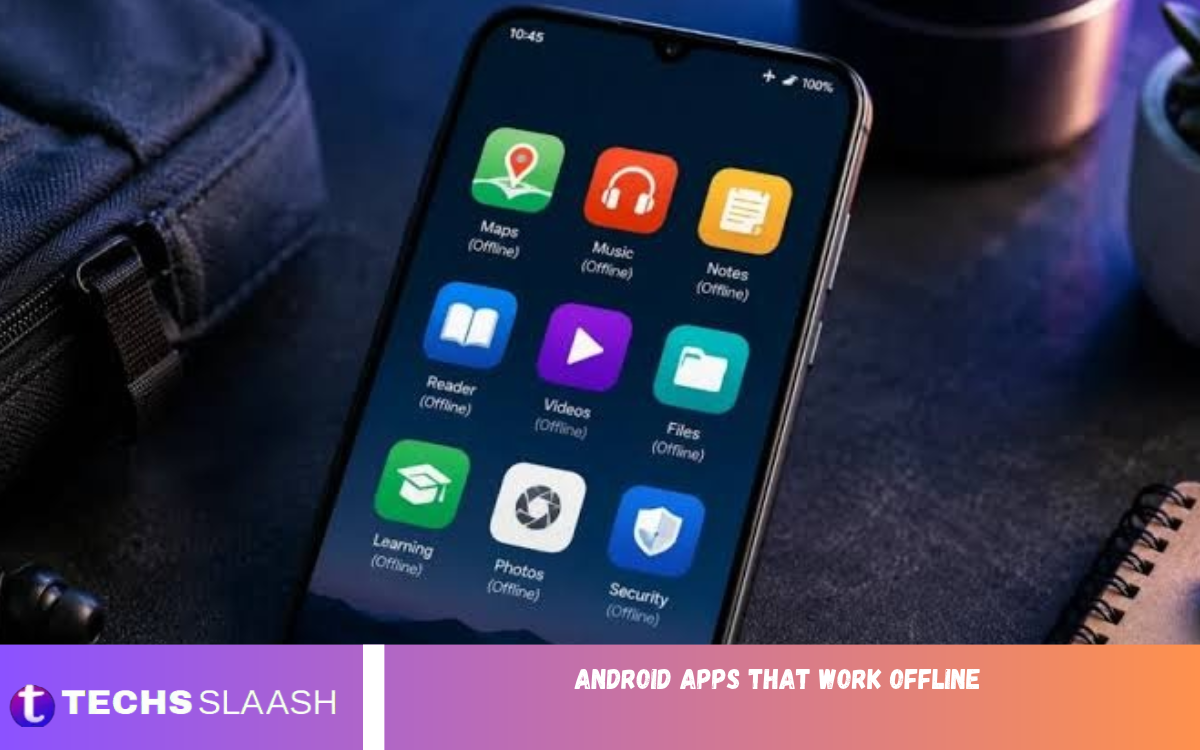
Smartphones have become an essential part of everyday life, helping people communicate, learn, work, travel, and enjoy entertainment. However, many Android apps require an active internet connection to work fully. This can be frustrating when traveling, when network coverage is poor, or when trying to save mobile data.
Fortunately, several Android apps work offline, letting users complete important tasks without Wi-Fi or mobile data. From reading books and listening to music to navigating unfamiliar places and managing daily activities, these applications make smartphones more useful even without internet access.
Why Choose Android Apps That Work Offline?
Offline Android apps offer convenience, flexibility, and reliability. They let users access key features even when an internet connection is unavailable. Whether someone is traveling through remote areas, commuting underground, or dealing with network issues, offline apps can keep everyday activities running smoothly.
Another important advantage is reduced mobile data consumption. Many people have limited internet packages, so offline apps are an excellent way to manage data usage. Downloading content in advance also helps users avoid unnecessary buffering, interruptions, and connectivity problems.
Best Android Apps That Work Offline
There are many Android applications designed to provide useful features without requiring continuous internet access. Some focus on entertainment, while others support productivity, education, navigation, and personal organization.
Choosing the right application depends on individual requirements. The following apps are worth considering because they offer useful offline features and make everyday smartphone activities easier.
Google Maps – Offline Navigation and Directions
Google Maps is one of the most useful navigation applications for Android users. It allows people to download maps of selected areas and use them later without an internet connection. This feature is particularly helpful when traveling through unfamiliar locations with limited network coverage.
Users can search downloaded areas, view roads, and access driving directions while offline. However, real-time traffic information, public transportation updates, and certain navigation features require an internet connection. Downloading maps before starting a journey makes offline navigation considerably more convenient.
Spotify – Enjoy Music Without Internet
Spotify is a popular music streaming application that offers offline listening through its Premium subscription. Users can download their favorite playlists, albums, and podcasts while connected to the internet and enjoy them later without mobile data or Wi-Fi.
This feature makes Spotify useful for long journeys, workouts, and situations where internet access is unavailable. Users should remember that downloaded content generally requires an active Premium subscription and periodic online verification. It is a convenient option for people who enjoy listening to music throughout the day.
YouTube – Watch Downloaded Videos Offline
YouTube offers offline viewing in supported regions and with eligible subscription plans. Users can download selected videos while connected to the internet and watch them later without requiring a continuous connection.
This feature is especially useful for students, travelers, and entertainment lovers. Downloading educational videos, tutorials, and other content in advance lets users enjoy their favorite material whenever internet access is unavailable. Download availability and viewing periods depend on regional policies and subscription eligibility.
Google Translate – Translate Languages Offline
Google Translate is an excellent application for communicating with people who speak different languages. It supports offline translation by allowing users to download language packages directly to their Android devices.
Once the required languages are downloaded, users can translate supported text without an internet connection. This is particularly useful for international travelers, students, and people learning new languages. Some advanced features, including certain camera and conversation functions, may still require internet access.
Kindle – Read Books Without an Internet Connection
Kindle is a popular reading app that lets users access digital books on Android smartphones and tablets. Readers can download purchased or otherwise eligible books and enjoy them anytime without an internet connection.
The application offers useful reading features, including adjustable font sizes, bookmarks, highlights, and customizable reading settings. Kindle is especially suitable for people who enjoy reading on the go or prefer keeping their favorite books on their smartphones.
VLC Media Player – Play Videos and Music Offline
VLC Media Player is one of the best offline entertainment applications available for Android. It lets users play locally stored videos and audio files without an internet connection or an additional streaming subscription.
The application supports various media formats, subtitles, playlists, and audio settings. Its simple interface makes it easy to organize and enjoy downloaded entertainment. VLC is an excellent choice for people who want a reliable media player that works without internet access.
Google Keep – Manage Notes Offline
Google Keep is a practical note-taking app that helps users organize thoughts, set reminders, and save important information. Its offline capabilities allow users to create and edit notes without an active internet connection.
Changes sync with the user’s Google account when connectivity returns. Users can create shopping lists, save important ideas, and organize daily tasks in one place. It is particularly useful for students, professionals, and anyone who wants quick access to personal notes.
Pocket – Save Articles for Offline Reading
Pocket is designed for people who enjoy reading articles, stories, and online content. It lets users save supported content while online and access it later.
This feature is helpful for commuters, students, and busy professionals who prefer reading without interruptions. Instead of opening multiple websites whenever they have free time, users can prepare a personal reading collection in advance and enjoy it offline.
Duolingo – Learn Languages Offline
Duolingo is a well-known language-learning application that helps users practice vocabulary, grammar, pronunciation, and sentence formation. It offers interactive lessons that make language learning more engaging and accessible.
However, offline availability is limited and varies by device, subscription, and app version. Users should check which lessons are available offline before relying on the application without internet access. It remains a useful learning platform for people interested in developing language skills.
Google Drive – Access Important Files Offline
Google Drive is widely used to store documents, photos, presentations, and other digital files. Although most cloud-based activities require internet access, Android users can make selected files available offline.
After enabling offline access, users can open supported documents without an internet connection. This is especially valuable for students and professionals who need important files while traveling or working in places with limited connectivity. Any changes that require cloud synchronization will update when an internet connection becomes available.
Best Offline Games for Android Users
Mobile gaming is another area where offline apps offer real convenience. Many Android games let users enjoy entertainment without an internet connection, making them ideal for travel, waiting periods, and situations with limited connectivity.
Popular options include Subway Surfers, Alto’s Odyssey, Minecraft in supported single-player modes, and various offline puzzle games. However, some features, advertisements, multiplayer modes, and updates may require internet access. Users should launch and prepare games before going offline to ensure the necessary content is available.
Read Also: Best offline productivity apps for Android
Benefits of Using Offline Android Applications
Offline applications provide several advantages that make smartphones more practical. They reduce dependence on internet connectivity and allow users to continue important activities in different situations.
Some of the biggest benefits include:
- Save Mobile Data: Offline applications reduce the need for continuous internet usage.
- Better Convenience: Users can access downloaded content whenever they need it.
- Fewer Interruptions: Offline features help prevent problems caused by unstable connections.
- Improved Travel Experience: Navigation, entertainment, and reading remain accessible during journeys.
- Greater Productivity: Notes, documents, and downloaded resources can remain available without internet access.
- Reliable Entertainment: Users can enjoy downloaded music, videos, books, and games.
These advantages make offline Android applications valuable tools for people with different lifestyles and technology requirements.
How to Choose the Best Offline Android Apps
Before installing an offline application, users should consider what they actually need. Some apps focus on entertainment, while others provide essential services like navigation, translation, document management, and education.
Also, check the application’s offline capabilities before downloading it. Not every app that advertises offline functionality provides full access without an internet connection. Reading app descriptions, checking user reviews, and testing offline features can help users make better decisions.
Tips for Using Android Apps Without Internet
Preparing your smartphone before you lose internet access can make offline apps much more useful. Downloading maps, music, videos, documents, and language packages in advance keeps important content accessible.
Users should also monitor available storage space because downloaded files can consume considerable device memory. Keeping apps updated, checking offline permissions, and occasionally connecting to the internet to sync can improve the overall experience.
Are Offline Android Apps Safe to Use?
Most reputable offline Android apps are safe when downloaded from trusted sources like the Google Play Store. However, users should always review app permissions, developer information, privacy policies, and customer feedback before installing unfamiliar software.
Avoid downloading modified apps or APK files from unknown websites, as they may contain malware. Choose established developers and keep applications updated to protect personal information and maintain device security.
Frequently Asked Questions
Which Android apps work without internet?
Several Android applications offer offline features, including Google Maps, VLC Media Player, Kindle, Google Keep, Spotify Premium, and Google Translate. Their offline capabilities vary depending on the features and content downloaded beforehand.
What is the best offline app for Android?
The best offline app depends on what you need. Google Maps is excellent for navigation, VLC is useful for playing media files, Kindle is ideal for reading, and Google Translate supports offline language translation.
Can I use Google Maps without internet?
Yes, Google Maps lets you download selected areas for offline navigation. However, certain features, including live traffic information and public transportation updates, require an internet connection.
Which music apps work offline?
Spotify Premium supports offline music downloads. Other music players, such as VLC, can play audio files already stored on your Android device without requiring internet access.
Can I watch YouTube videos offline?
Yes, YouTube supports video downloads in eligible regions and through supported subscription options. You can watch downloaded videos later without an active internet connection, subject to YouTube’s restrictions.
Are offline Android apps free?
Many offline Android applications are completely free, including VLC Media Player and Google Translate. However, certain services require subscriptions or paid plans to unlock offline downloads and additional features.
Which Android games can I play without internet?
Many games offer offline gameplay, including Subway Surfers, Alto’s Odyssey, and selected single-player games. Offline availability can vary depending on game updates and additional features.
Do offline apps use mobile data?
Offline apps generally don’t need mobile data to access previously downloaded content. However, advertisements, synchronization, updates, and online features may consume data when connectivity is enabled.
How can I download content for offline use?
Open the application while connected to Wi-Fi or mobile data and look for a Download, Save Offline, or Make Available Offline option. Download the required content before disconnecting from the internet.
Do offline apps work in airplane mode?
Yes, most offline applications can work in airplane mode if their required content has already been downloaded. Applications that depend on online servers, cloud synchronization, or internet-based services may have limited functionality.
Conclusion
Android apps that work offline are excellent for people who want to enjoy entertainment, boost productivity, learn new skills, and complete everyday tasks without an internet connection. Applications such as Google Maps, VLC Media Player, Kindle, Google Translate, and Google Keep provide useful offline features for different needs.
By downloading essential content in advance and choosing applications with reliable offline functionality, users can make their Android smartphones more convenient and efficient.

1 Comment
Pingback: New Android apps worth trying - Techsslaash.com