

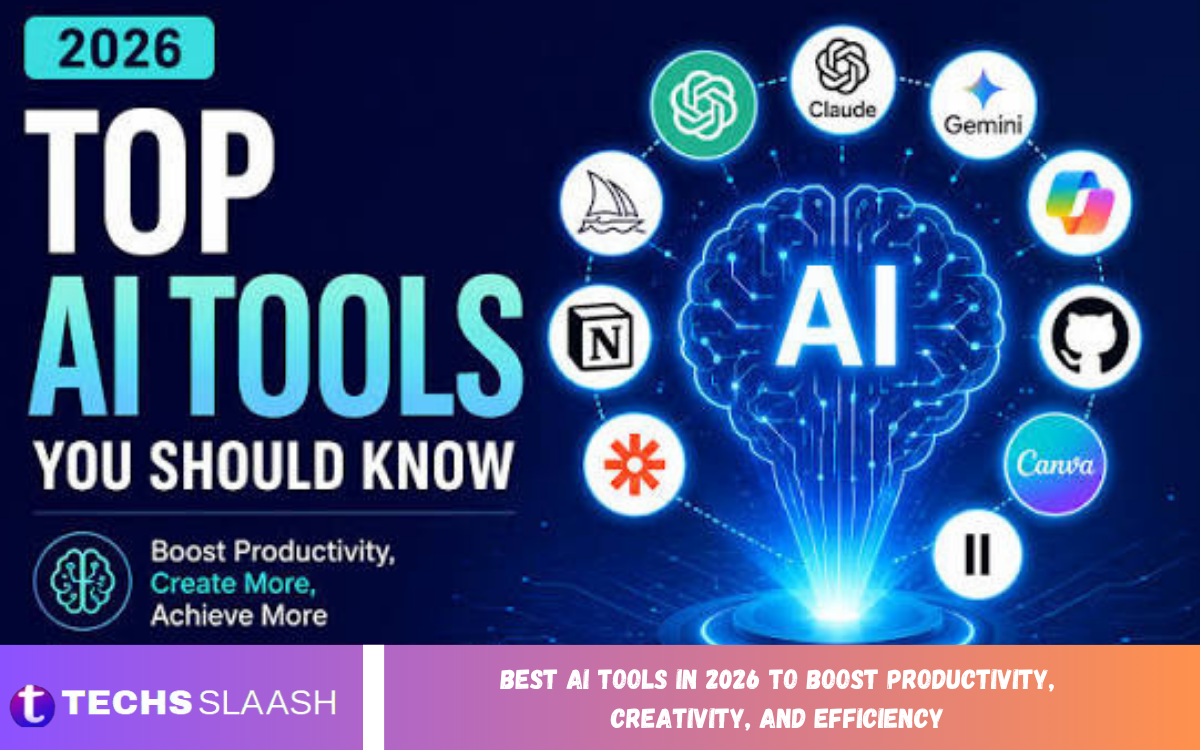
Artificial intelligence has become an important part of modern digital life, helping individuals and businesses complete tasks more efficiently. From writing articles and creating graphics to analyzing information and automating repetitive work, AI-powered applications offer practical solutions for a wide range of everyday challenges.
The Best AI Tools in 2026 to Boost Productivity, Creativity, and Efficiency can help students, professionals, marketers, developers, and content creators improve their workflows. The right tools let users save time, generate ideas, organize information, and focus on tasks that require human judgment and creativity.
ChatGPT for Writing, Research, and Problem-Solving
ChatGPT is a versatile AI assistant that can help users brainstorm ideas, draft articles, summarize information, explain complex subjects, and solve everyday problems. It can also help plan projects, draft emails, create outlines, and improve written communication.
Its usefulness depends on the quality of the instructions and the accuracy of the information provided. Users should review key facts, verify research findings, and edit generated content before publishing or using it for professional decisions.
Google Gemini for Research and Everyday Assistance
Google Gemini is an AI assistant designed to support writing, brainstorming, learning, and information processing. Depending on the available version and integrations, it can also help users work with supported Google services and handle different types of content.
Students and professionals can use Gemini to summarize material, organize ideas, explain unfamiliar concepts, and prepare drafts. As with other AI assistants, users should independently verify important claims and avoid sharing confidential information unnecessarily.
Claude for Long Documents and Detailed Writing
Claude is an AI assistant that helps users draft content, analyze documents, summarize lengthy material, and explore complex topics. Its writing and reasoning capabilities can be useful for professionals working with reports, proposals, research notes, and structured documents.
The tool can also help improve clarity, organize arguments, and identify possible gaps in a draft. For best results, provide clear instructions and review the output carefully, particularly when dealing with specialized information or sensitive decisions.
Microsoft Copilot for Workplace Productivity
Microsoft Copilot brings AI assistance into supported Microsoft products and workflows. Depending on the subscription and application, it can help users draft documents, summarize information, analyze data, and prepare presentations.
It can be especially useful for people who already use Microsoft Word, Excel, PowerPoint, and other supported services. Before relying on generated summaries or calculations, review the results to ensure important details aren’t omitted or misunderstood.
Perplexity for AI-Powered Research
Perplexity is an AI-powered search and research tool that helps users explore questions and discover relevant information from online sources. Its responses commonly include citations that can help readers investigate the original material.
This approach helps users research unfamiliar topics, compare information, and find sources for further reading. However, citations do not automatically guarantee that every statement is correct, so users should open important sources and verify the context before using the information.
Grammarly for Writing Improvement
Grammarly helps users improve grammar, spelling, clarity, and tone across different types of writing. Its writing assistance can be useful when preparing emails, reports, academic drafts, website content, and professional messages.
Depending on the plan and available features, Grammarly may also provide suggestions for rewriting sentences or adjusting the tone of a document. Users should treat its recommendations as guidance rather than absolute rules, especially when writing creative or highly specialized material.
Canva AI for Graphic Design
Canva offers design tools and AI-powered features that can help users create presentations, social media graphics, posters, promotional materials, and other visual content. Its templates and accessible editing interface make design work easier for people without advanced graphic design experience.
Content creators, marketers, educators, and small businesses can use Canva to produce visual materials more efficiently. AI features and usage limits vary by plan, so users should check image accuracy, text placement, licensing conditions, and brand consistency before publishing designs.
Adobe Firefly for AI Image Creation
Adobe Firefly offers generative AI features to create and edit visual content. Depending on the tools available, users can generate images from text prompts, explore creative concepts, and adjust existing designs.
It can support advertising concepts, illustrations, product mockups, and creative projects. Users should review the output for visual errors and understand the applicable licensing terms before using generated content in commercial projects.
Midjourney for Creative Image Generation
Midjourney is an AI image-generation tool known for producing stylized visual concepts from text prompts. It can help artists, designers, and content creators explore compositions, color combinations, environments, and imaginative scenes.
The tool can be useful during early creative development when several visual directions need to be explored quickly. Generated images may still require refinement, and users should check current access options and usage terms before choosing it for a professional workflow.
GitHub Copilot for AI-Assisted Coding
GitHub Copilot helps developers write code, understand programming concepts, generate suggestions, and complete repetitive coding tasks. It can support various development environments and programming languages, depending on the configuration and available features.
Developers can use it to explore implementation ideas, draft tests, and speed up routine programming work. However, generated code must be reviewed for correctness, security vulnerabilities, performance problems, and compatibility with the wider application.
Read Also: Best Android Apps to Enhance Productivity, Entertainment, and Everyday Convenience
Notion AI for Notes and Project Management
Notion combines notes, documents, databases, and project-management features in a flexible digital workspace. Its AI capabilities can help users summarize content, draft text, organize information, and extract useful details from supported material.
Teams and individuals can use Notion to manage meeting notes, plan projects, maintain documentation, and organize their knowledge. Its value is greatest when information is structured consistently and AI-generated summaries are checked against the original records.
Zapier for Workflow Automation
Zapier helps users connect supported applications and automate repetitive workflows without requiring extensive programming knowledge. For example, an automation might move information between services, create tasks from form submissions, or send notifications when specific events occur.
Its automation features can save time when the same process needs to be repeated regularly. Users should test workflows carefully, check permissions, and monitor automated actions to prevent incorrect data transfers or unexpected changes.
Descript for Audio and Video Editing
Descript provides tools for editing audio and video through workflows that can include text-based editing and transcription. It helps podcasters, educators, marketers, and creators prepare interviews, tutorials, and other recorded content.
Depending on the plan, users may also access AI-supported features to improve recordings and streamline production. Before publishing, review transcripts, names, timing, and edits to ensure the final content accurately represents the original recording.
ElevenLabs for AI Voice Generation
ElevenLabs offers AI-powered voice tools for generating speech and working with audio content. These capabilities can support narration, creative projects, accessible content, and some forms of multimedia production.
Creators can use synthetic voices to develop prototypes or produce suitable narration for their projects. Always follow the platform’s policies and obtain appropriate permission before cloning or reproducing another person’s voice, particularly for commercial or public-facing material.
How to Choose the Best AI Tools for Your Needs
Start by identifying the task you want to improve. Writers may prioritize drafting and editing tools, designers may need image-generation features, developers may benefit from coding assistants, and businesses may focus on research and automation.
Before committing to a tool, consider pricing, supported integrations, privacy protections, output quality, and usage limits. Test free versions or demonstrations, where available, to see whether an application fits your workflow without unnecessary costs.
Tips for Using AI Tools Effectively
Clear instructions usually produce more useful results than vague requests. Explain your goal, provide relevant context, specify the desired format, and identify any limitations or requirements that the tool should follow.
AI should support human judgment rather than replace it completely. Review generated content, verify factual claims, protect confidential information, and make final decisions based on reliable evidence and your own expertise.
Frequently Asked Questions
What Are the Best AI Tools in 2026?
Popular AI tools include ChatGPT, Google Gemini, Claude, Microsoft Copilot, Perplexity, Canva AI, GitHub Copilot, and Notion AI. The best choice depends on your goals, budget, and preferred workflow.
Which AI Tool Is Best for Content Writing?
ChatGPT, Claude, and Grammarly can support different stages of writing. They can help with brainstorming, drafting, editing, and improving clarity, but human review remains essential for accuracy and originality.
Which AI Tools Are Best for Image Generation?
Adobe Firefly and Midjourney are useful options for AI-generated visual content. Canva also offers AI-powered design features that can help users create graphics and marketing materials.
Are AI Tools Free to Use?
Some AI tools offer free access or limited free plans, while others require subscriptions for additional features, higher usage limits, or advanced capabilities. Pricing and availability can change over time.
Can AI Tools Improve Productivity?
Yes, AI tools can help automate repetitive tasks, organize information, generate drafts, summarize documents, and support research. Their benefits depend on how effectively they are integrated into everyday workflows.
Which AI Tool Is Best for Research?
Perplexity can help users explore online information and identify sources, while ChatGPT, Gemini, and Claude can assist with analysis and summarization. Important claims should always be checked against reliable original sources.
Which AI Tool Is Best for Coding?
GitHub Copilot is designed to assist with coding tasks, while general-purpose AI assistants can explain programming concepts and help troubleshoot problems. All generated code should be reviewed and tested before use.
Can AI Tools Create Professional Images?
AI image-generation tools can produce useful creative concepts, illustrations, and visual assets. Professional results may still require editing, quality checks, and careful attention to licensing and usage requirements.
Are AI Tools Safe for Business Use?
AI tools can help businesses, but organizations should review privacy policies, data-handling practices, security controls, and licensing terms. Avoid entering sensitive customer, financial, or confidential company information into tools that are not approved for that purpose.
Will AI Tools Replace Human Creativity?
AI can assist with idea generation and repetitive creative work, but human experience, judgment, originality, and emotional understanding remain important. The strongest results often come from combining AI capabilities with human direction and careful editing.
Conclusion
The Best AI Tools in 2026 to Boost Productivity, Creativity, and Efficiency offer practical ways to improve writing, research, design, coding, project management, and workflow automation. Tools such as ChatGPT, Gemini, Claude, Canva AI, GitHub Copilot, and Zapier can help users complete many tasks more efficiently.
The most effective approach is to choose tools that solve genuine problems, learn how to use them well, and verify their results before relying on them.

1 Comment
Pingback: Best AI Apps in 2026 to Enhance Productivity, Creativity, and Everyday Efficiency - Techsslaash.com