

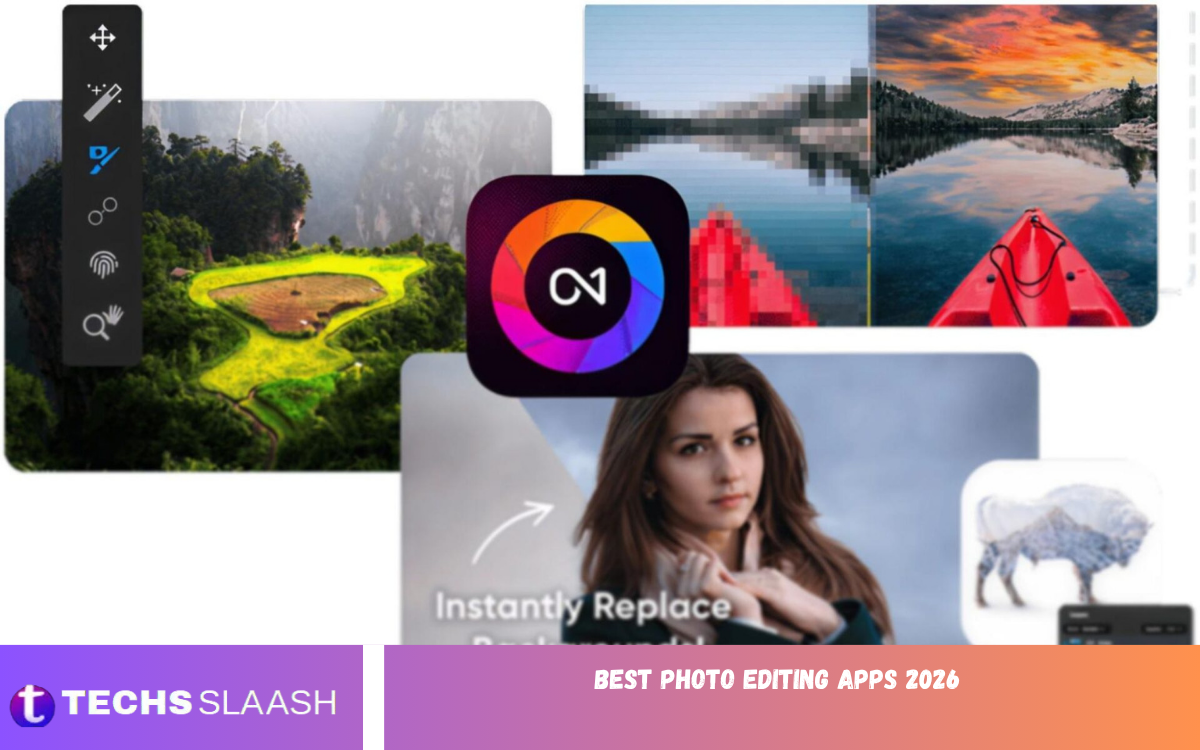
The Best Photo Editing Apps 2026 make it easier than ever to improve pictures directly from a smartphone. Modern editing apps offer powerful tools for color correction, retouching, filters, portraits, RAW files, and creative effects without requiring a computer.
Whether you are a professional photographer, social media creator, student, blogger, or casual smartphone user, the right photo editor can transform an ordinary image into something much more attractive. In 2026, both Android and iPhone users have access to excellent free and premium editing solutions.
Adobe Lightroom
Adobe Lightroom remains one of the strongest choices for users who want professional-level photo editing on mobile. It provides detailed controls for exposure, contrast, highlights, shadows, color, clarity, masking, presets, and other adjustments while maintaining a relatively streamlined interface.
Lightroom is especially useful for photographers who want consistent results across large collections of images. Its mobile version also includes AI-powered features such as Generative Remove and Lens Blur, while recent 2026 updates have added features including Generative Expand and Photo to Video.
Snapseed
Snapseed is one of the Best Photo Editing Apps 2026 for users who want powerful editing features without paying for a subscription. Developed by Google, the app provides more than 30 tools and filters, including curves, selective adjustments, healing, RAW editing, perspective correction, and detailed color controls.
The app is particularly appealing to users who prefer manual editing instead of relying heavily on automatic effects. Its 2026 updates also expanded RAW support and introduced improvements to undo and redo functionality, making the editor even more flexible for everyday photography.
Picsart
Picsart is a popular option for creative photo editing, social media content, collages, stickers, text effects, and artistic designs. Instead of focusing only on traditional photography adjustments, it combines photo editing with creative tools that can help users produce eye-catching visual content.
It can be useful for people who regularly create posts, thumbnails, promotional graphics, profile pictures, and other social content. Beginners can experiment with ready-made effects, while more experienced users can combine multiple editing techniques to create distinctive designs.
VSCO
VSCO is well known for its stylish filters and film-inspired editing experience. It is particularly popular among users who want photographs with a consistent aesthetic rather than highly complicated manual adjustments.
The app can be a good choice for travel photography, lifestyle images, portraits, and social media posts. Its editing approach focuses strongly on presets and visual style, allowing users to create polished images without spending too much time adjusting every individual setting.
Canva
Canva is another useful choice for people who need more than traditional photo editing. It combines image adjustments with templates, text, graphics, layouts, social media designs, and other creative tools.
For content creators, bloggers, students, and small businesses, Canva can be especially practical because a single project can combine photographs with typography and graphic elements. It is therefore better suited to design-focused editing than purely photographic workflows.
Google Photos
Google Photos provides convenient editing tools directly alongside photo storage and organization. It is particularly useful for smartphone users who want to make quick improvements without opening a dedicated professional editor.
The app is suitable for simple tasks such as cropping, rotating, adjusting lighting, improving color, and applying creative effects. For users who primarily need quick corrections rather than advanced professional controls, its integrated workflow can save time.
Apple Photos
Apple Photos is a strong built-in option for iPhone users who prefer simplicity. Because it is integrated into the Apple ecosystem, users can edit photographs directly from their photo library without installing another application.
Its editing controls are useful for everyday adjustments such as exposure, brilliance, highlights, shadows, contrast, brightness, saturation, warmth, sharpness, and cropping. It is an excellent starting point for iPhone owners who want clean and natural-looking results.
Photo Editing Apps for Professional Photographers
Professional photographers usually need more control than simple filters can provide. Features such as RAW support, selective adjustments, masking, curves, color grading, lens correction, and non-destructive editing can make a major difference when working with high-quality images.
Adobe Lightroom and Snapseed are particularly strong choices for this type of workflow. Lightroom offers a broader professional ecosystem, while Snapseed provides a completely free approach with a wide selection of manual editing tools.
Photo Editing Apps for Beginners
Beginners should choose an app that provides useful tools without creating an unnecessarily complicated learning curve. A simple interface, automatic adjustments, presets, filters, cropping, and easy retouching can make the editing process much more comfortable.
Snapseed, Google Photos, and Apple Photos are good starting points for basic editing. Users can learn fundamental concepts such as brightness, contrast, saturation, highlights, shadows, and white balance before moving toward more advanced applications.
Best Free Photo Editing Apps 2026
Free photo editing apps have become increasingly capable, making it possible to achieve professional-looking results without immediately paying for premium software. Snapseed stands out because its Google Play listing describes more than 30 professional tools and filters without subscriptions, advertisements, or watermarks.
Other apps also provide free versions or built-in editing capabilities, although some advanced features may require subscriptions or purchases. Lightroom, for example, offers a free mobile experience with basic editing tools and presets while premium features provide additional capabilities.
Best Photo Editing Apps for Social Media
Social media creators often need fast editing, attractive filters, text, templates, and creative effects. The best application depends on whether the goal is a natural photograph, an artistic image, a promotional post, or a complete social media design.
Picsart, Canva, VSCO, Lightroom, and Snapseed can all serve different social media needs. Lightroom is particularly useful for consistent color grading, while Canva and Picsart are better suited to designs that combine photographs with text and graphic elements.
Read Also: Best Free Productivity Apps for Maximum Efficiency
Best Photo Editing Apps for Portraits
Portrait editing requires careful adjustments because excessive retouching can make a photograph look unnatural. Good portrait editing should improve lighting, skin appearance, color balance, and overall clarity while preserving the subject’s natural characteristics.
Lightroom provides targeted editing and portrait-oriented tools, while Snapseed includes portrait, selective adjustment, healing, and other features that can be used for controlled improvements. The best results usually come from subtle adjustments rather than applying too many effects.
Best Photo Editing Apps for RAW Photos
RAW files contain substantially more editing information than compressed photographs, making them valuable for photographers who want detailed control over exposure and color. A capable RAW editor allows users to recover details and make more precise adjustments during post-processing.
Lightroom is a strong choice for advanced RAW workflows, while Snapseed also supports RAW editing and has expanded its supported RAW formats in its 2026 update. Users who regularly photograph with dedicated cameras should pay particular attention to RAW compatibility before choosing an app.
How to Choose the Best Photo Editing App
The best application depends on your editing goals, device, experience, and budget. A casual user may need only cropping and color adjustments, while a professional photographer may require RAW support, masking, advanced color controls, and synchronization between devices.
It is also important to consider whether you want a free application or are comfortable paying for premium features. Before choosing an app, check its available tools, ease of use, export options, supported file formats, and whether important features are locked behind a subscription.
AI Features in Photo Editing Apps
AI has become an important part of photo editing in 2026. Modern applications can use AI to remove unwanted objects, blur backgrounds, enhance scenes, expand image boundaries, improve portraits, and perform other complex tasks that previously required manual editing.
Adobe Lightroom is a notable example, with features including Generative Remove, Lens Blur, Generative Expand, and AI-related workflow improvements. These tools can save time, but users should still review AI-generated results carefully because automated edits may occasionally produce unrealistic details.
Photo Editing Tips for Better Results
Start with basic corrections before adding filters or creative effects. Correct exposure and white balance first, then adjust contrast, highlights, shadows, saturation, and sharpness according to the photograph’s lighting and subject.
Avoid excessive sharpening, saturation, skin smoothing, or dramatic filters. Professional-looking photographs usually benefit from controlled editing that improves the original image instead of completely changing its appearance.
Common Mistakes When Editing Photos
One of the most common mistakes is over-editing. Increasing every adjustment at once can create unnatural colors, excessive contrast, visible halos, and artificial-looking skin. Editing should support the photograph rather than distract from its subject.
Another mistake is using the same preset on every image without considering lighting conditions. Different photographs require different adjustments, so learning basic editing principles is more valuable than depending entirely on automatic filters.
Best Overall Photo Editing App in 2026
There is no single application that is perfect for every photographer, but Lightroom is one of the strongest all-around options for users seeking professional editing and modern AI-assisted tools. Its combination of detailed adjustments, masking, presets, cloud workflow, and ongoing mobile development makes it particularly versatile.
For users who want a completely free and powerful editor, Snapseed remains an excellent alternative. Its extensive toolset, RAW support, selective editing, healing, and other professional features make it one of the most attractive choices for people who do not want a subscription.
Frequently Asked Questions
What are the Best Photo Editing Apps 2026?
The Best Photo Editing Apps 2026 include Adobe Lightroom, Snapseed, Picsart, VSCO, Canva, Google Photos, and Apple Photos. The right option depends on whether you prioritize professional controls, free editing, creative effects, social media designs, or simple corrections.
Which photo editing app is best for beginners?
Snapseed, Google Photos, and Apple Photos are excellent choices for beginners because they provide useful editing controls without requiring advanced photography knowledge. Users can gradually learn more advanced techniques as their editing experience improves.
Which is the best free photo editing app?
Snapseed is one of the strongest free options because it provides a broad selection of professional tools without requiring a subscription. Its 2026 version also supports a wider range of RAW formats and includes additional editing improvements.
Is Lightroom free in 2026?
Lightroom offers a free mobile version with basic editing tools and presets. Some advanced capabilities, including certain AI-powered features and premium tools, require a paid plan.
Which app is best for professional photography?
Adobe Lightroom is an excellent choice for professional photography because it provides detailed color and exposure controls, masking, presets, RAW workflows, and synchronization across supported devices.
Which photo editor is best for Instagram?
The best choice depends on your Instagram content. Lightroom and VSCO are useful for polished photographic styles, while Picsart and Canva are better when you need creative designs, text, templates, or graphic elements.
Which app is best for RAW editing?
Lightroom is a strong option for RAW editing, while Snapseed also provides RAW support. Snapseed’s 2026 update expanded support for multiple RAW formats, making it more useful for photographers working with camera files.
Which app is best for portrait editing?
Lightroom and Snapseed are both useful for portrait editing. They provide tools for adjusting lighting, color, details, selective areas, and other aspects of a portrait while allowing users to maintain a natural appearance.
Are free photo editing apps good enough?
Yes, many free applications are powerful enough for everyday photography and even advanced editing. Snapseed is a strong example because it provides professional tools, RAW support, selective adjustments, and multiple creative features without requiring a subscription.
What should I look for in a photo editing app?
Look for features that match your needs, including RAW support, color correction, selective editing, healing, masking, presets, export quality, ease of use, and device compatibility. Also consider whether essential features are available for free or require a subscription.
Conclusion
The Best Photo Editing Apps 2026 offer a wide range of options for photographers, creators, professionals, and everyday smartphone users. From Lightroom’s professional workflow to Snapseed’s powerful free tools, there is an editor available for almost every photography style and experience level.
Choosing the right app ultimately depends on what you want to accomplish. Start with an application that matches your current needs, learn the fundamentals of exposure and color correction, and gradually explore advanced features as your editing skills improve.

1 Comment
Pingback: Best Video Editing Apps - Techsslaash.com