

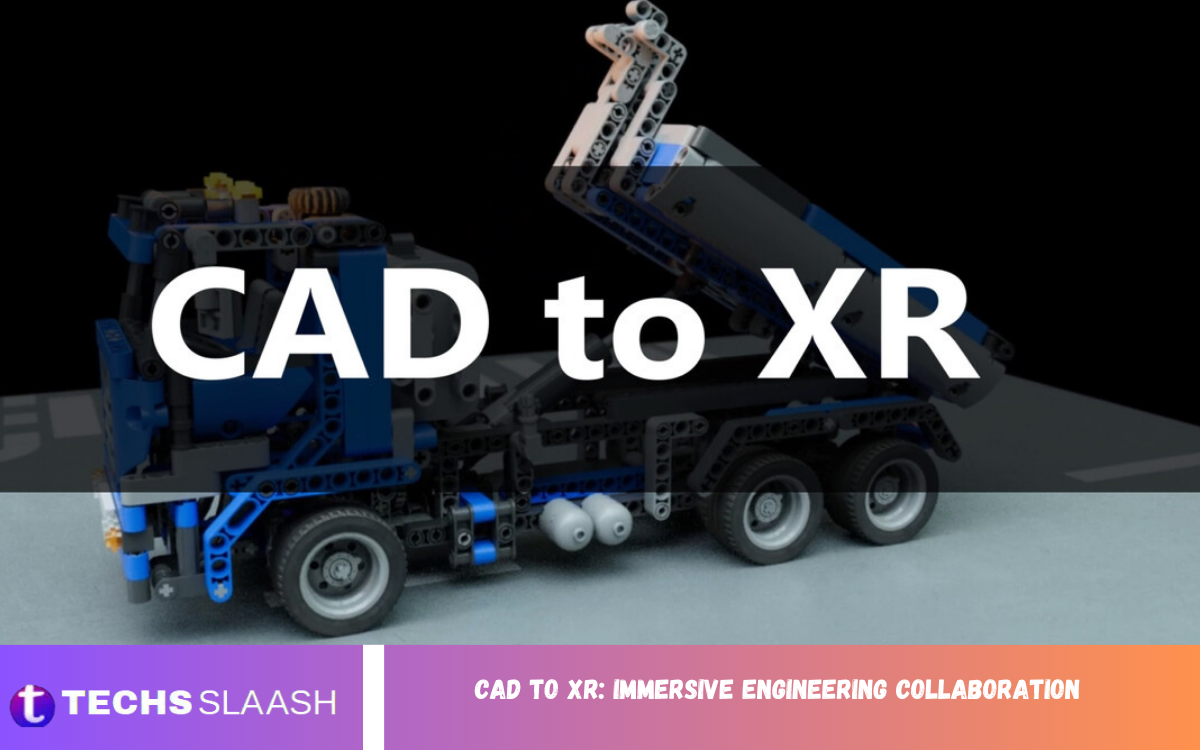
Computer-Aided Design (CAD) has transformed the way engineers and designers develop, test, and refine products. However, as projects become more complex and teams increasingly work across different locations, traditional CAD environments can sometimes make collaboration difficult.
CAD to XR allows professionals to move beyond viewing models on conventional screens and experience designs in a three-dimensional environment. Engineers can examine components at full scale, identify potential design problems, test concepts, and communicate ideas more effectively.
What Is CAD to XR?
CAD to XR refers to the process of taking computer-aided design models and bringing them into extended reality environments. CAD software is traditionally used to create precise representations of mechanical components, buildings, machines, products, infrastructure, and other engineered systems.
For example, an engineer working on a new industrial machine can convert the CAD model into an XR-compatible environment. Using a VR headset, the engineer can walk around the virtual machine, inspect components, and evaluate how different parts fit together.
How XR Enhances Traditional CAD
CAD remains essential for accurate engineering design, but XR can extend its capabilities beyond conventional screen-based visualization. Engineers can use immersive environments to examine designs from different perspectives and understand spatial relationships that may be difficult to interpret from standard CAD interfaces.
One major advantage is full-scale visualization. A CAD model displayed on a monitor may look accurate, but its real-world dimensions can be difficult to appreciate. XR enables users to experience the model at its intended physical scale. This can be especially valuable for large machinery, vehicles, buildings, factories, aircraft, and industrial systems.
Improving Engineering Collaboration
One of the most important benefits of CAD-to-XR immersive engineering collaboration is its ability to improve communication between geographically distributed teams. Engineering projects often involve people from different departments, companies, and locations. Coordinating design reviews through conventional video conferences and screenshots can make it difficult to communicate spatial concepts effectively.
XR can provide a shared virtual environment where participants can examine the same CAD model together. Engineers can point to specific components, discuss design changes, demonstrate potential problems, and evaluate alternative concepts in real time.
Faster Design Reviews and Decision-Making
Design reviews are essential for identifying errors, validating concepts, and approving engineering projects. However, traditional reviews can take considerable time, particularly when teams must prepare drawings, screenshots, prototypes, or physical models.
CAD-to-XR workflows can accelerate this process by allowing stakeholders to inspect designs interactively. Instead of reviewing static images, participants can enter an immersive environment and explore the model themselves.
Identifying Problems Before Production
Engineering mistakes discovered during manufacturing or construction can be expensive to correct. A small design issue can result in delays, material waste, rework, or even major changes to an entire project.
XR provides another opportunity to identify potential problems before physical production. Engineers can inspect digital models in an immersive environment and look for issues involving accessibility, component placement, maintenance, assembly, and spatial clearance.
Supporting Product Development
Product development is another area where CAD-to-XR can provide significant value. Designers can create digital concepts in CAD and then transfer them into immersive environments for evaluation.
Instead of relying exclusively on physical prototypes, teams can review multiple design variations virtually. A product designer might compare different shapes, layouts, materials, or component arrangements while stakeholders interact with the models in XR.
CAD to XR in Manufacturing
Manufacturing organizations can use CAD-to-XR workflows across several stages of production. Once a product or machine has been designed, its digital model can support manufacturing planning, assembly evaluation, training, and facility design.
XR can help workers understand how a product should be assembled by presenting components in an interactive three-dimensional environment. Training can also become more engaging because employees can practice procedures virtually before working with real machinery.
Read Also: Google Home Max White: Features, Advantages, Disadvantages, and Alternatives In 2026
Applications Across Engineering Industries
The potential applications of CAD to XR extend across many industries.
Automotive engineering: Engineers can inspect vehicle designs, evaluate interior layouts, and review components before physical prototypes are created.
Aerospace: Large and complex aircraft systems can be examined virtually, allowing engineers to study component relationships and maintenance access.
Architecture and construction: Building models can be experienced at full scale, helping architects, engineers, contractors, and clients understand spatial relationships.
Industrial engineering: Factory layouts, machinery, production lines, and maintenance areas can be evaluated within immersive environments.
Consumer product design: Designers can test product concepts and gather stakeholder feedback before committing to expensive physical prototypes.
Energy and infrastructure: Large-scale systems and facilities can be reviewed virtually, supporting planning and operational understanding.
These applications demonstrate how immersive technology can connect digital engineering data with practical decision-making.
Benefits for Clients and Non-Technical Stakeholders
Engineering models can be difficult for non-technical stakeholders to understand. A highly detailed CAD model may be perfectly clear to an engineer but confusing to a client, investor, manager, or end user.
XR can make complex designs easier to understand because users can experience them rather than simply viewing technical drawings. A client could walk through a proposed building, inspect a product at realistic scale, or examine the layout of an industrial facility before construction begins.
Challenges of CAD to XR Integration
Despite its advantages, CAD-to-XR implementation also presents challenges. CAD models are often extremely detailed and may contain large amounts of data. XR systems have performance limitations, meaning models may need to be optimized before they can run smoothly.
Compatibility can also be an issue. Different CAD platforms, XR devices, file formats, and software environments may require conversion or additional integration.
The Future of Immersive Engineering Collaboration
The future of CAD to XR: Immersive Engineering Collaboration is likely to become increasingly connected with artificial intelligence, cloud computing, digital twins, and real-time collaboration technologies. As these technologies mature, engineering teams may be able to interact with increasingly sophisticated digital representations of physical products and environments.
Cloud-based collaboration could allow engineers in different countries to access the same engineering model and participate in immersive design reviews. Digital twins could connect XR environments with real-world equipment and operational data, providing teams with a more complete understanding of how systems behave.
Frequently Asked Questions
How does CAD to XR reduce design errors?
Immersive environments allow teams to identify problems involving component placement, accessibility, clearance, assembly, and maintenance before physical production begins.
Which industries use CAD to XR?
Automotive, aerospace, manufacturing, architecture, construction, industrial engineering, energy, infrastructure, and consumer product development can all benefit from CAD-to-XR workflows.
Can CAD-to-XR support remote engineering teams?
Yes. XR collaboration can allow geographically distributed teams to meet in shared virtual environments and review the same 3D engineering models.
Does CAD to XR eliminate physical prototypes?
Not necessarily. XR can reduce the need for some early physical prototypes, but physical prototypes may still be required for material, performance, safety, and manufacturing validation.
What challenges are involved in CAD-to-XR integration?
Common challenges include large CAD file sizes, model optimization, software compatibility, hardware costs, employee training, and integration with existing engineering workflows.
What is the future of CAD to XR?
The future is likely to involve stronger integration with AI, cloud collaboration, digital twins, and real-time data, making immersive engineering a more important part of modern product development.
Conclusion
CAD to XR: Immersive Engineering Collaboration represents an important evolution in the way engineering teams create, review, communicate, and evaluate digital designs. By combining the precision of CAD with the interactive capabilities of Extended Reality, organizations can experience designs at full scale, improve collaboration, identify potential problems earlier, and make better-informed decisions.
From automotive and aerospace engineering to manufacturing, architecture, construction, and product development, CAD-to-XR workflows can provide valuable benefits throughout the design and development lifecycle.
