

AI image and video tools can turn a short idea into a striking visual, but the first result is rarely the final one. Strong creative work comes from giving a model useful direction, testing variations, and refining the details that matter. A thoughtful prompt is less like a magic phrase and more like a compact creative brief: it explains the subject, setting, mood, composition, motion, and intended use.
Start with the image in your mind
Before writing a prompt, decide what the viewer should notice first. Name the main subject plainly, then describe the environment and the moment. “A cyclist” is broad; “a cyclist in a yellow rain jacket crossing a quiet bridge at dawn, with wet pavement reflecting the city lights” gives the model concrete material to work with. Specific details help establish a scene, while a clear focal point keeps it from becoming a pile of unrelated objects.
It also helps to choose a visual direction. Lighting, color, lens, framing, and texture can all change the character of an image. Rather than stacking many style labels, pick a few compatible cues: soft window light, muted colors, close portrait framing, or a grainy documentary look. When the result feels wrong, change one variable at a time so you can see what improved it.
Make video prompts describe change
A video prompt needs to explain not only what is visible, but what happens over time. Describe the opening composition, the subject’s action, and the camera movement. For example, a slow push toward a paper lantern as it lifts above a night market is easier to interpret than a list of disconnected cinematic adjectives. Keep the action achievable within the requested duration, and avoid asking the camera and subject to perform several conflicting movements at once.
For a short clip, one main action is usually enough. A character can turn toward a window while the camera gently tracks sideways; adding a sudden zoom, a second character entering, a weather change, and a location transition may make the scene less coherent. If the project needs several beats, plan them as separate shots and give each shot its own purpose.
Use references and iteration deliberately
Reference images are useful when a project needs consistent wardrobe, color, framing, or character design. Treat each reference as guidance for a particular quality, and say what should carry over. If an image defines the palette but not the composition, make that distinction clear. For multi-shot work, write down the details that must remain stable and check each generated result against them.
Iteration works best when it is measured. Generate a small set of alternatives, compare them against the original brief, and identify the strongest result. Then adjust a single aspect: perhaps the subject is too small, the lighting is too harsh, the camera movement is too quick, or the background is too busy. Keeping a short record of successful prompts makes later revisions more predictable and helps a team share its creative decisions.
Build a repeatable creative workflow
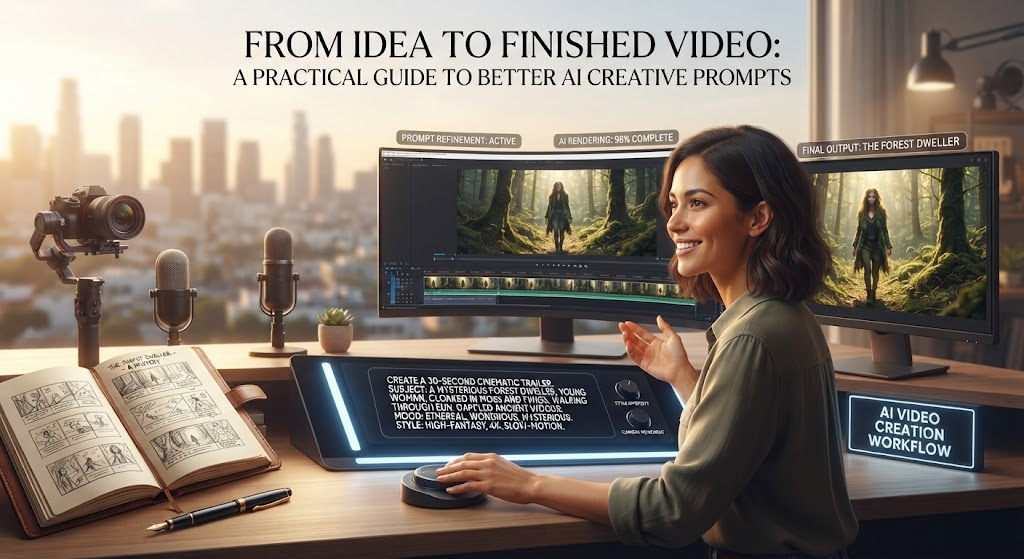
A practical workflow can begin with a one-sentence concept, expand into a scene description, and then add technical direction for framing, light, style, and motion. After generation, review the result for continuity, unwanted details, and whether it communicates the intended idea. Save the final prompt alongside the output and note which changes made a meaningful difference. This turns experimentation into a process that can be repeated instead of a series of guesses.
Creators who want a more organized starting point can explore FilmLune’s library of AI video and image prompts for ideas and prompt structures. A library is most useful as inspiration: adapt its examples to the subject, audience, and visual identity of the project rather than copying a template unchanged.
Keep the brief clear and the result intentional
Good prompting does not require a long paragraph of keywords. It requires a clear idea, a few useful visual details, and enough direction for the model to understand the shot. For images, focus on the subject and composition. For video, make the action and camera movement explicit. Then refine the result through small, deliberate changes. With that approach, AI tools become more reliable partners in a creative process shaped by human judgment.
