

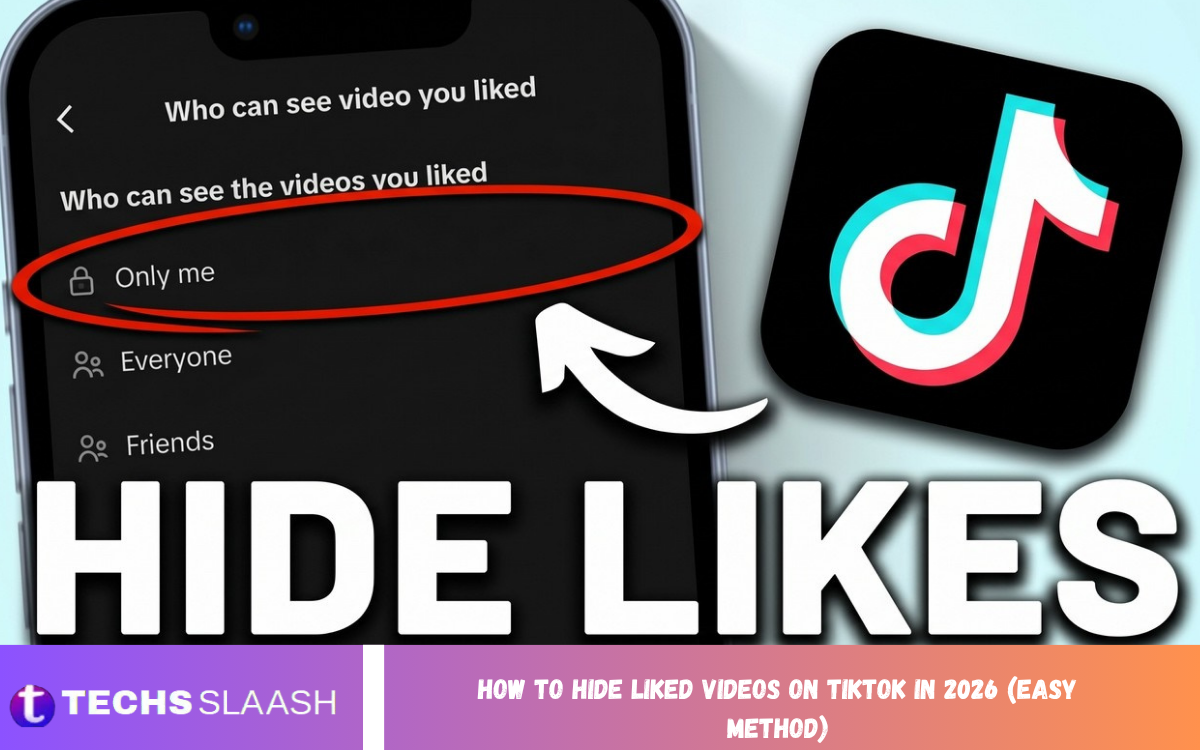
TikTok makes it easy to discover and interact with millions of videos, but your likes can also reveal your interests to other people. If you prefer to keep your activity private, learning How to Hide Liked Videos on TikTok In 2026 (Easy Method) is a simple way to improve your profile privacy.
TikTok currently provides a dedicated privacy control for liked videos. You can change who can view your liked videos from the Privacy section and select Only you, which prevents other people from viewing your liked-video list on your profile.
Why Hide Liked Videos on TikTok?
Your liked videos can represent your interests, favorite creators, humor, hobbies, music preferences, or the type of content you regularly watch. Even when you do not post anything publicly, your likes may provide other people with information about what you enjoy.
For users who want greater control over their online presence, hiding liked videos is a useful privacy step. It allows you to continue liking content while limiting access to your complete liked-video collection.
How to Hide Liked Videos on TikTok In 2026
The process is straightforward and can normally be completed directly inside the TikTok mobile app. TikTok’s current support instructions place the setting under Profile → Menu → Settings and privacy → Privacy → Liked videos.
Once you reach the Liked videos privacy option, select Only you. After this change, other people visiting your profile will not be able to browse your liked-video list, while you can continue accessing your own liked videos.
Step-by-Step Method to Hide TikTok Likes
First, open the TikTok app and tap Profile at the bottom of the screen. From your profile page, tap the three-line menu button in the upper-right corner to open the account menu.
Next, choose Settings and privacy, then tap Privacy. Find the Liked videos option and open it. TikTok provides different visibility choices depending on your account settings, including Only you.
Select “Only You” for Maximum Privacy
After opening the Liked videos setting, choose Only you. This is the most private option because it prevents other TikTok users from viewing your liked videos through your profile.
Your existing likes are not automatically removed when you select this option. Instead, the visibility of your liked-video collection changes, allowing you to keep your likes while making the list private.
Can You Still See Your Liked Videos?
Yes. Hiding your liked videos does not mean that your personal collection is deleted. You can still open your profile and use the Liked videos section to access videos you have liked.
The privacy setting mainly controls whether other people can view that collection. TikTok’s official instructions confirm that users can choose who can view liked posts and can select Only you for private visibility.
Does Hiding Liked Videos Remove Your Likes?
No. Changing the visibility setting does not require you to unlike videos individually. Your likes remain associated with the videos unless you manually remove them or the content becomes unavailable.
This makes the setting useful for people who want to keep their existing TikTok activity without publicly displaying their entire liked-video history. You can change the visibility setting again later if you decide you want a different level of privacy.
Hide Liked Videos Without Making Your Account Private
You do not necessarily need to make your entire TikTok account private just to hide your liked videos. TikTok provides a specific control for liked-video visibility, allowing you to manage this part of your profile separately.
This is useful if you want your TikTok profile and published content to remain accessible while keeping your personal liked-video collection private. The exact options available can depend on your account type and TikTok’s current settings.
What Happens After You Hide Your Likes?
After selecting Only you, other users should no longer be able to browse your liked videos from your profile. Your own access remains available, so you can continue using TikTok normally.
The change is focused on profile visibility rather than deleting your activity. You can continue watching, liking, commenting, sharing, and interacting with TikTok content according to the platform’s other privacy controls.
Can Creators Still Know You Liked Their Video?
Hiding your liked-video list should not be confused with removing individual likes. The setting controls visibility of your liked-video collection on your profile, rather than undoing likes you have already made.
If you specifically do not want a particular video to remain liked, you can open that video and tap the Like button again to remove the like. TikTok confirms that tapping the Like button again removes your like.
Why TikTok Liked Videos May Not Appear?
Sometimes users may think their liked videos have disappeared when the actual issue is a privacy setting, an unavailable video, an account restriction, or a temporary app problem. TikTok’s interface and available features can also change as the platform receives updates.
If your liked-video section is not appearing as expected, first check the Privacy settings. Make sure you understand whether the section is hidden because of your selected visibility option or because of another account or app-related issue.
Read Also: How to Find the Serial Number of iPhone (7 Quick Methods)
What to Do If You Cannot Find “Liked Videos”?
If you cannot find the Liked videos option, make sure TikTok is updated to the latest version available for your device. Then restart the application and check Profile → Menu → Settings and privacy → Privacy again.
TikTok’s official help documentation currently lists Liked videos under Privacy and explains that users can manage who can view their liked posts. If the option still does not appear, the feature may be presented differently for your account, age group, region, or current app version.
iPhone and Android Steps
The basic process for hiding liked videos is similar on iPhone and Android. Open TikTok, visit your profile, open the three-line menu, enter Settings and privacy, choose Privacy, and then look for Liked videos.
The visual design can differ slightly between devices or TikTok versions, but the important setting is the same: change liked-video visibility to Only you. TikTok’s current support instructions describe this same privacy path for managing liked posts.
How to Make Liked Videos Visible Again
If you previously hid your liked videos and want to make them visible again, return to the same privacy setting. Open Profile → Menu → Settings and privacy → Privacy → Liked videos.
Choose another available visibility option instead of Only you. TikTok currently lists Everyone for eligible public accounts, Followers for eligible private accounts, and Only you as visibility choices.
Does Hiding Likes Affect Your TikTok Experience?
Hiding your liked videos is primarily a privacy change. It does not mean that you have to stop liking videos or interacting with creators.
Your TikTok experience can still include personalized recommendations based on your activity. Likes are among the signals that can contribute to the content TikTok recommends, so hiding your public liked-video list should not be treated as the same thing as stopping TikTok from recording your interactions.
Additional TikTok Privacy Tips
Hiding liked videos is only one part of managing your TikTok privacy. You can also review who can interact with your content, who can send messages, and other account-level privacy settings available in the application.
It is a good idea to review these options occasionally because social media platforms regularly introduce new features and modify existing controls. Keeping your privacy settings updated gives you more control over how your profile and activity are presented.
Common Mistakes to Avoid
One common mistake is confusing Liked videos with Favorites. These are separate features, so changing the visibility of your liked videos does not necessarily change the visibility or organization of content you have saved elsewhere in the app.
Another mistake is assuming that hiding the liked-video tab removes every trace of an interaction. If you want to remove a specific like, you need to unlike the video itself. TikTok provides a direct way to remove a like by tapping the Like button again.
Frequently Asked Questions
Can I hide all my liked videos on TikTok?
Yes. TikTok provides a Liked videos privacy setting where you can select Only you. This prevents other people from browsing your liked-video collection through your profile.
Does hiding liked videos delete them?
No. Selecting Only you changes who can view the collection; it does not require you to delete your existing likes.
Can I still access my liked videos after hiding them?
Yes. Your liked videos remain available to you through your TikTok profile, even when their profile visibility is restricted.
Can I hide liked videos from just one person?
TikTok’s standard liked-video privacy control is based on broader visibility choices rather than a simple individual-person blocklist. If you need stronger privacy from a specific person, you may need to review other account privacy and blocking options.
Does making my account private automatically hide liked videos?
Liked-video visibility has its own setting. TikTok currently provides separate options for managing who can view your liked posts, so it is best to check the dedicated Liked videos setting rather than relying only on your account’s overall privacy status.
Will my liked videos disappear after choosing Only you?
They should not be deleted simply because you selected Only you. The change is designed to control who can view the liked-video collection on your profile.
Can I make my liked videos public again?
Yes. Return to the Liked videos privacy setting and select another available visibility option. TikTok currently provides different choices depending on whether your account is public or private.
Why can I not find the Liked videos option?
The location or availability of settings can vary with TikTok’s app version, account type, age-related settings, region, or platform updates. Update TikTok and check the Privacy section again if the option is missing.
Does hiding liked videos stop TikTok from knowing what I like?
No. Hiding the liked-video list controls what other profile visitors can see. It should not be understood as disabling TikTok’s internal use of your interactions for its services and recommendations.
Is hiding liked videos a good privacy setting?
Yes, especially if you do not want other users to browse your interests through your profile. Selecting Only you is the simplest built-in option for keeping your liked-video collection private.
Conclusion
Learning How to Hide Liked Videos on TikTok In 2026 (Easy Method) is simple once you know where the privacy control is located. Open TikTok, go to your profile, select the three-line menu, open Settings and privacy, choose Privacy, and select Liked videos.
From there, choose Only you to keep your liked-video collection private. TikTok confirms that this setting controls who can view your liked posts, making it an effective and straightforward way to increase your profile privacy.
