

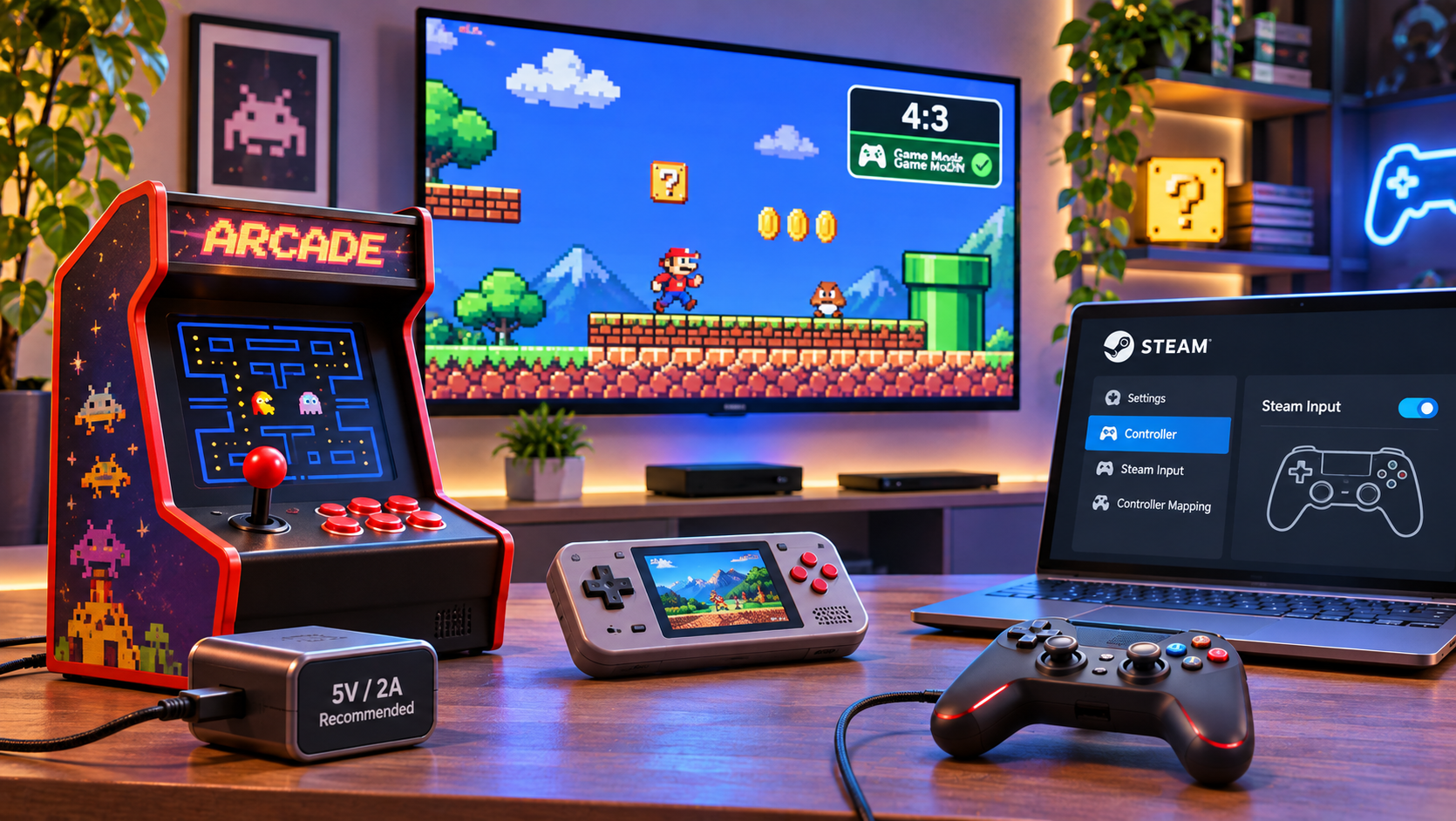
Plugging 1980s-inspired arcade tech into a cutting-edge 2026 entertainment center is rarely plug-and-play. Between 100W USB-C chargers, massive 8K OLED panels, and complex PC controller protocols, modern hardware handles signals very differently than vintage games expect.
Whether you are dusting off a micro-cabinet or wiring a retro controller into your battle station, here is how to get authentic performance without frying a circuit board or staring at smeared pixels.
Power: Navigating the Fast-Charger EraCan you safely plug a retro handheld into a high-wattage smartphone charger?
The Short Answer: You can in an emergency, but you shouldn’t make a habit of it.
Modern wall bricks designed for phones and laptops utilize USB Power Delivery (PD) or Quick Charge protocols, dynamically stepping voltage from 5V up to 9V, 15V, or 20V. While modern internal regulators should tell the charger to stick to 5V, continuous high-amp overhead puts unnecessary thermal stress on compact electronics.
- Recommended: A dedicated, standard 5V/1A or 5V/2A power brick.
- Why it matters: Steady, low-voltage power prevents internal capacitors from overheating, prolonging the shelf life of internal components and preserving rechargeable lithium cells.
Displays: Getting Pixel-Crisp Visuals on 4K and 8K ScreensWhy does vintage gameplay look blurry on modern TVs?

Ultra-high-definition displays are built for high pixel density. When an unmodified low-resolution feed (240p or 480p) hits an 8K panel, the television’s internal scaler attempts to smooth the image using bilinear interpolation—turning sharp pixel art into a muddy, vaseline-coated smear.
The Fix:
- Source Scaling: Run devices through a dedicated digital HDMI output with hardware upscaling (to 720p or 1080p). This ensures edges remain defined before the signal ever touches your display.
- Lock Aspect Ratios: Never stretch a retro game to fill 16:9 widescreen. Always set your display input manually to 4:3.
- Turn on Game Mode: This cuts out the TV’s image processing engines, dramatically reducing display latency.
Controllers & PC: Taking Classic Pads to Modern PlatformsCan you use My Arcade and retro gamepads on Steam?
Yes. USB retro controllers generally register as standard Human Interface Devices (HID). Both Windows and macOS identify them instantly, but modern games rely on X-Input—the standardized Xbox controller protocol.
If your buttons are inverted or unmapped in modern indie games:
- Open Steam Settings > Controller.
- Enable Steam Input for generic controllers.
- Map your D-pad and face buttons directly inside Steam’s interface.
This enables native, responsive tactile control for platformers, retro compilations, and Metroidvanias without requiring driver hacks.
Does emulation introduce input lag?
On generic emulators, yes—operating systems like stock Android or desktop Linux run dozens of background services that buffer video frames, introducing noticeable button-to-screen delay.
Hardware built specifically for arcade emulation bypasses this entirely using bare-metal programming. Code runs directly against the hardware silicon without an OS mediator. This keeps input latency well under a single millisecond, matching the physical twitch response of a standalone arcade cabinet.
Software & Hardware FidelityAre these games original, or modern remakes?
They are the real deal. High-fidelity retro units run the identical, licensed binary machine code originally flashed to 1980s EPROM chips.
Accurate sound and timing depend on clock-speed matching. Whether a game was designed around a Zilog Z80 or a Motorola 68000, modern boards must emulate the exact clock frequencies of those chips. Any faster, and physics engines glitch; any slower, and sound chips drop pitch.
Is save-state functionality authentic?
Arcade machines were originally designed to empty pockets of spare change, meaning permanent death and no checkpoints. Modern hardware bridges that gap with Save States—a feature that captures an instantaneous snapshot of the active RAM. You get the uncompromised original difficulty curves, but on a modern schedule.
Hardware Preservation: Three Non-Negotiable Rules
- Ditch Old Alkalines: If an arcade mini or handheld will sit on a display shelf unplayed for more than 30 days, slide open the hatch and take out the AA batteries. Alkaline off-gassing and potassium hydroxide leaks destroy motherboard traces permanently.
- Microfiber Only: Never use glass cleaner, rubbing alcohol, or paper towels on acrylic cabinet mini-screens. Harsh chemicals cloud clear plastics and eat protective coatings; rough wood fibers in paper towels create micro-scratches. Stick to dry, optical-grade microfiber.
- Keep Bluetooth Firmware Current: Check hardware manufacturer support pages once or twice a year. Newer Bluetooth protocols and host OS revisions frequently receive hotfixes to ensure pairing stability.
