

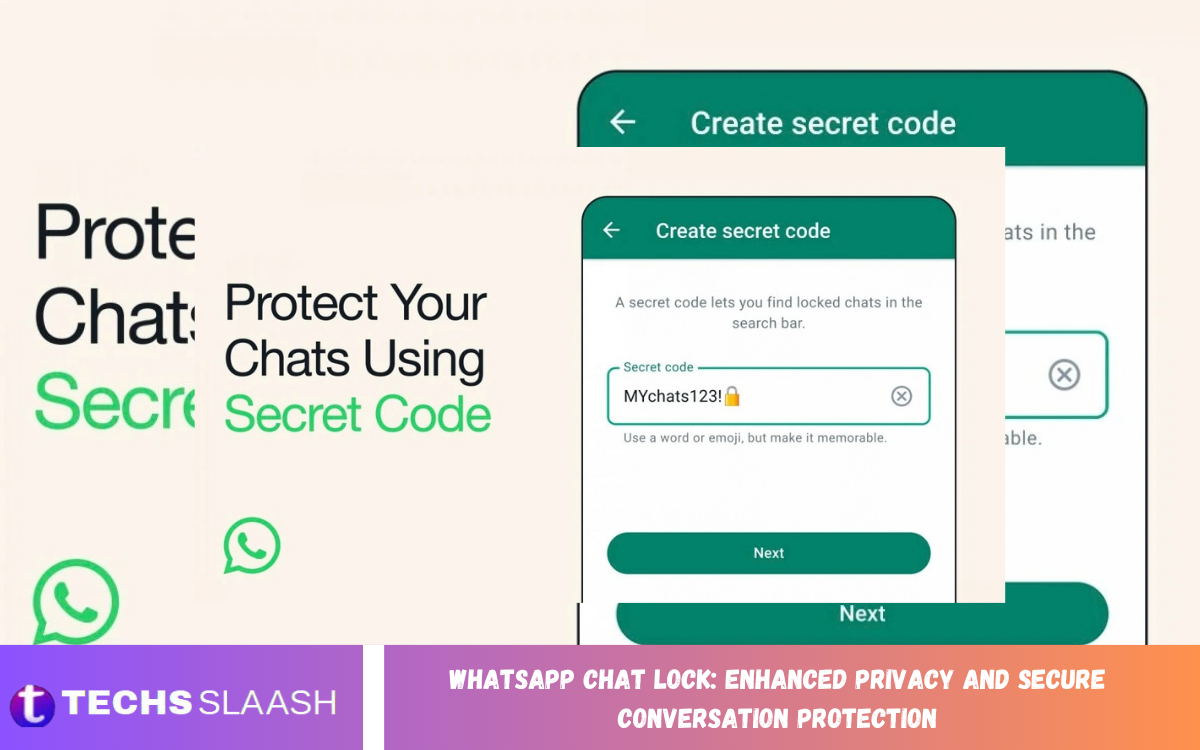
WhatsApp Chat Lock is a privacy feature that adds an extra layer of protection for personal and sensitive conversations. It lets users move selected chats into a protected area that requires device authentication to access.
With WhatsApp Chat Lock, users can keep private conversations out of the regular chat list. This feature is useful when sharing a phone with family members, friends, colleagues, or others who may occasionally access the device.
What Is WhatsApp Chat Lock?
WhatsApp Chat Lock is a built-in privacy feature that lets users protect individual conversations from appearing normally in the main chat list. A locked conversation sits in a dedicated protected section that requires authentication to open.
The feature works with the security method supported by the device, such as a fingerprint, Face ID, or device passcode. This creates an extra privacy barrier without requiring users to install another application or use a separate messaging platform.
How WhatsApp Chat Lock Protects Conversations
When a conversation is locked, WhatsApp separates it from the standard inbox and places it inside a protected folder. Users must authenticate themselves before they can view messages, photos, videos, documents, and other content inside the conversation.
Chat Lock also reduces the visibility of private conversations when someone browses the regular WhatsApp chat list. Depending on notification settings and device behavior, sensitive message details can also receive additional privacy protection.
How to Lock a WhatsApp Chat
To lock a conversation, open WhatsApp and find the chat that needs extra privacy. Depending on the device and current WhatsApp interface, users can open the chat information screen and select the option to lock the conversation.
After you authenticate, the conversation moves to the Locked Chats area. Users can access the protected section through the appropriate authentication method whenever they need to read or respond to the conversation.
How to Access Locked WhatsApp Chats
Locked conversations are not displayed in the same way as ordinary chats. Users generally need to open the Protected Chats section and authenticate before the conversations become visible.
Once authentication is complete, users can open protected conversations normally. Users can read messages, send replies, share media, and use supported chat features while the conversation remains protected.
WhatsApp Chat Lock and Notification Privacy
Privacy protection is not limited to hiding a conversation from the main chat list. WhatsApp Chat Lock also helps reduce exposure of private message information through notifications.
Users should still review their phone’s notification settings because notification behavior can depend on device configuration and operating-system settings. For stronger privacy, users can limit lock-screen message previews.
Why WhatsApp Chat Lock Is Useful?
WhatsApp is commonly used for personal communication, professional discussions, financial conversations, family messages, and sharing private media. Keeping these conversations protected matters when others have temporary access to the same smartphone.
Chat Lock offers a convenient solution because users don’t need to lock the entire WhatsApp application every time they want to protect one conversation. Instead, selected chats can receive extra protection while other conversations remain accessible as usual.
WhatsApp Chat Lock for Personal Privacy
Personal conversations can contain information users don’t want others to see. Chat Lock provides a practical way to separate sensitive conversations from everyday WhatsApp chats.
This can be especially useful for conversations involving personal plans, private family discussions, confidential information, or sensitive media. The feature gives users greater control over which conversations require additional authentication.
Read Also: WhatsApp Privacy Settings and Security Controls
WhatsApp Chat Lock for Shared Devices
People sometimes allow trusted family members, friends, or colleagues to use their smartphones. Even if the device has a screen lock, another person may gain temporary access after the phone is unlocked.
Chat Lock provides another privacy layer for selected conversations. A person using the unlocked phone may still be unable to open a protected conversation without completing the required authentication.
WhatsApp Chat Lock and Device Security
Chat Lock works together with the security features already available on compatible smartphones. A strong device passcode, fingerprint authentication, or facial authentication can help strengthen the overall privacy environment.
However, Chat Lock should not be considered a replacement for general device security. Users should keep their operating system and WhatsApp updated and avoid sharing authentication credentials with others.
How to Unlock a Protected WhatsApp Chat
Unlocking a protected conversation normally requires opening the locked chats section and completing the authentication process. Once verified, the conversation becomes available for normal messaging.
Users can also remove the lock when they no longer need additional protection for a specific conversation. The exact menu names and available options may vary depending on the WhatsApp version and device platform.
WhatsApp Chat Lock on Android
Android users can use Chat Lock on supported WhatsApp versions to protect individual conversations. The authentication method may include fingerprint verification, depending on the security capabilities configured on the smartphone.
Because Android devices have different interfaces and security systems, Chat Lock settings may look different across manufacturers. Keeping WhatsApp updated helps ensure access to the latest supported privacy features.
WhatsApp Chat Lock on iPhone
iPhone users can use Chat Lock with supported authentication methods such as Face ID or the device passcode. Protected conversations remain separated from the standard chat list and require authentication for access.
The exact interface may change as WhatsApp releases iOS updates. Users should look for the Chat Lock option in the conversation information or privacy settings in their current WhatsApp version.
Benefits of WhatsApp Chat Lock
One major benefit of Chat Lock is selective privacy. Instead of protecting every conversation equally, users can choose specific chats that require additional security.
Another benefit is convenience. The feature is integrated directly into WhatsApp, so users can protect conversations without relying on third-party apps that may create additional privacy or security concerns.
Limitations of WhatsApp Chat Lock
Chat Lock provides additional protection, but it does not make a smartphone completely secure. If someone knows the device authentication method or has access to sensitive account information, additional security risks may remain.
Users should also remember that privacy depends on the device’s overall security. Strong authentication, updated software, careful notification settings, and responsible account management remain important for comprehensive protection.
Best Practices for Secure WhatsApp Conversations
Users should combine Chat Lock with a strong device passcode and, where available, biometric authentication. Avoid sharing passwords, PINs, or authentication credentials with people who should not have access to private conversations.
It is also useful to keep WhatsApp and the smartphone operating system updated. Users should carefully review linked devices, privacy settings, notification previews, and account security options to maintain stronger protection.
Frequently Asked Questions
What Is WhatsApp Chat Lock Used For?
WhatsApp Chat Lock is used to protect selected conversations from normal access. It moves protected chats into a dedicated area that requires device authentication before you can view the conversation.
Does WhatsApp Chat Lock Lock the Entire App?
No, Chat Lock protects individual conversations rather than the entire WhatsApp application. Users can select specific chats that need an additional layer of privacy.
Can Locked WhatsApp Chats Be Accessed Without Authentication?
Protected chats require the configured authentication method before they can normally be opened. The exact authentication process depends on the device and WhatsApp version.
Does Chat Lock Hide Messages From Notifications?
Chat Lock provides additional notification privacy for protected conversations, but users should also review their phone’s notification settings. Lock-screen preview behavior can depend on the operating system and device configuration.
Can I Lock Individual WhatsApp Chats?
Yes, Chat Lock is designed to let users protect individual conversations. This makes it possible to keep selected personal or sensitive chats separate from ordinary conversations.
Is WhatsApp Chat Lock Available on Android?
WhatsApp Chat Lock is available on supported Android devices and WhatsApp versions. Authentication options vary based on the smartphone’s security features and configuration.
Is WhatsApp Chat Lock Available on iPhone?
Yes, supported iPhone users can use Chat Lock with available authentication methods such as Face ID or a device passcode.
Can I Remove Chat Lock Later?
Yes, users can remove the lock from a protected conversation when they no longer need additional protection. The available option can be found within the chat’s relevant settings or information menu.
Does Chat Lock Protect WhatsApp From Every Security Risk?
No, Chat Lock adds an extra privacy layer but doesn’t eliminate every security risk. Device security, account protection, software updates, and careful privacy settings are also important.
Should I Use Chat Lock for Sensitive Conversations?
Users who want additional privacy for selected conversations may find Chat Lock useful. It can separate sensitive chats from ordinary conversations and require authentication before access.
Conclusion
WhatsApp Chat Lock: Enhanced Privacy and Secure Conversation Protection gives users a convenient way to add another layer of privacy to selected conversations. By placing protected chats in a dedicated area, the feature helps keep private discussions separate from the regular WhatsApp inbox.
For stronger protection, combine Chat Lock with a secure device passcode, biometric authentication, updated software, and carefully configured notification settings.

1 Comment
Pingback: WhatsApp Message Editing: How to Edit and Correct Sent Messages - Techsslaash.com