

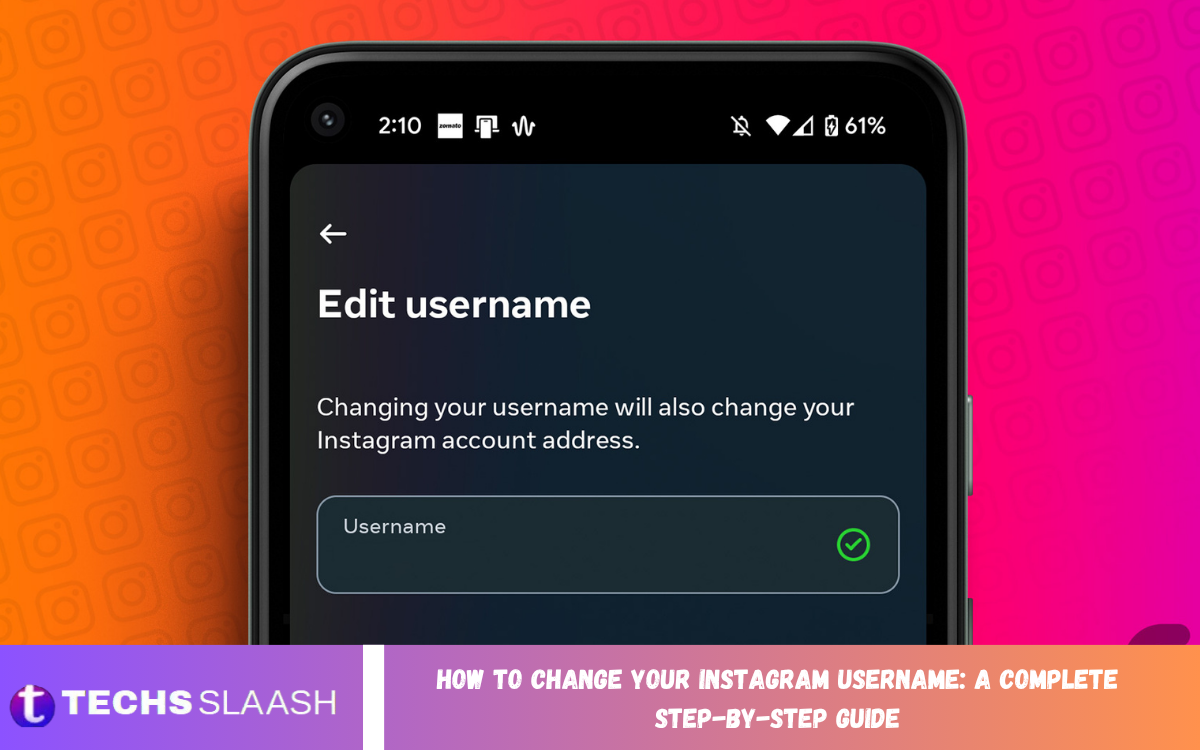
Instagram usernames are an important part of your online identity. They help people find your profile, recognize your content, and mention you in posts, comments, and messages. Whether you want a more professional username, a brand-focused identity, or simply something easier to remember, changing your Instagram username can be a useful update.
The process is simple and can be completed from the Instagram mobile app or through a web browser. However, a few rules and considerations apply before you make the change. This guide explains How to Change Your Instagram Username: A Complete Step-by-Step Guide so you can update your username confidently.
What Is an Instagram Username?
An Instagram username is the unique name that appears after the “@” symbol and forms part of your Instagram profile address. It is different from your display name because usernames must be unique, while display names can be shared by multiple accounts.
Other users use your username to search for your account, tag you, or mention you. A clear, recognizable username makes your profile easier to discover and remember.
Why Change Your Instagram Username?
There are many reasons to change an Instagram username. You might have created your account years ago and now want a more professional identity that better represents your current interests, business, or personal brand.
Changing your username can also be helpful when rebranding an Instagram account. A short, relevant, memorable username can strengthen your profile identity and make it easier for followers to recognize your account.
How to Change Your Instagram Username on Mobile
Open the Instagram application on your smartphone and sign in to the account you want to update. Tap your profile picture to open your profile, then select the option to edit your profile.
Locate the username field and tap it to make changes. Remove the existing username and enter your preferred new username, then save the changes. If the username is available and meets Instagram’s requirements, it should apply to your profile.
How to Change Your Instagram Username on a Computer
You can also change your username using Instagram through a desktop web browser. Sign in to your account and open your profile page, then select the option to edit your profile information.
Find the username field and enter your desired username. After reviewing the change, save your updated profile information. Your new username will replace the previous one if it is available and accepted.
How to Choose a Good Instagram Username
A good Instagram username should be easy to read, remember, and type. Avoid unnecessary characters, complicated spellings, or combinations that may make it difficult for people to find your profile.
For personal accounts, consider using a variation of your name or a recognizable nickname. For business accounts, choose a username that reflects your brand or services and remains consistent with your overall online identity.
Instagram Username Requirements
Instagram usernames have specific formatting requirements. Generally, usernames can contain letters, numbers, periods, and underscores. Spaces are not allowed, so words need to be connected or separated using permitted characters.
Your desired username must also be available because Instagram usernames are unique. If another account is already using the name, you will need to choose a different variation.
What Happens After Changing Your Username?
When you change your Instagram username, your profile will begin using the new username. Your followers and existing profile content generally stay associated with the same account, so changing your username doesn’t mean creating a new account.
However, people who knew you by your old username may not recognize the change right away. If you have an established audience, updating your profile information or notifying followers can make the transition easier.
Can You Change Your Instagram Username Anytime?
Instagram lets users update their usernames, but limitations may apply depending on account activity and previous changes. If you recently changed your username, you may need to wait before changing it again.
If Instagram doesn’t allow another update immediately, avoid repeatedly trying different usernames. Wait for the restriction to clear and make sure your account follows Instagram’s profile and username requirements.
Read Also: How to Permanently Delete Your Facebook Account: A Complete Step-by-Step Guide
How to Check Instagram Username Availability
The easiest way to check availability is to enter your preferred username in the username field while editing your profile. Instagram will show whether the username is available.
If your preferred username is unavailable, consider creating a simple variation. Adding an underscore, period, short descriptive word, or relevant number can help you find an alternative while keeping the username recognizable.
What to Do If Your Username Is Already Taken?
Finding that your preferred Instagram username is already taken can be frustrating. However, you can create a similar username without making it confusing or hard to remember.
Try using a variation that represents your name, brand, niche, or content. Avoid copying another account’s identity too closely, especially if it could confuse followers.
Does Changing Your Username Affect Followers?
Changing your username usually doesn’t remove your existing followers. Your account remains the same, and your existing posts, messages, and other profile information generally stay connected.
The main difference is that your profile will now be identified by the new username. If followers search for your old username, they may not find you easily unless they know about the change.
Does Changing Your Username Affect Instagram Links?
Your previous Instagram profile address may no longer point to your account after you change your username. This is especially important if you’ve shared your old Instagram profile address on websites, social media profiles, business cards, or promotional materials.
If you have previously promoted your Instagram profile, review places where your old username appears. Updating those references can help prevent visitors from reaching an incorrect or outdated profile address.
Tips Before Changing Your Instagram Username
Before changing your username, consider whether the new name reflects your long-term identity. Avoid choosing a temporary trend or a name that may become irrelevant as your interests or business develops.
It is also useful to tell your audience about a major username change. This is especially important for creators, businesses, and established accounts because followers may otherwise assume that the new account belongs to someone else.
Common Problems When Changing an Instagram Username
One common problem is that the desired username is already being used. In this case, Instagram won’t let you use the same username, so you’ll need to create a unique alternative.
Another issue is that Instagram may temporarily restrict username changes. This may happen after recent changes or due to account-related limitations. Check your account settings and wait before trying again to resolve temporary restrictions.
How to Make Your New Username Professional
A professional username should be simple, relevant, and easy to remember. If you represent a business, keep your username close to your brand name so customers can identify your official account.
Avoid excessive numbers, unusual symbols, or confusing combinations. A clean username can make your Instagram profile look more trustworthy and can support consistent branding across your online platforms.
Should You Change Your Instagram Username Frequently?
Frequently changing your username is generally not a good strategy for an established account. Followers may become confused if they repeatedly see different usernames associated with the same profile.
For personal branding and businesses, consistency is usually more valuable. Choose a username carefully and keep it for the long term whenever possible.
Frequently Asked Questions
Can I change my Instagram username from my phone?
Yes, you can change your Instagram username through the mobile application. Open your profile, select the profile editing option, update the username field, and save the change.
Can I change my Instagram username from a computer?
Yes, Instagram also lets you edit your profile through a web browser. Sign in to your account, open your profile settings, edit the username, and save your changes.
Why is my Instagram username unavailable?
A username may be unavailable because another account is using it or because Instagram has restricted its use. Try a unique variation that still represents your desired identity.
Will my followers disappear if I change my username?
No, changing your username does not normally remove your followers. Your existing account remains the same, but your profile will be identified using the new username.
Will my Instagram posts be deleted after changing my username?
No, changing your username does not normally delete your existing posts. Your photos, videos, followers, and other account information remain associated with your account.
Can I use spaces in an Instagram username?
Instagram usernames do not support spaces. You can generally use permitted characters such as letters, numbers, periods, and underscores when creating your username.
Can I change my username more than once?
Instagram may allow additional username changes, but restrictions can apply depending on your recent account activity. If you cannot change it again immediately, wait and try later.
What should I do if someone else has my preferred username?
Choose a relevant variation that remains easy to remember. You can add a suitable word, number, underscore, or period instead of creating a complicated username.
Should a business change its Instagram username?
A business may benefit from changing its username when rebranding or correcting an outdated name. However, businesses should consider existing customers, marketing materials, and brand recognition before making the change.
Is an Instagram username different from a display name?
Yes. Your username is the unique identifier for your Instagram profile, while your display name is the name shown on your profile and doesn’t have to be unique.
Conclusion
Learning How to Change Your Instagram Username: A Complete Step-by-Step Guide can help you update your online identity quickly and effectively. The process is straightforward through Instagram’s profile editing options, but choosing the right username requires careful consideration.
Before making the change, select a name that is unique, professional, memorable, and relevant to your personal or business identity.

1 Comment
Pingback: How to Hide Your WhatsApp Online Status: A Complete Privacy Guide - Techsslaash.com