

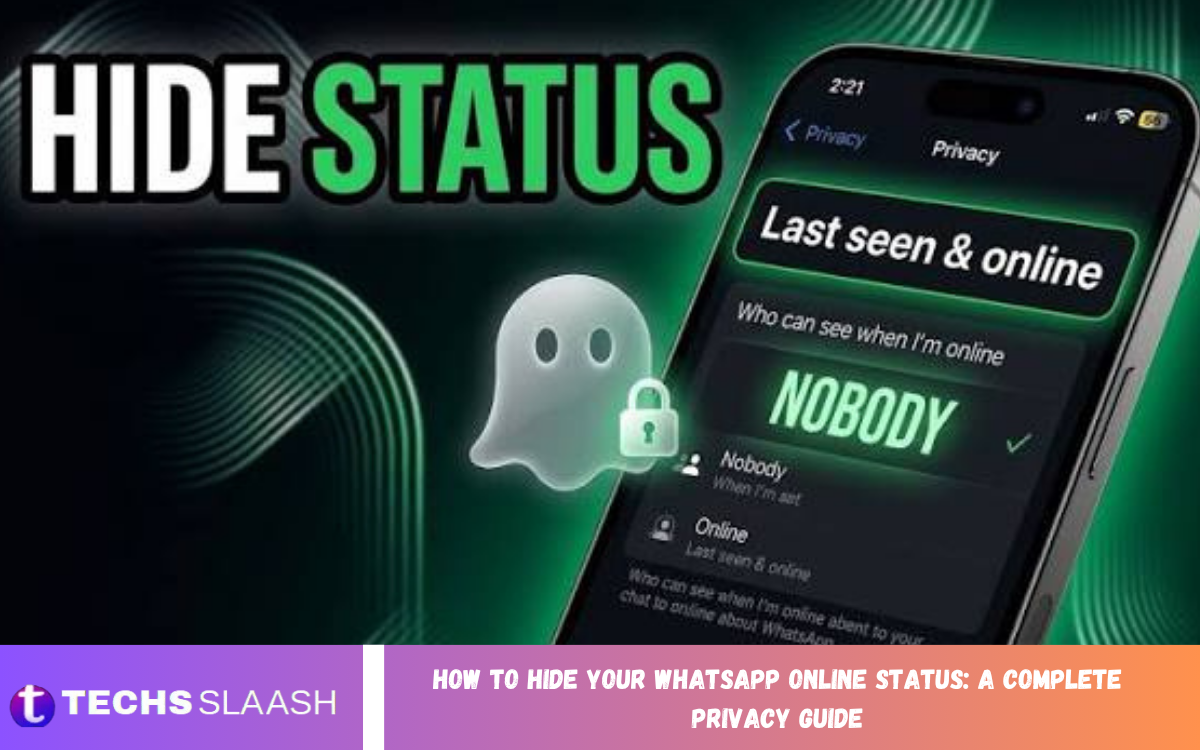
WhatsApp offers several privacy features that let users control who can see their online activity. Learning how to Hide Your WhatsApp online status can help you maintain better privacy while using WhatsApp for personal and professional communication.
The online status feature can reveal when you are actively using WhatsApp, which may not always be desirable. By adjusting the right privacy settings, you can prevent selected people or everyone from seeing your online presence.
Why Hide Your WhatsApp Online Status?
Hiding your WhatsApp online status gives you greater control over your digital privacy. Other people may not need to know when you are actively checking messages, browsing chats, or responding to conversations.
This feature can also reduce unnecessary pressure to reply immediately. When your online activity is private, you can use WhatsApp on your schedule without feeling like contacts are monitoring your availability.
How WhatsApp Online Status Works
WhatsApp online status generally indicates that you are currently using the application and have an active internet connection. It does not necessarily mean that you have read someone’s message or that you are preparing to respond.
The online indicator is separate from read receipts and last seen information. WhatsApp offers separate privacy controls for these features, allowing users to customize their visibility based on their preferences.
How to Hide Your Online Status on WhatsApp
Open WhatsApp on your smartphone and go to Settings. On Android, tap the three-dot menu and select Settings; on iPhone, open Settings directly from the bottom navigation.
Select Privacy and then open the Last Seen and Online option. Under the online visibility settings, choose Same as Last Seen if you want your online status to follow your selected Last Seen privacy preference.
How to Hide Online Status From Everyone
If you want maximum privacy, you can configure your WhatsApp settings so that nobody can see when you are online. This option is useful for users who prefer to keep their WhatsApp activity private.
Go to Settings, select Privacy, and open Last Seen and Online. Choose Nobody under Last Seen and select Same as Last Seen under Who can see when I’m online. This prevents other users from seeing your online status.
How to Hide Online Status From Specific Contacts
WhatsApp also lets you control who can see your Last Seen information. You can exclude particular contacts while allowing others to view your activity information.
Open Privacy settings and select Last Seen and Online. Under Last Seen, choose My Contacts Except, select the contacts you want to exclude, then set the online visibility option to Same as Last Seen.
How to Hide Last Seen and Online Status Together
Last Seen shows when you were most recently active on WhatsApp, while Online shows whether you are currently using the application. Adjusting both settings can provide a more consistent privacy experience.
For stronger privacy, select Nobody for Last Seen and Same as Last Seen for online visibility. This combination prevents other users from seeing both your previous activity time and current online presence.
What Happens After Hiding Your Online Status?
When you hide your online status, other people generally can no longer tell whether you are currently active through the online indicator. This gives you more freedom to open WhatsApp without publicly displaying your activity.
Privacy settings can also affect what information you can see about other users. Depending on your configuration, you may lose access to some Last Seen or online information from other contacts.
Does Hiding Online Status Hide Read Receipts
Hiding your online status does not automatically disable read receipts. Read receipts are controlled through a separate WhatsApp privacy setting and determine whether contacts can see when you have read their messages.
If you also want to hide message reading information, open Privacy settings and look for Read Receipts. Disabling this option can add privacy, but it also changes how read receipts work in your own conversations.
How to Hide Online Status on Android
Android users can change WhatsApp online visibility through the application’s Settings menu. Open WhatsApp, tap the three-dot menu, select Settings, and then choose Privacy.
Tap Last Seen and Online to access the available options. Select Nobody for Last Seen and Same as Last Seen for online visibility if you want to keep your activity hidden from everyone.
How to Hide Online Status on iPhone
The process on iPhone is also straightforward. Open WhatsApp, tap Settings, select Privacy, and then choose Last Seen and Online.
Select Nobody under Last Seen and Same as Last Seen for the online setting. Your WhatsApp activity will then have stronger privacy protection, depending on the other privacy settings you have enabled.
Read Also: How to Change Your Instagram Username: A Complete Step-by-Step Guide
Benefits of Hiding WhatsApp Online Status
One major advantage of hiding your online status is improved personal privacy. You can browse conversations, review information, or organize your messages without making your current activity visible to contacts.
It can also help create healthier communication boundaries. Friends, family members, colleagues, and other contacts cannot easily assume that you are available simply because you have opened WhatsApp.
Limitations of WhatsApp Online Privacy Settings
WhatsApp privacy controls are useful, but they do not make your activity completely invisible. Other indicators, such as message responses, typing activity, or interactions within a conversation, may still provide clues about your activity.
Privacy settings can also change over time as WhatsApp updates its features. Checking your Privacy section periodically helps ensure that your settings continue to match your preferences.
WhatsApp Privacy Settings You Should Review
Online visibility is only one part of WhatsApp privacy. Users should also review Last Seen, Profile Photo, About, Status, Groups, Live Location, and Read Receipts settings to create a more comprehensive privacy setup.
You should also review who can add you to groups and which contacts can see your Status updates. A complete privacy configuration can reduce unnecessary exposure while keeping WhatsApp convenient for everyday communication.
Can You Still Receive WhatsApp Messages
Hiding your online status does not stop people from sending you messages. Your WhatsApp account continues to work normally, and incoming messages can still arrive when you have an internet connection.
The main difference is that contacts have less information about when you are actively using WhatsApp. You can still chat, send files, make calls, and use other WhatsApp features.
Does Hiding Online Status Affect WhatsApp Calls
Changing online visibility does not prevent you from making or receiving WhatsApp calls. Voice and video calling features continue to function normally under standard privacy settings.
However, your activity may still become apparent when you actively communicate with someone. Privacy settings are designed to reduce visible activity information, not make your WhatsApp usage completely undetectable.
Tips for Better WhatsApp Privacy
Use WhatsApp’s built-in privacy controls instead of unofficial apps or modified versions of WhatsApp. Third-party applications that claim to provide advanced privacy features may create security and account risks.
Keep your WhatsApp application updated and regularly review your privacy settings. Avoid sharing verification codes, passwords, or sensitive account information with other people, even if a message appears to come from someone you know.
Common Mistakes When Hiding WhatsApp Online Status
A common mistake is changing Last Seen settings without checking the separate online visibility option. Users may assume that hiding Last Seen automatically hides their online status, but they should review both settings together.
Another mistake is installing unofficial WhatsApp modifications to gain additional privacy controls. These applications can introduce security problems and may expose personal conversations or account information.
Frequently Asked Questions
Can I hide my WhatsApp online status from everyone?
Yes, WhatsApp provides privacy controls that allow you to prevent other users from seeing your online status. Set Last Seen to Nobody and choose Same as Last Seen for online visibility.
Can I hide my online status from one person?
You can control Last Seen visibility using the My Contacts Except option. By excluding specific contacts and matching online visibility to Last Seen, you can limit who can see your activity information.
Will people know when I am online after hiding my status?
When you enable the appropriate privacy settings, people generally cannot see the standard Online indicator for your account. Other actions, such as sending messages, can still indicate that you are active.
Does hiding online status hide Last Seen?
Online and Last Seen are related but separate privacy controls. For stronger privacy, configure both settings rather than changing only one.
Can I hide my online status without hiding Last Seen?
WhatsApp provides separate controls for Last Seen and Online visibility. Depending on your selected configuration, you can customize these settings differently.
Does hiding online status stop WhatsApp messages?
No. Hiding your online status only changes how visible your activity is. People can still send you messages, and you can continue using WhatsApp normally.
Does hiding online status disable read receipts?
No. Read Receipts are controlled separately. To control whether message-reading indicators are displayed, you need to change the Read Receipts setting.
Can I still see when other people are online?
Your ability to see other users’ activity information can depend on privacy settings and WhatsApp’s privacy rules. Restricting your own visibility may also limit some information available to you.
Is hiding WhatsApp online status safe?
Yes. Using WhatsApp’s built-in privacy settings is the safest way to control online visibility. Avoid unofficial applications that claim to provide extra WhatsApp privacy features.
Why should I hide my WhatsApp online status?
Hiding online status can improve privacy, reduce communication pressure, and give you greater control over when others can see your WhatsApp activity.
Conclusion
Learning How to Hide Your WhatsApp Online Status: A Complete Privacy Guide can help you take greater control of your digital communication. WhatsApp’s built-in privacy settings let you limit the visibility of your online activity and Last Seen information.
For stronger privacy, review Online, Last Seen, Read Receipts, Profile Photo, About, Status, and Group settings together.

1 Comment
Pingback: How to Hide Your Instagram Activity Status: A Complete Privacy Guide - Techsslaash.com