

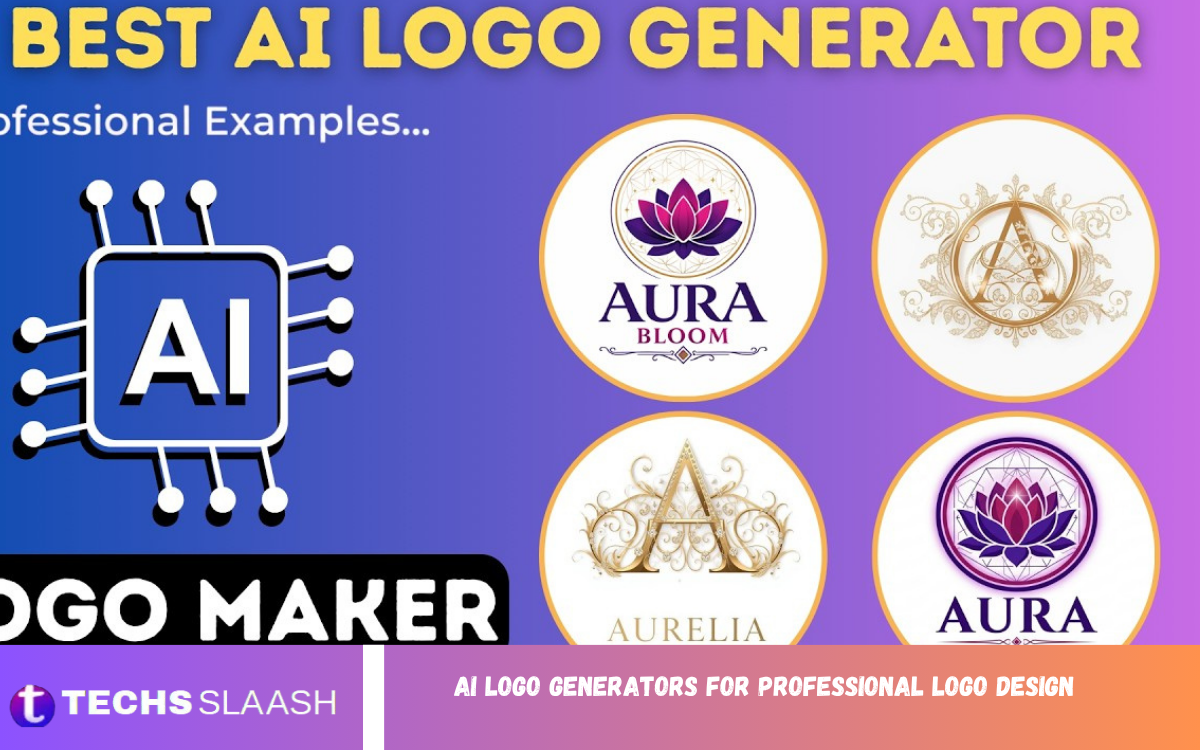
A strong logo is one of the most important visual elements of a brand. It creates an immediate impression, communicates personality, and helps customers recognize a business across websites, social media, packaging, and marketing materials. AI Logo Generators for Professional Logo Design have made this process faster and more accessible for businesses of different sizes.
Modern AI-powered design tools can generate multiple logo concepts based on a business name, industry, preferred style, colors, and visual direction. Instead of starting with a blank canvas, users can quickly explore ideas and refine the concept that best represents their brand.
What Are AI Logo Generators?
AI logo generators are digital design tools that use artificial intelligence, design patterns, and automated recommendations to create logo concepts. Users normally provide information about their company, industry, audience, preferred colors, typography, and desired style before the system produces several visual options.
The technology can assist with icons, layouts, typography combinations, color palettes, and overall visual composition. Some platforms focus mainly on logo creation, while others offer broader branding features, including social media assets, business cards, brand colors, and promotional designs.
Why Are AI Logo Generators Becoming Popular?
Traditional logo design can require extensive research, brainstorming, sketching, revisions, and communication between a business owner and designer. AI logo generators can reduce the time required to explore initial concepts, making them particularly useful for startups, freelancers, creators, and small businesses.
Speed is another major advantage. A business owner can test different creative directions within a short period rather than waiting for several rounds of initial concepts. Current design discussions also show a growing interest in flexible branding systems that work consistently across multiple platforms.
How AI Creates Professional Logo Concepts
AI logo generators typically begin by analyzing information entered by the user. A company that selects technology, modern, minimalist, and professional preferences may receive completely different concepts from a business that chooses luxury, elegant, and traditional characteristics.
The system then combines visual elements such as typography, symbols, spacing, shapes, and colors. Better tools allow users to regenerate concepts or adjust individual elements, giving them greater control over the final appearance instead of simply accepting the first generated design.
Key Features to Look For
A professional AI logo generator should provide more than attractive images. Customization is essential because businesses need to control typography, colors, icons, spacing, layouts, and other elements that influence brand identity. The ability to compare several concepts also makes the design process more effective.
File quality is equally important. Professional branding often requires different formats for websites, social profiles, printing, signage, packaging, and advertisements. Look for tools that provide suitable high-resolution and scalable formats when available, rather than relying only on a small raster image.
Professional Customization Matters
AI can produce an impressive starting point, but customization is what can turn a generated concept into a stronger brand asset. Changing the font, adjusting spacing, simplifying an icon, or modifying the color palette can make a significant difference in the final appearance.
A professional logo should also remain recognizable at different sizes. Test the design as a website header, a social media profile image, a business card, a mobile icon, and a printed graphic. If the logo becomes confusing or loses important details when reduced, the design should be simplified.
Choosing the Right Logo Style
Different industries require different visual approaches. A technology company may benefit from a clean geometric identity, while a fashion business may prefer elegant typography and a sophisticated symbol. Restaurants, fitness brands, agencies, educational businesses, and online stores can each communicate different personalities through design.
Current logo trends include minimal layouts, dimensional effects, expressive typography, and flexible visual systems. However, trends should support the brand rather than control it. A professional logo should remain useful even when today’s popular design styles eventually change.
Importance of Color in Logo Design
Color strongly influences how people perceive a brand. Blue is often associated with reliability and professionalism, green can suggest nature or growth, while black and white can create a clean and sophisticated appearance. These associations are useful, but the correct choice depends on the brand’s audience and positioning.
AI tools can suggest color combinations based on selected industries and styles, but users should evaluate those suggestions carefully. A good color palette should work against light and dark backgrounds and remain recognizable in both digital and printed applications.
Typography and Professional Branding
Typography is one of the most important parts of a logo because it affects readability, personality, and recognition. A bold typeface can create a confident appearance, while a refined serif or carefully selected script can communicate elegance. The font should always match the brand’s character.
AI logo generators can recommend font combinations, but automated suggestions still require human judgment. Check letter spacing, character shapes, readability, and visual balance. A beautiful typeface is not useful if customers struggle to read the company name on smaller screens.
Read Also: AI Voice Generators for Professional Voiceover Creation
Creating a Logo With AI Step by Step
Start by defining the brand before opening an AI logo generator. Identify the business name, target audience, industry, personality, competitors, preferred colors, and message. Having this information ready helps the tool produce more relevant concepts and gives you a clear standard for evaluating the results.
Generate several directions instead of choosing the first design immediately. Compare the concepts based on simplicity, originality, readability, relevance, and flexibility. Select the strongest idea and refine it until the symbol, typography, and colors work together as one consistent identity.
AI Logo Generators for Startups and Small Businesses
Startups often need professional branding while managing limited budgets and tight launch schedules. AI logo generators provide an efficient way to explore visual identities before investing in a larger branding project. They can also help founders understand what style fits their product or service.
Small businesses can use generated concepts for websites, social media pages, promotional materials, presentations, and other marketing channels. However, businesses should review licensing terms and usage rights before using a generated logo commercially, especially when the design contains stock or template-based elements.
Benefits for Professional Designers
AI logo generators are not useful only for people without design experience. Professional designers can also use AI-assisted tools during brainstorming and concept development. Generating multiple directions quickly can help designers explore possibilities that might otherwise take longer to sketch manually.
The strongest workflow combines automation with design expertise. AI can support ideation, while a designer handles strategy, refinement, typography, spacing, originality, and final production. This approach makes AI a creative assistant rather than a replacement for professional design judgment.
Common Mistakes to Avoid
One common mistake is accepting the first logo generated without carefully reviewing it. AI can create attractive combinations, but an appealing image does not automatically make an effective brand identity. The logo must communicate something relevant and remain functional across different applications.
Another mistake is adding too many details. Complex symbols, excessive colors, decorative fonts, and unnecessary effects can make a logo difficult to recognize. Professional identity design usually benefits from clarity, balance, and purposeful visual elements rather than visual overload.
How to Make an AI Logo Look More Professional
Begin by removing unnecessary elements from the generated concept. Simplify the icon, improve spacing, limit the number of colors, and choose typography that matches the brand. A clean design often appears more professional than a complicated concept filled with visual effects.
Create several logo variations for different situations. A primary logo, simplified mark, horizontal version, vertical version, monochrome version, and social profile version can make the identity more practical. Consistency across these variations helps customers recognize the same brand everywhere.
AI Logo Generators and Brand Identity
A logo is only one part of a complete brand identity. Professional branding also includes colors, typography, imagery, graphic patterns, layouts, tone, and guidelines for using visual elements. AI tools can help create these components, but they should be developed around a consistent brand strategy.
Businesses should avoid treating the logo as an isolated graphic. Every visual element should support the same personality and message. When the website, social media content, packaging, advertisements, and logo feel cohesive, the business can create a stronger, more recognizable presence.
The Future of AI Logo Design
AI-assisted logo design is continuing to evolve toward more controlled and personalized creative workflows. Research into AI-based logo generation is also exploring improved typography, multilingual logo creation, and greater control over visual structures. These developments could make automated design more useful for international brands.
The future is likely to focus less on simply generating an attractive image and more on creating complete, adaptable brand systems. Businesses will increasingly expect logos to work across websites, applications, social platforms, print materials, animation, and other digital environments.
Frequently Asked Questions
Are AI logo generators good for professional logo design?
Yes, AI logo generators can provide strong starting concepts for professional logo design. The final quality depends on the platform, the information provided, and the amount of customization and refinement applied afterward.
Can beginners use AI logo generators?
Yes, most AI logo generators are designed to be accessible to beginners. Users can provide basic business information and style preferences without needing advanced graphic design knowledge.
Can AI create a unique logo?
AI can generate distinctive concepts, but uniqueness should not be assumed automatically. Businesses should review the design carefully and consider whether similar symbols, layouts, or typography are already being used elsewhere.
What information should I provide to an AI logo generator?
Provide the business name, industry, target audience, preferred colors, desired style, brand personality, and visual preferences. More specific information generally helps create more relevant concepts.
Are AI-generated logos suitable for websites?
Yes, AI-generated logos can work well on websites when they are designed clearly and exported in appropriate formats. Always test the logo on desktop and mobile screens before finalizing it.
Can AI logo generators create minimalist logos?
Yes, many AI logo tools can produce minimalist concepts. Clear instructions such as simple, clean, modern, geometric, and minimal can help guide the design direction.
Should I edit an AI-generated logo?
Editing is recommended when possible. Refining typography, spacing, colors, proportions, and unnecessary details can make the final logo look more intentional and professionally developed.
Can AI logo generators replace professional designers?
AI can reduce the time needed for idea generation, but it does not completely replace professional design strategy. Experienced designers provide brand positioning, originality checks, refinement, and visual consistency.
What makes a logo look professional?
A professional logo is generally clear, memorable, relevant, readable, balanced, and adaptable. It should work effectively at different sizes and across both digital and physical applications.
Can I use an AI-generated logo for my business?
This depends on the tool’s licensing terms and the assets used in the generated design. Always review commercial-use, ownership, trademark, and licensing conditions before adopting a logo as your official business identity.
Conclusion
AI Logo Generators for Professional Logo Design have transformed how businesses explore branding concepts. They provide speed, creative variety, customization options, and an accessible starting point for businesses that need a visual identity without having to start from scratch.
The best results come from combining AI assistance with human creativity and careful refinement. Use AI to explore ideas, evaluate every concept critically, simplify the design, and ensure the final logo reflects the brand’s personality.

1 Comment
Pingback: AI Presentation Makers for Professional Presentations - Techsslaash.com