

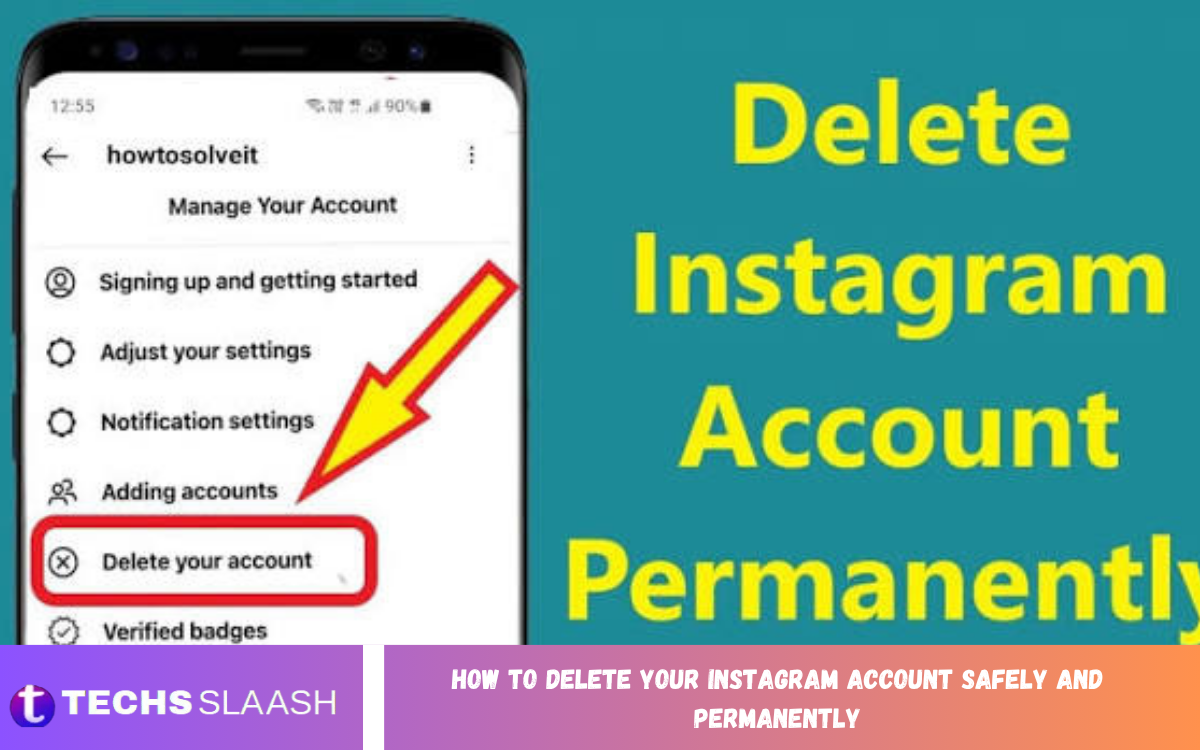
Instagram is one of the most popular social media platforms for sharing photos, videos, messages, stories, and personal updates. However, users may decide to leave the platform because of privacy concerns, digital distractions, changing interests, or the desire to reduce their online presence.
Understanding how to delete your Instagram account safely and permanently can help you avoid losing important information unexpectedly. Before deleting your account, it is important to review your content, download valuable data, check connected services, and understand what happens after the deletion request.
What Happens When You Delete Your Instagram Account
Deleting an Instagram account is different from simply logging out or removing the Instagram application from your phone. When you permanently delete your account, your profile, posts, videos, comments, likes, followers, and other associated account information are scheduled for removal.
Instagram provides a period during which a deletion request can generally be canceled by logging back into the account. After the applicable deletion period has passed, the account and associated information may no longer be recoverable, so you should make your decision carefully.
Save Your Instagram Data Before Deleting
Before you permanently delete your account, consider downloading a copy of your Instagram information. Your account may contain photographs, videos, messages, comments, profile information, and other content that you may want to keep for personal records.
Saving important content first can prevent unnecessary disappointment later. Check your Instagram settings for the available information download or account information options, request your data, and store the downloaded files securely before continuing with permanent deletion.
Check Your Photos, Videos, and Stories
Review your Instagram profile carefully before submitting a deletion request. Look through your posts, Reels, archived stories, saved memories, and other content to identify anything you want to preserve.
If important photographs or videos exist only on Instagram, save copies to your phone, computer, or another secure storage location. Taking this step ensures that permanent account deletion does not accidentally remove memories or content that you wanted to keep.
Review Instagram Messages
Direct messages can contain valuable conversations, photographs, shared information, or other personal records. If you need information from your conversations in the future, review them before deleting your account.
Remember that deleting your account does not necessarily mean that copies of messages received by other people disappear from their accounts. If a conversation is important, consider saving information that you are legally and personally entitled to retain before proceeding.
Disconnect Third-Party Applications
Many Instagram users connect their accounts with external applications and services. These connections may be used for scheduling, analytics, social management, editing, authentication, or other purposes.
Before deleting your account, review services that use your Instagram login or account connection. Where necessary, update your login details or account settings for those services so you do not accidentally lose access to another platform that depended on Instagram authentication.
Check Your Instagram Login Information
Make sure you know which email address or phone number is associated with your Instagram account. This information can be useful if you need to verify your identity, access account settings, or reconsider the deletion request during the available cancellation period.
You should also confirm that you have access to your email account and other important security methods. If your Instagram account has unusual login activity or security concerns, review those issues before starting the permanent deletion process.
How to Delete Your Instagram Account Permanently
Instagram’s account management options can change as the platform updates its interface. Generally, you can access the account deletion option through Instagram’s account settings or Accounts Center, where account ownership and management options are available.
Open Instagram and sign in to the account you want to remove. Navigate to the account management area, select the option related to account ownership or control, choose the account deletion option, and follow the on-screen instructions to confirm your request.
Confirm Your Account Deletion Request
Instagram may ask you to select a reason for leaving and enter your password before confirming the deletion request. These steps help ensure that the person requesting deletion has access to the account.
Read the confirmation information carefully before submitting the request. Make sure you have already downloaded the information you need because permanent deletion can eventually make your content and account inaccessible.
Temporary Deactivation vs Permanent Deletion
Temporary deactivation and permanent deletion are two different options. Deactivation hides your profile and content while allowing you to return to Instagram later by signing back into the account.
Permanent deletion is intended for users who no longer want to maintain the account. If you are uncertain about leaving Instagram forever, temporary deactivation may provide an opportunity to take a break without immediately committing to permanent account removal.
Read Also: Instagram Notes: Key Features and How They Work
What Happens After Instagram Account Deletion
After submitting a permanent deletion request, Instagram may provide a period during which you can cancel the request. The exact process and timeframes can change, so carefully read the information shown during the deletion process.
Once the applicable deletion period has ended, the account may be permanently removed. Content associated with the account can become unavailable, making recovery difficult or impossible, which is why backing up important information beforehand is essential.
Protect Your Privacy Before Leaving Instagram
Deleting your account is only one part of reducing your digital footprint. Before leaving, review information that you have publicly shared, connected applications, account permissions, and other services associated with your Instagram identity.
You should also consider changing passwords for important accounts if you reused the same password. Using unique passwords and enabling available security features on your remaining online accounts can help improve your overall digital security.
Remove Instagram From Your Devices
After submitting the deletion request, you can remove the Instagram application from your smartphone, tablet, or computer. Removing the application does not itself delete the account, so account deletion should be completed through Instagram’s account management settings.
Deleting the application can nevertheless prevent accidental sign-ins and reduce unnecessary access to the service. Before uninstalling it, confirm that you have completed any necessary data backup and account-management steps.
Common Mistakes to Avoid When Deleting Instagram
One common mistake is uninstalling the Instagram application and assuming that the account has been deleted. Removing the application only removes the software from your device and does not automatically remove your Instagram account.
Another mistake is deleting an account without first saving important photographs, videos, messages, or other information. Users should also avoid giving account credentials to unofficial services that claim they can delete or recover Instagram accounts.
How to Know Whether Your Instagram Account Was Deleted
After completing the deletion process, avoid repeatedly signing into the account if you intend to allow the deletion request to proceed. Depending on Instagram’s current process, logging in during the cancellation period may affect the deletion request.
If you are uncertain about the status of your account, review the confirmation information provided by Instagram when you submitted the request. Keep any confirmation details for your records until the process has been completed.
Should You Delete Instagram Permanently?
Permanent deletion is a personal decision that depends on your circumstances and goals. Some users may want to completely leave social media, while others may simply need a temporary break from Instagram.
If you are uncertain, consider downloading your information and temporarily deactivating the account instead. This approach can give you additional time to decide whether permanent deletion is appropriate for your online presence.
Frequently Asked Questions
Can I permanently delete my Instagram account?
Yes, Instagram provides an option for users to request permanent account deletion. You should review the deletion information carefully and follow the current account-management instructions provided by Instagram.
Does deleting Instagram remove all my photos?
Permanent account deletion is intended to remove the account and its associated content. Because deletion can eventually become irreversible, save any important photographs and videos before submitting your request.
Can I recover my Instagram account after deleting it?
There may be a limited period during which a deletion request can be canceled. Once the applicable deletion process has been completed, recovery may no longer be possible.
Is deactivating Instagram the same as deleting it?
No. Deactivation is generally temporary and allows you to return later, while permanent deletion is intended to remove your account and associated content.
Will uninstalling Instagram delete my account?
No. Uninstalling the Instagram application from your device does not delete your account. You must use Instagram’s account-management options to request account deletion.
Should I download my Instagram data before deleting my account?
Yes, downloading important account information before deletion is a sensible precaution. It can help you preserve photographs, videos, messages, and other information you may want later.
What happens to Instagram followers after account deletion?
When an account is permanently deleted, its profile is no longer available in the normal way. Your followers will no longer have access to your deleted profile and its associated content.
Can I delete Instagram from my phone?
You can uninstall the Instagram application from your phone, but that action does not permanently delete your account. Account deletion must be requested through Instagram’s account-management process.
What should I do before deleting Instagram?
Save important content, download your account information, review connected services, check your login details, and make sure you are certain about permanently leaving the platform.
Can I temporarily leave Instagram instead?
Yes. If you are unsure about permanent deletion, temporary deactivation can be an alternative. It allows you to take a break without immediately removing your account permanently.
Conclusion
Learning how to delete your Instagram account safely and permanently is important if you want to leave the platform while protecting your personal information and preserving valuable content. Before beginning, review your account, download important data, check connected services, and understand the difference between deactivation and permanent deletion.
Once you are confident about your decision, use Instagram’s current account-management options to submit the deletion request and follow the confirmation instructions carefully.

1 Comment
Pingback: Instagram Login Issues: Causes and Solutions - Techsslaash.com