

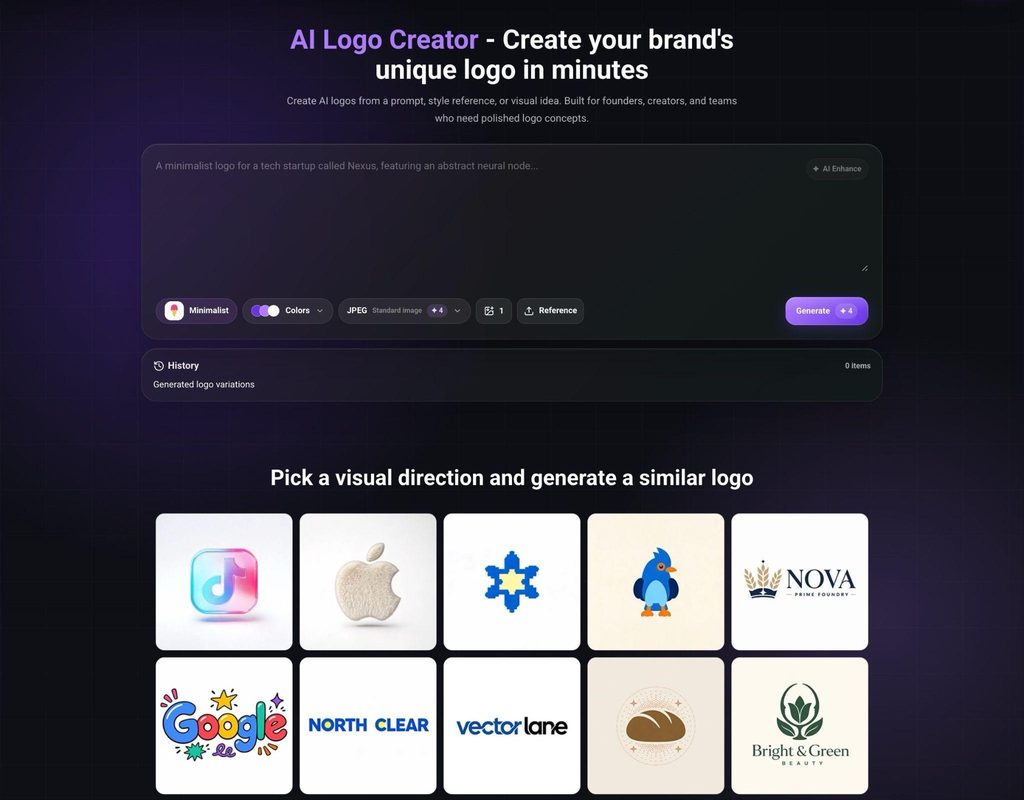
Early brand discussions often fail before anyone sees a strong visual option. A founder describes the product one way, marketing imagines a different audience, and product or engineering teams focus on clarity rather than tone. By the time the first design meeting starts, the group is already arguing from separate pictures. An AI Logo Creator is useful there because it turns vague preferences into visible tradeoffs. Instead of debating adjectives in the abstract, teams can compare structure, hierarchy, and recognition signals in a shared frame. When used well, an AI Logo Creator does not replace designers or strategy leads. It gives cross-functional teams a faster way to expose assumptions, document reactions, and make the first review clearer than a mood-only conversation.
Start the Review With Decisions the Whole Team Can Recognize
Cross-functional review becomes difficult when every participant uses different criteria. A founder may focus on distinctiveness, a marketer on category fit, and a product designer on small-screen clarity. These concerns are all legitimate, but they create noise if nobody names them before the review begins. An AI Logo Creator helps only when the team decides what it is trying to learn from the first round.
Before generating options, define three review questions. One can focus on first impression, another on readability, and a third on how well the mark supports the product story. A good AI Logo Creator session then builds a small set of alternatives that answer those questions instead of producing a random gallery. Teams can ask which concept looks credible in a browser tab, which one seems most aligned with the category, and which one still feels distinctive after the product description is removed.
Translate vague preferences into observable signals
Comments like “more premium” or “less generic” are common, but they are weak feedback because they do not tell the team what changed. Ask reviewers to describe what they actually see: tighter spacing, sharper corners, heavier type, or a simpler silhouette. An AI Logo Creator makes this easier when related options stay close enough that one visual variable stands out.
That approach turns opinion into evidence. If several people say one concept feels clearer because the icon and wordmark stop competing, the team has a useful diagnosis. If they disagree on style but agree on hierarchy, the next AI Logo Creator round can preserve the hierarchy while exploring tone.
Use the First Round to Expose Misalignment Early
The first design meeting is often the cheapest time to catch alignment problems. A brand direction that looks polished can still fail because different stakeholders think it signals different things. An AI Logo Creator is valuable here because it shortens the distance between assumption and reaction. Teams do not need to wait for a fully refined identity system to notice that one concept feels too playful, too cold, or too close to a familiar category cliche.
A disciplined AI Logo Creator review works best with three to five options, not dozens. Too many choices encourage browsing behavior instead of analysis. When the set is small, each concept can represent a specific hypothesis. One direction may test whether a minimal symbol supports trust. Another may test whether a stronger wordmark improves recognition. A third may test whether a more expressive silhouette helps the company stand apart without becoming noisy.
Keep the comparison structure stable
If every option changes color, type, symbol, and layout at once, the review becomes impossible to interpret. Ask the AI Logo Creator for controlled families of options. Hold the layout steady while changing symbol logic. Hold the symbol steady while varying typography. Hold both steady while testing a more restrained or more assertive palette. This allows product, marketing, and founder stakeholders to discuss one decision at a time.
An AI Logo Creator becomes more useful when the team treats outputs as comparable artifacts rather than as isolated surprises. That comparison structure helps everyone understand what is being approved, rejected, or deferred.
Turn Feedback Into a Better Second Brief
The first review should not end with “pick a favorite.” It should end with a tighter brief for the next round. An AI Logo Creator can support that shift because it captures not only the winning direction but also the reasons certain directions failed. Maybe the icon looked strong but the wordmark felt crowded. Maybe the tone matched the category, but the concept disappeared at small size. Maybe the most memorable option also felt too close to a competitor set.
Documenting these conclusions creates leverage. The design lead can turn them into rules: preserve the bold silhouette, reduce internal detail, widen spacing, or keep the brand from drifting into fintech conventions. The next AI Logo Creator session then starts from clearer constraints instead of reopening the entire search space.
Separate reaction from authority
Not every comment deserves the same weight. A founder may own the business vision, but that does not make every aesthetic instinct correct. A marketer may know audience language, but that does not mean they can judge icon geometry alone. Cross-functional review improves when every person explains the evidence behind the reaction. An AI Logo Creator helps because everyone can point to the same set of visible choices.
This also protects the team from false consensus. Sometimes a concept wins the room because it looks the most finished, not because it communicates the right thing. Asking each reviewer what they noticed first, what category they inferred, and what they would change keeps the decision grounded in observable outcomes.
An AI Logo Creator shortens vague debate. An AI Logo Creator reveals hierarchy earlier. An AI Logo Creator records tradeoffs clearly. An AI Logo Creator makes feedback reusable. An AI Logo Creator helps the second brief start sharper.
Test the Shortlist in Real Working Contexts
A logo that survives a meeting still has to survive practical surfaces. Put the shortlist into a website header, app icon, slide cover, social avatar, and simple black-and-white version. An AI Logo Creator is helpful here because it makes variation cheap, but the real insight comes from context. A concept that feels elegant in isolation may collapse in a favicon. Another may feel ordinary at poster size and excellent at product scale.
Cross-functional teams often see different problems in these tests. Product notices interface tension. Marketing notices weak memorability. Founders notice category drift. That is useful. A good AI Logo Creator workflow makes these differences visible early enough that they improve the next round rather than derail a later launch.
The goal is not endless iteration. It is a review process that gets sharper each time. An AI Logo Creator is most valuable when it helps the team see where language, taste, and usability intersect. Used that way, an AI Logo Creator can reduce wasted meetings, strengthen the design brief, and make the first real identity decision more defensible. The final shortlist should feel less like a lucky discovery and more like the result of structured cross-functional learning. A practical starting point is to use an AI Logo Creator as a review instrument, then let the evidence from those reviews determine what the next design pass must improve.
